Encrypted backups. Clear recovery.
Monitor Linux server backups, see failures clearly, and restore data from one calm Rested workspace.
Free plan: 1 server, 1 backup target, daily backups, and no credit card required. Compare plan limits Paid plans include MCP access.
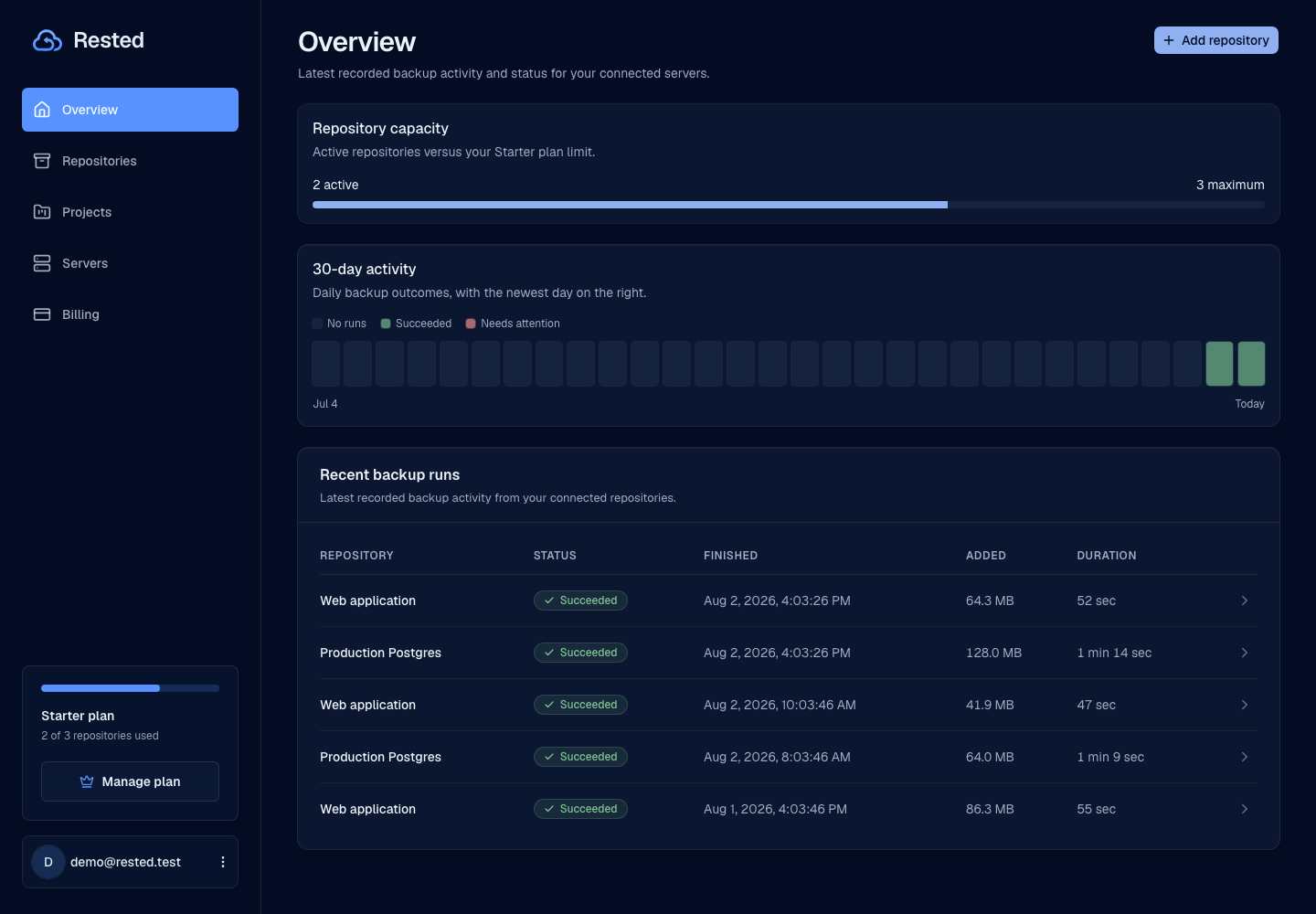
From check-in to recovery.
Keep the important parts of backup operations in one place, so you can understand what happened before recovery becomes urgent.
Read the setup guideConnect a Linux server
Install the Rested agent where your files live so backup work stays close to the source.
Choose what to protect
Define paths, schedules, retention, and the storage destination that fits your recovery plan.
Run encrypted backups
Restic encrypts backup data on the server while Rested keeps schedules, outcomes, and failures visible.
Restore from history
Browse recovery points, choose a target, and start restore work from the same place you monitor backups.
Know what is protected.
Rested keeps health, history, and recovery context close to the work. Answer the useful questions without digging through cron output.
Encrypted on the host
Backup files are encrypted before they leave the server, with restic doing the backup work.
Storage you choose
Connect S3-compatible storage you own and keep provider billing separate from Rested.
Failures stay visible
See schedules, run outcomes, and recent failures without digging through cron output.
Recovery stays close
Keep snapshots and restore actions near backup history so recovery is easier to reason about.
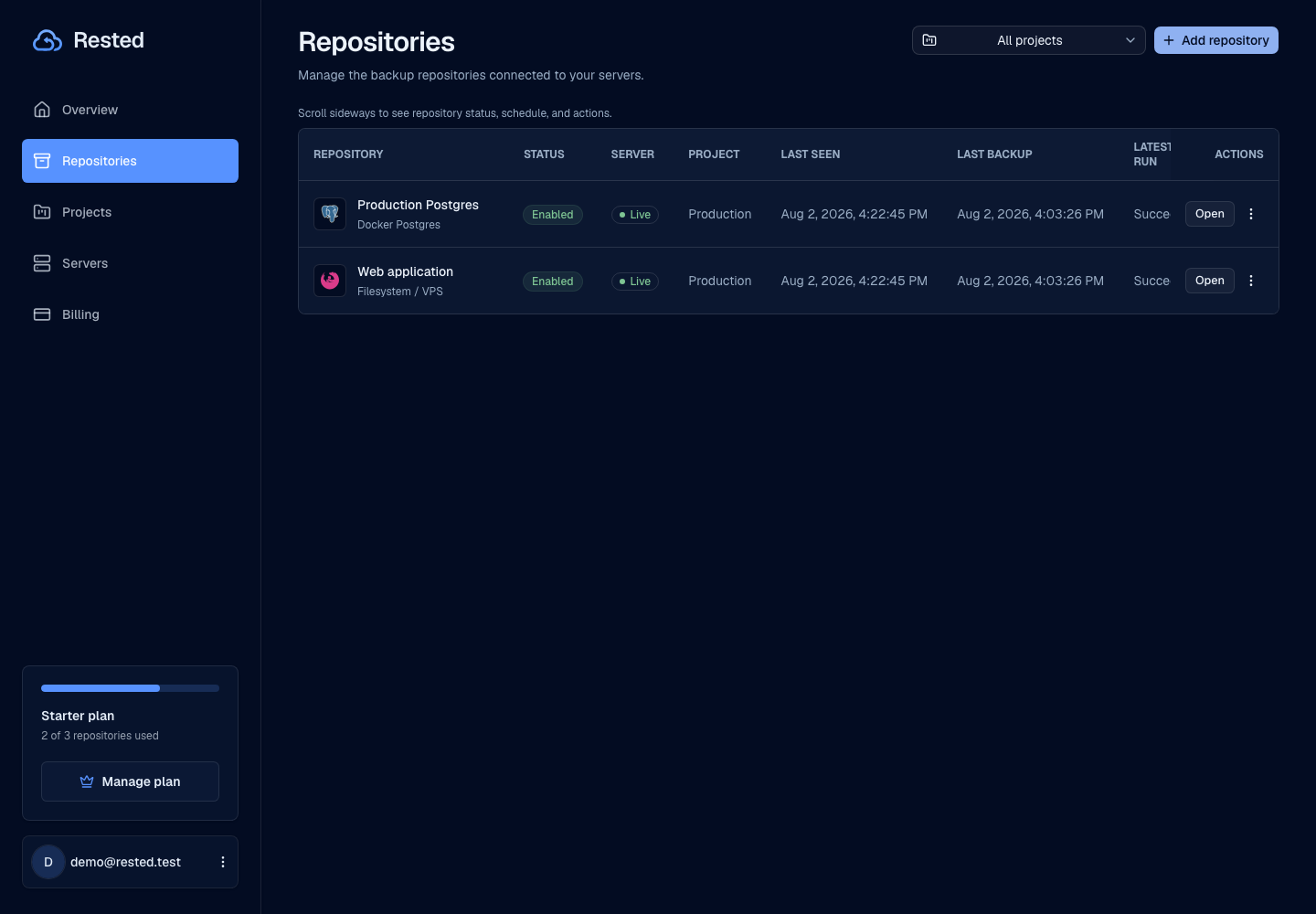
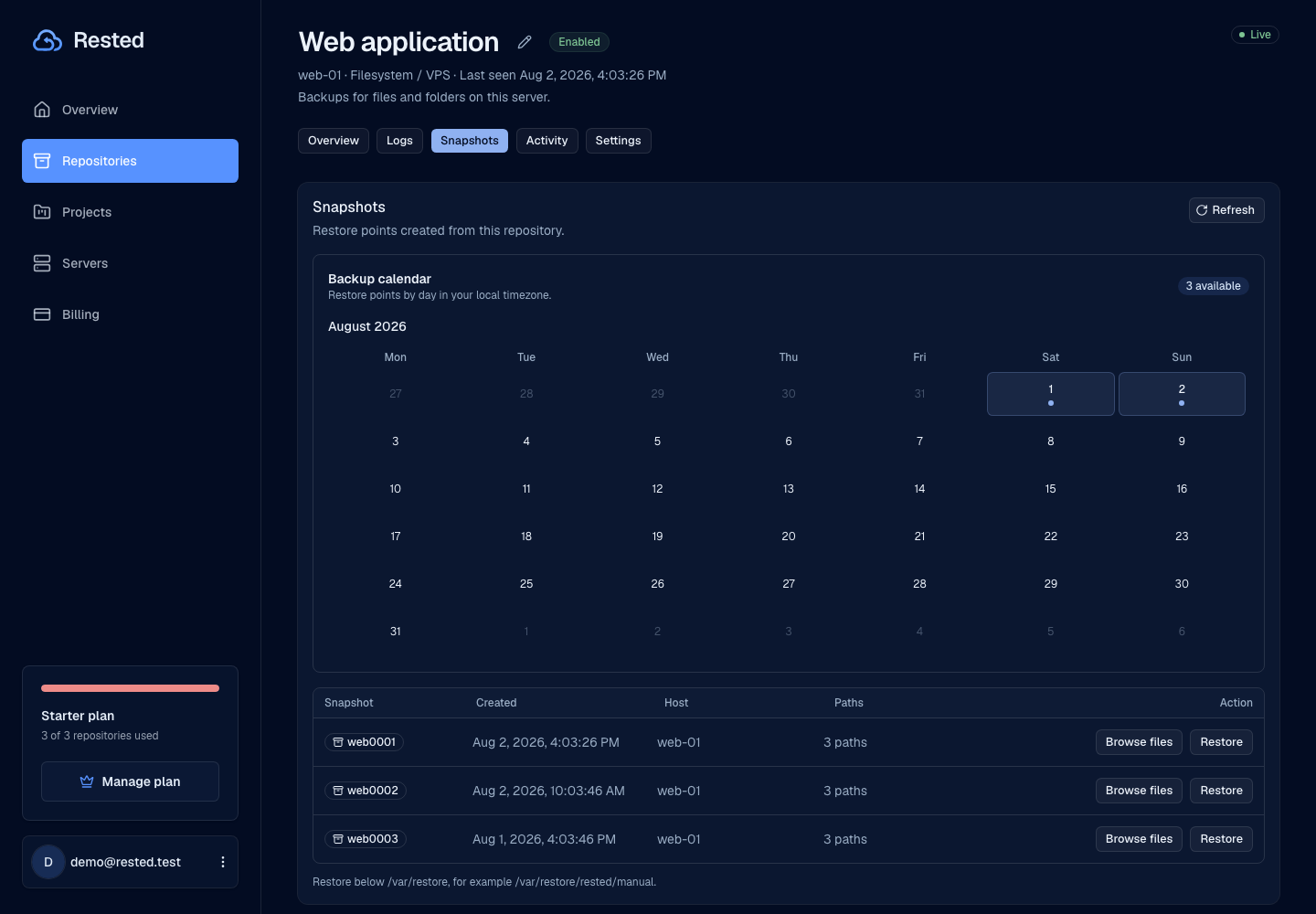
Your data. Clear responsibilities.
Encryption and recovery work when the surrounding setup is understood. Keep the ownership of your server, storage, and recovery key explicit.
Read about securityKeep your recovery key
Rested cannot unlock encrypted backups for you if the recovery key is lost.
The agent runs on your server
Backups run where your data lives, so the connected host needs access to the selected paths.
Storage permissions matter
Your bucket or storage key still needs the permissions required to write, read, and remove backup objects.
Test restores matter
A backup plan is incomplete until you know where files come back and the restore path works.
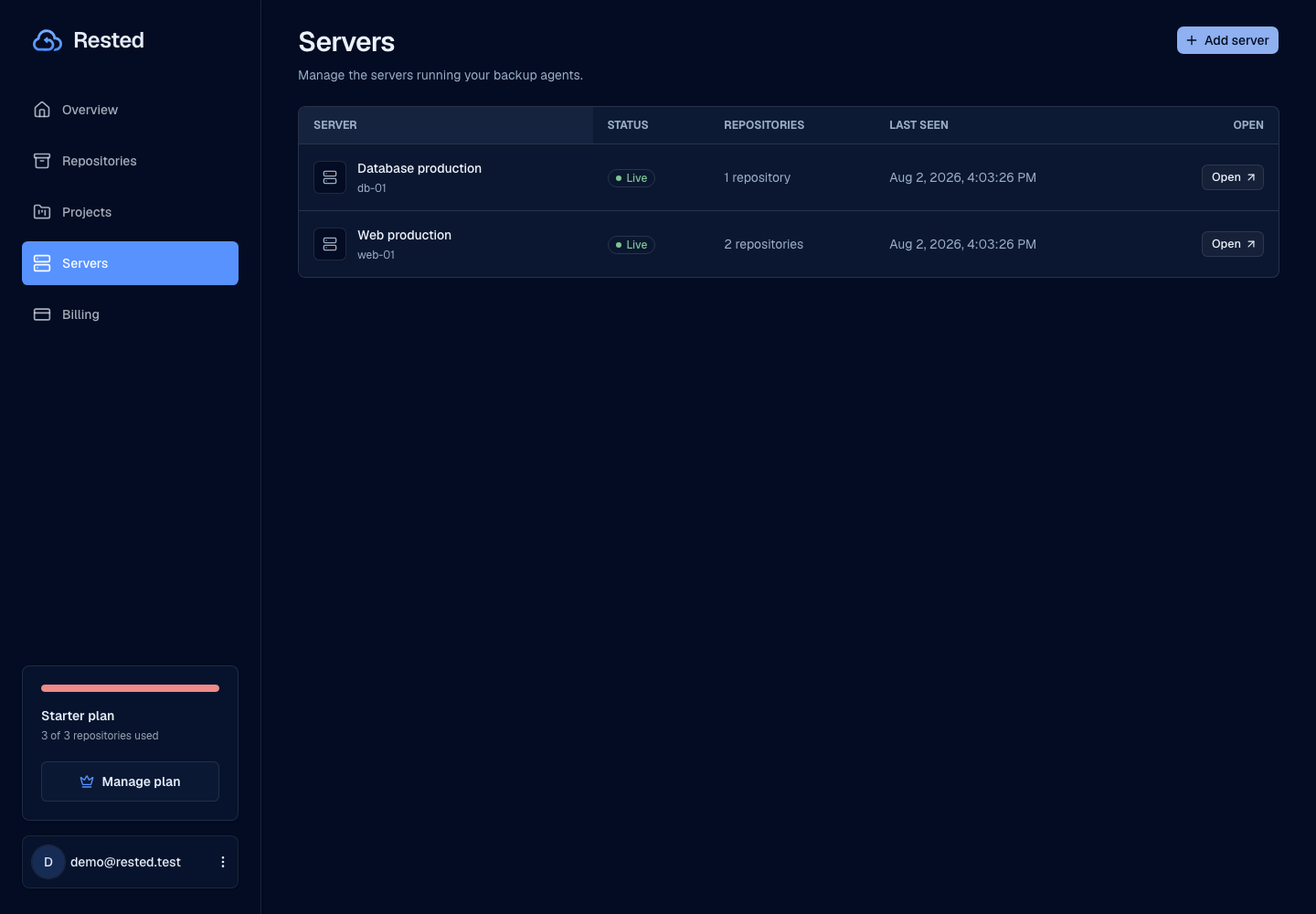
Find your backup workflow.
From a single Linux server to a database. Start with the guide that fits your setup.
Start with one server.
Connect a Linux server, run an encrypted backup, and keep its recovery points visible before you need them.