Automated backups with a visible control loop.
Rested automates encrypted backups for Linux servers. Configure schedules, run backups on demand, spot failures, and keep history close to the servers you protect.
Free plan: 1 server, 1 backup target, daily backups, and no credit card required. Compare plan limits Paid plans include MCP access.
Scheduling without losing operational context
Automation is not just a timer. You need to know what ran, what failed, and what can be restored.
Read the setup guideSet schedule policy
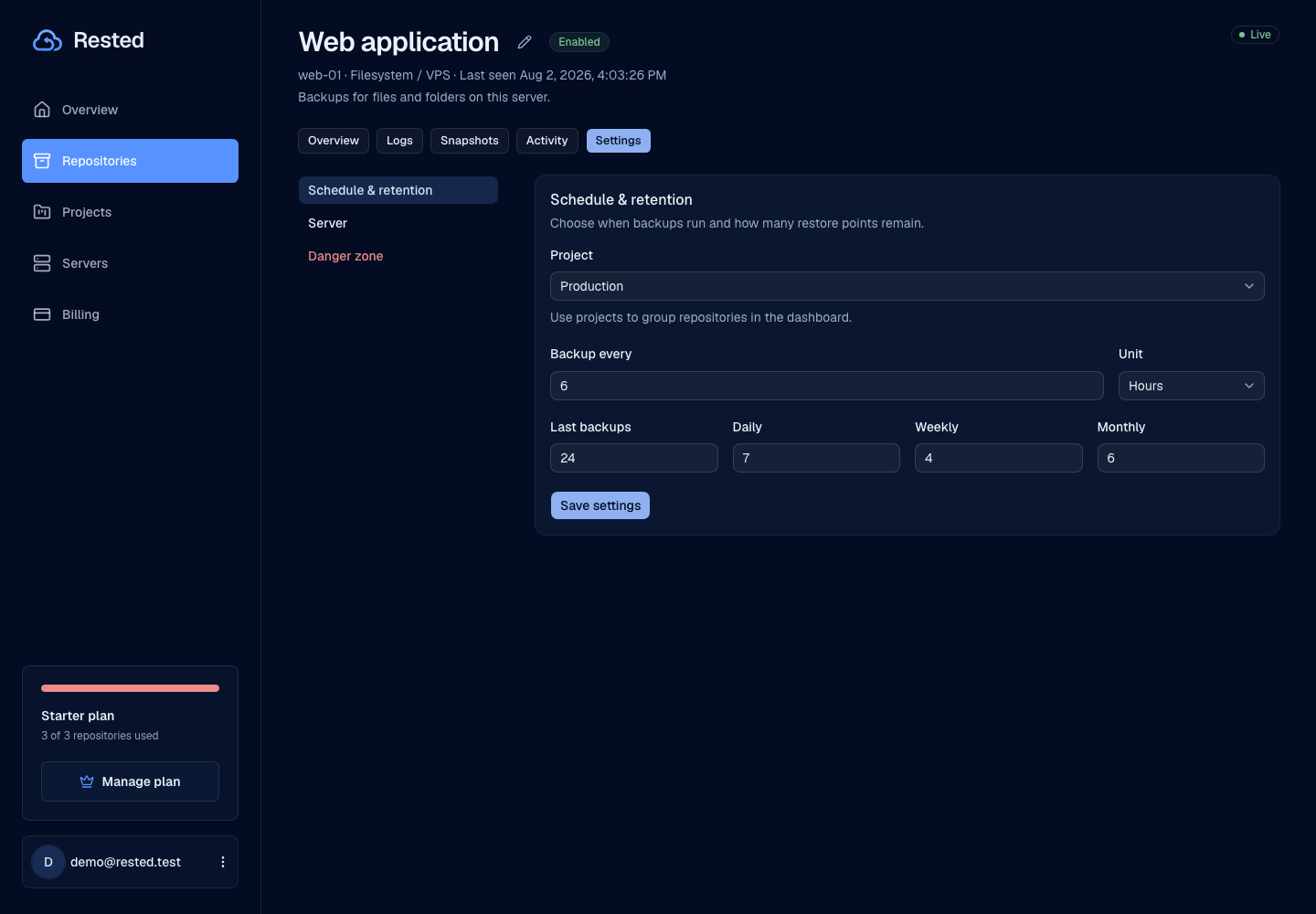
Choose how often each server should be backed up.
Let backups run automatically
Rested keeps the schedule visible so you always see the next run.
Run a backup now
Start an on-demand backup when you are about to deploy, migrate, or make a risky change.
Record run results
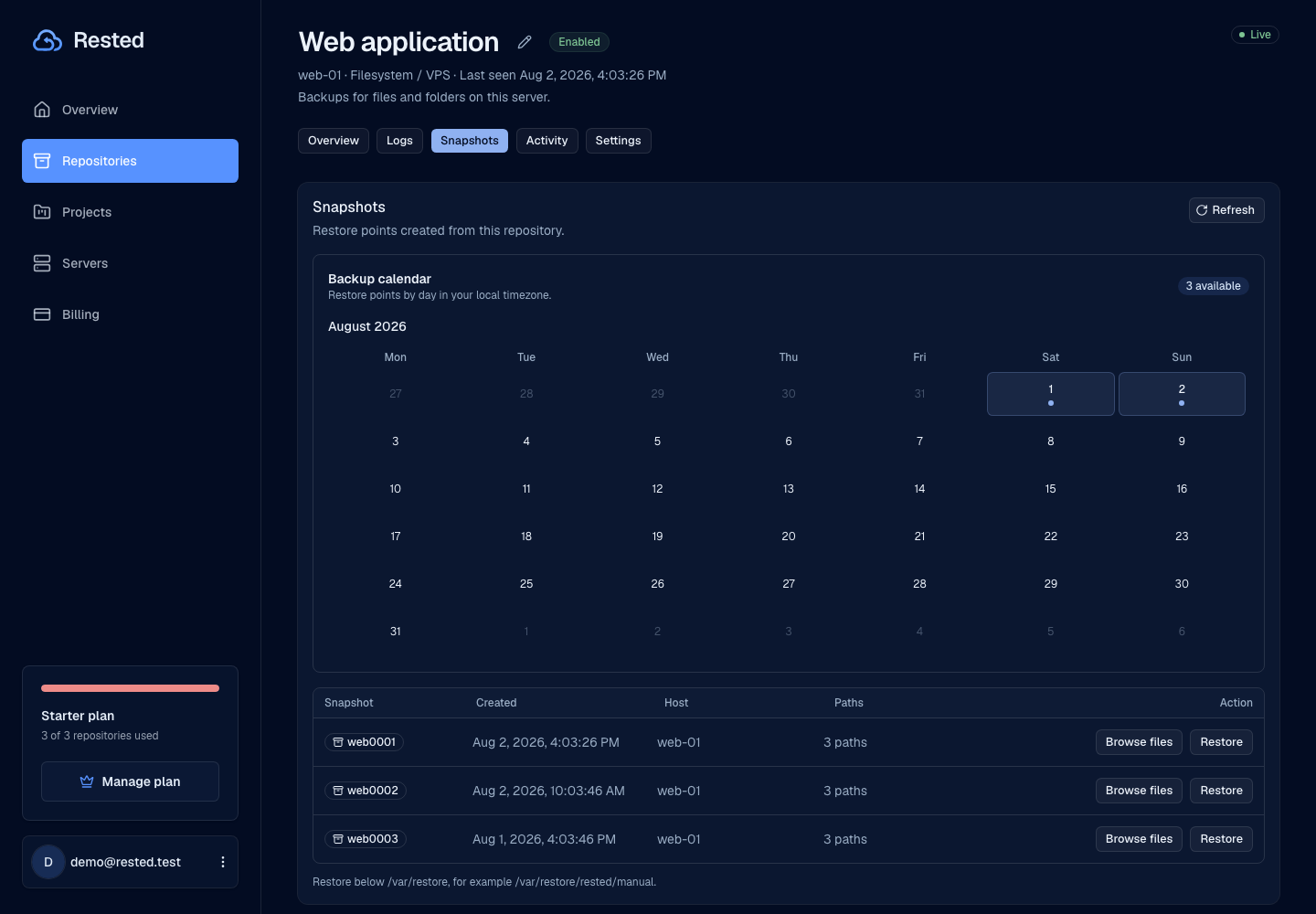
Keep status, timing, logs, and recovery points connected to the backup history.
Automation that still keeps recovery understandable
Rested helps run the backup schedule without hiding storage, keys, or restore responsibilities.
No cron archaeology
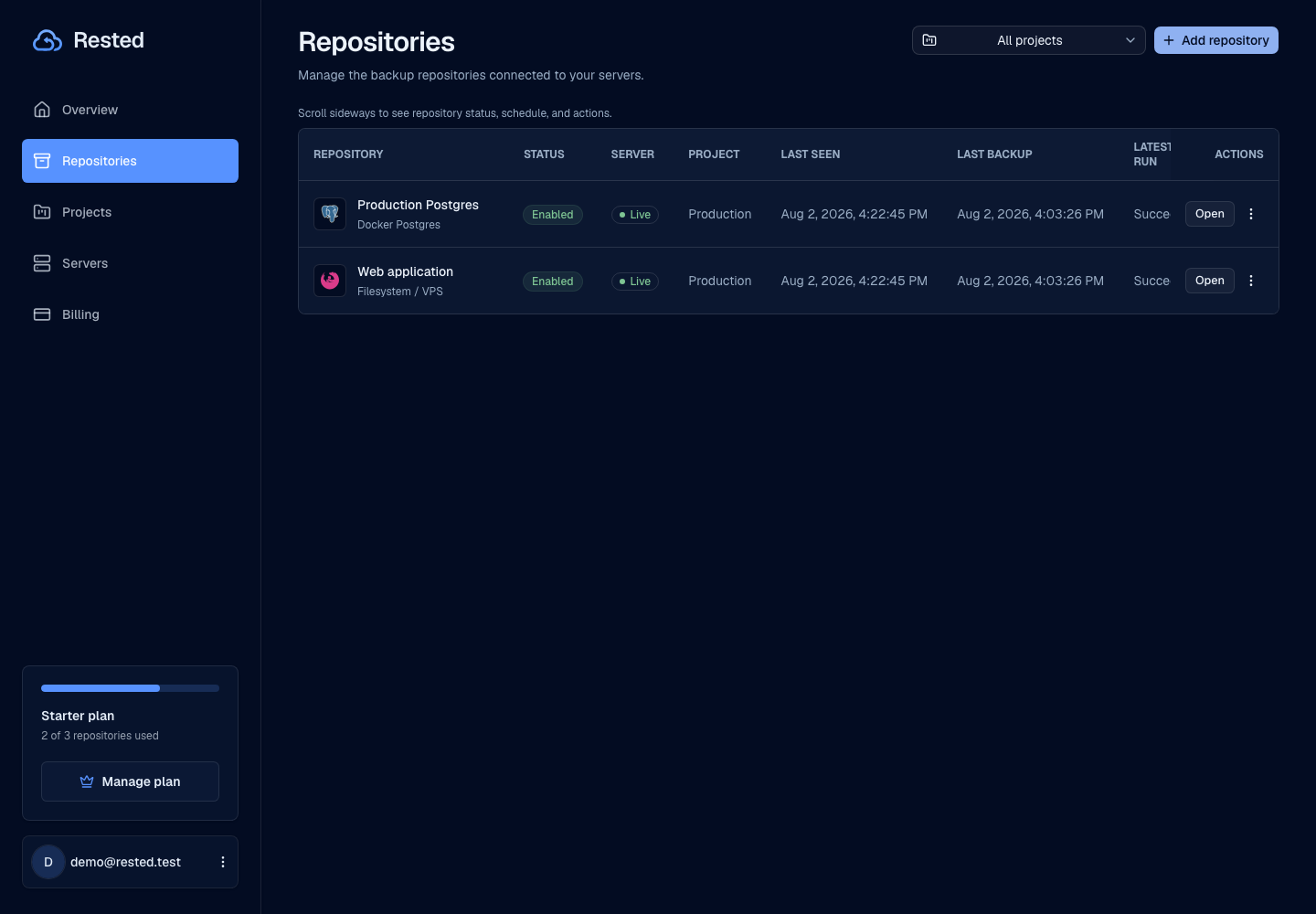
Schedules and backup history live in the app instead of being scattered across shell history and cron files.
Backups run on the server
The machine with the data runs the backup, keeping file access local.
Encrypted backups
Automation keeps recovery encrypted and easy to understand. Each scheduled run writes the same encrypted backup data to your own storage.
Visible failures
Failed backups surface in the app so you spot them, investigate the logs, and rerun them.
Good to know
Good backup automation is honest about offline servers, failed storage access, and overlapping work.
Read about securityAvoid duplicate work
Backup automation avoids overlapping runs for the same server.
Offline servers cannot back up
A server needs to be online for scheduled backups to complete.
Storage access stays narrow
Automated backups use only the storage access they need.
History after the first run
Schedules, logs, and outcomes appear after the server starts reporting backups.
Frequently asked questions
How does Rested automate server backups?
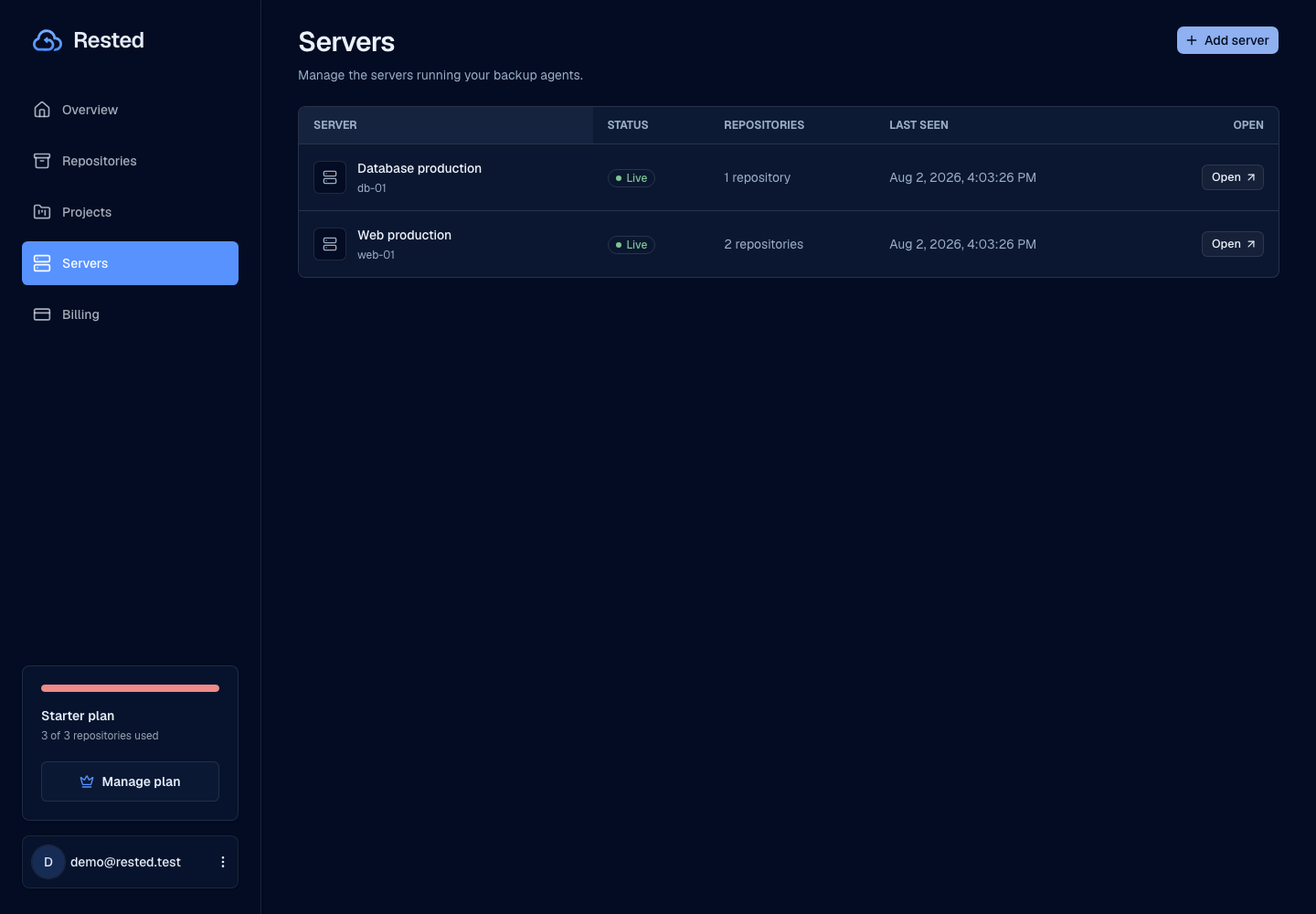
You set a schedule for each server, and the on-host agent runs the backup at each window with your chosen retention. Backups are encrypted on the server and written to your own S3-compatible storage, and every run is recorded in the backup history.
Can I still run a backup manually?
Yes. You start an on-demand backup whenever you are about to deploy, migrate, or make a risky change. Manual runs use the same encryption, storage, and history as scheduled runs.
What happens when a scheduled backup fails?
Failed jobs are visible in the app with their status and logs, so you see which server and run failed instead of hunting through cron output. You rerun the backup once the cause is fixed.
Who holds the encryption key for automated backups?
You do. The recovery key that unlocks your encrypted backups stays with you, so Rested coordinates schedules and history without being able to read your data.
Find your backup workflow.
From a single Linux server to a database. Start with the guide that fits your setup.
Make backup schedules visible before they become incidents.
Connect a server, set a schedule, and let backup history show what actually happened.