Restore backups from the same place you watch them fail.
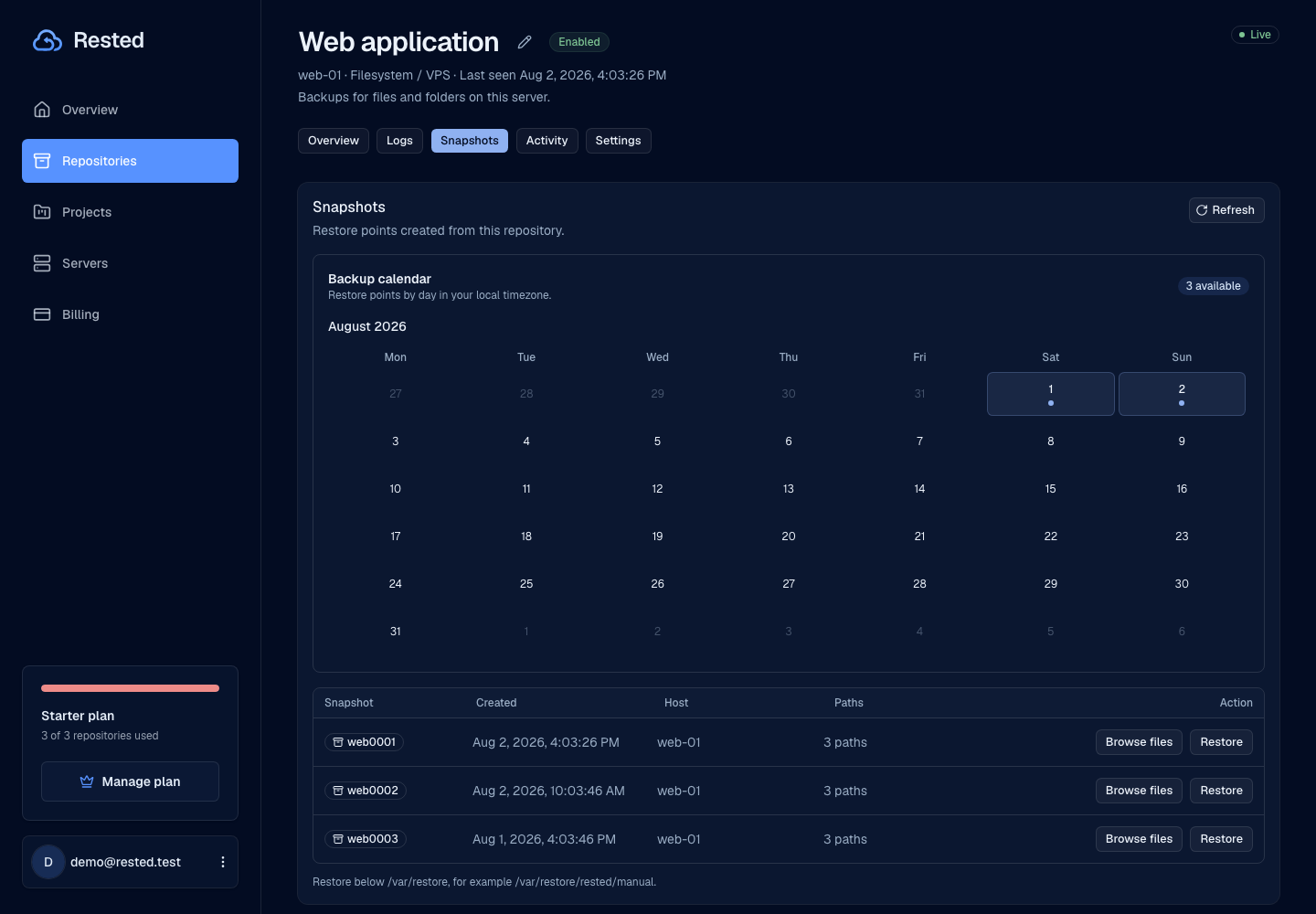
Rested keeps encrypted backup recovery close to backup history. Browse recovery points, choose where files come back, start restores, and keep recovery logs visible.
Free plan: 1 server, 1 backup target, daily backups, and no credit card required. Compare plan limits Paid plans include MCP access.
Recovery is part of the backup promise
Rested treats restore work as a first-class workflow instead of an afterthought buried in old notes.
Read the setup guideList snapshots
Load the recovery points available for a protected server.
Choose recovery target
Pick the snapshot and restore destination deliberately, especially when recovering onto a live server.
Run the restore
Restore files back to the selected destination when you are ready.
Review logs and outcome
Keep restore status and logs visible after recovery work completes.
Restore visibility without hiding key ownership
Rested makes restore work visible while the key that unlocks your backups stays with you.
Restore without web-app decryption
Rested starts recovery without ever storing your decryption key. The web app coordinates the restore; it never holds the key that unlocks your data.
Snapshot context
Restores start from known recovery points instead of old notes or guesswork.
Safer target paths
Restores write to an explicit recovery directory by default instead of overwriting live data.
Operational history
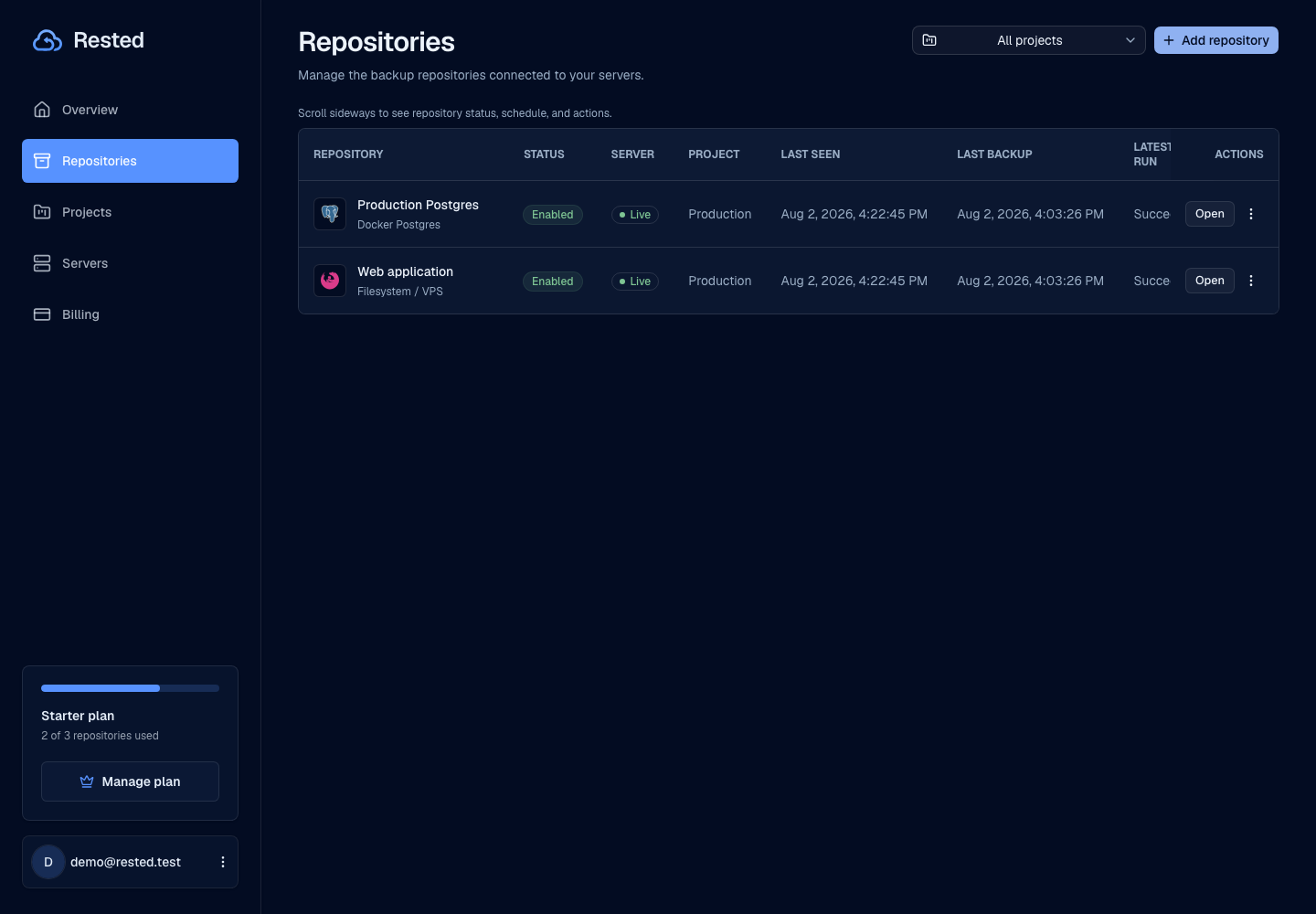
Recovery attempts belong beside backup runs and failures so the whole loop stays visible.
Restore realities
Good recovery UX says the uncomfortable parts out loud: keys, target paths, and test restores matter.
Read about securityRecovery key is critical
If the recovery key is lost, Rested cannot unlock encrypted backups for you.
Restore on the right host
Restore where the backup storage and chosen target path are available.
Test restores matter
A backup strategy is incomplete until restore paths have been practiced and documented.
Recovery stays visible
Restore options come directly from the snapshots reported in backup history.
Frequently asked questions
How do I restore a backup with Rested?
Open the server in the dashboard, list its snapshots, pick the recovery point and a target path, and run the restore. Every restore is a standard restic snapshot, so you can also run the equivalent restic command yourself if you prefer the terminal.
Will restoring overwrite my live data?
No. Restores write to the target path you choose and are non-destructive by default. Database dumps are the one exception: you can auto-restore a dump back into the live database, and that step asks for confirmation before it runs.
Can I restore if Rested is unreachable?
Yes. Your backups are ordinary restic repositories in your own storage. With the restic CLI and your recovery key you restore directly from storage, without Rested in the loop.
Where do I find the full restore steps?
The complete walkthrough for restoring snapshots lives at /docs/restore, and the key-and-storage recovery details are at /docs/recovery.
Find your backup workflow.
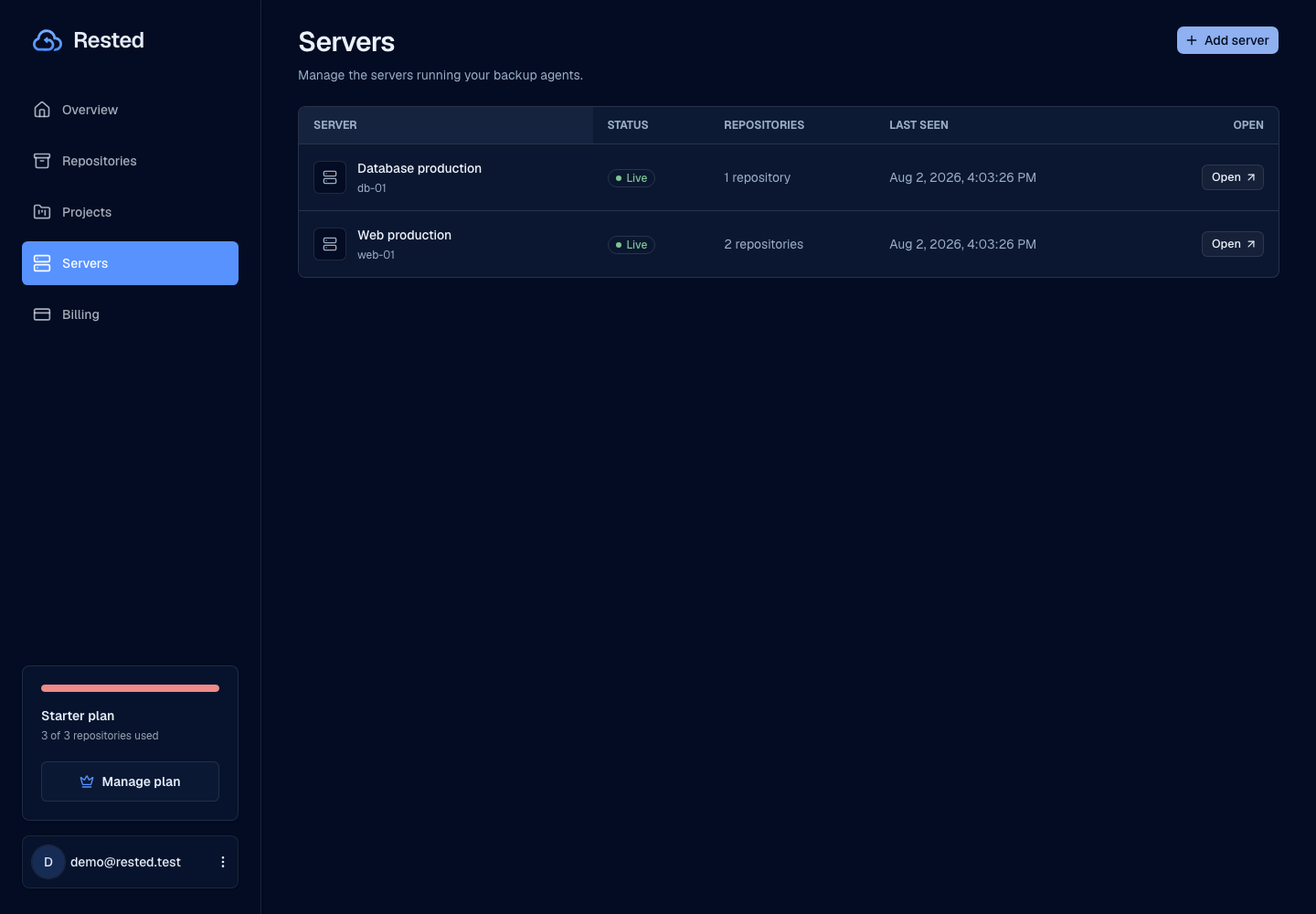
From a single Linux server to a database. Start with the guide that fits your setup.
Make restores boring before the emergency.
Connect a server, run backups, load recovery points, and know where restore work lives.