A calmer dashboard for encrypted restic backups.
Rested pairs Linux servers with a dashboard for schedules, storage, backup history, recovery points, and restores. Restic still does the encrypted backup work; Rested makes it easier to operate.
Free plan: 1 server, 1 backup target, daily backups, and no credit card required. Compare plan limits Paid plans include MCP access.
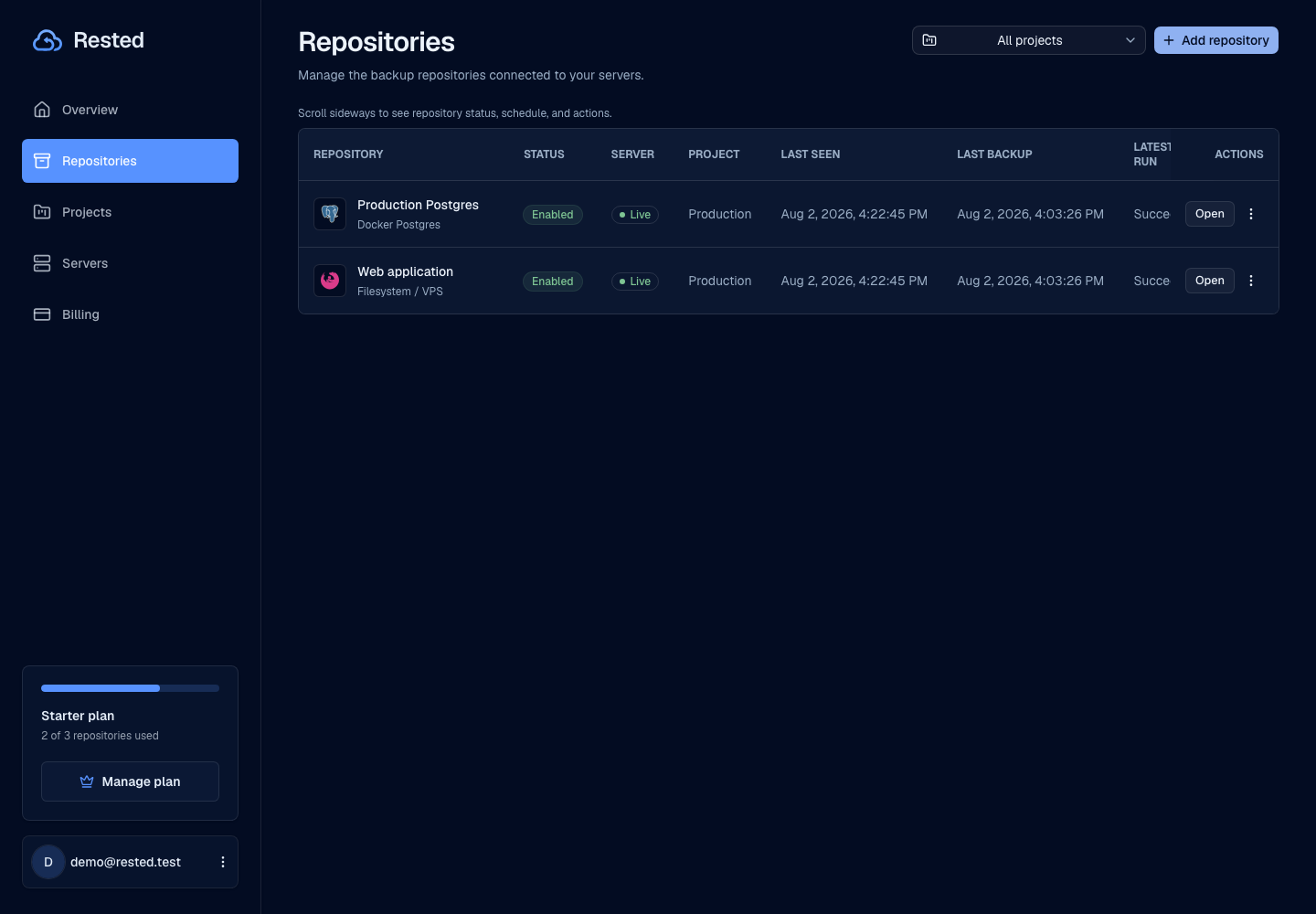
From backup setup to restore
Rested is for people who trust restic but do not want critical backups to live only in shell history, cron files, and scattered logs.
Read the setup guideChoose what to protect
Define what the Linux machine protects and where encrypted backups live.
Connect the server
Install Rested on the host so backups run where the files live.
Schedule and observe
Run backups on a schedule, start manual backups, and see status without SSHing into every box.
Restore from history
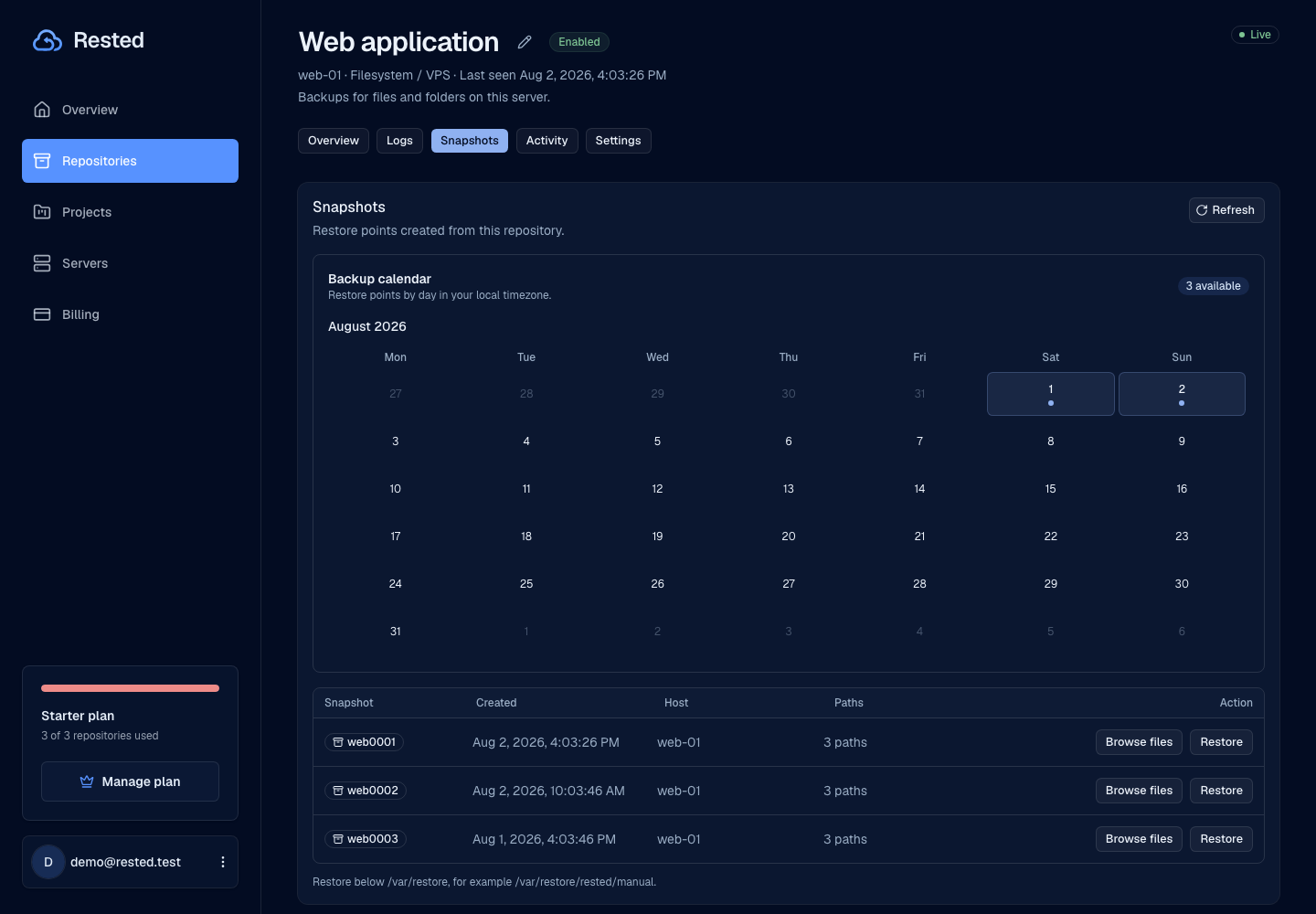
Browse recovery points and start a restore when recovery work matters more than guesswork. Rested keeps history and restores in one view.
Restic reliability with dashboard accountability
Rested makes the work around restic easier to see, while restic stays the encryption engine.
Built on restic
Rested keeps restic as the encrypted backup engine instead of replacing it.
Linux server runs the work
Backup work happens on the Linux server where the files live.
One place to check backups
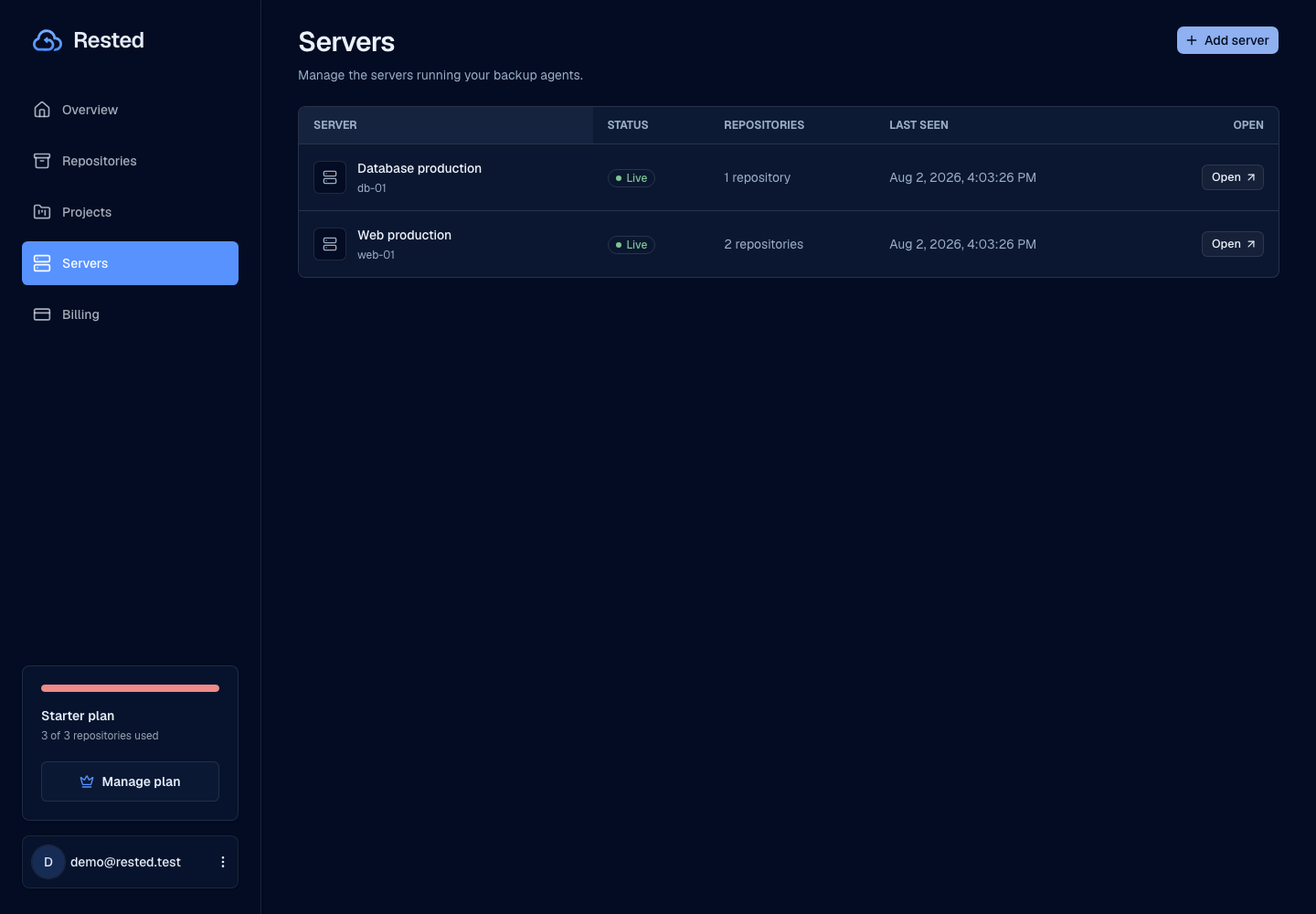
Schedules, manual backups, history, recovery points, and restores are visible together.
You keep the recovery key
The key that unlocks your encrypted restic repository stays with you.
Good to know
Encrypted backups still need clear storage, protected keys, readable history, and tested restores.
Read about securityInstaller rollout
CDN hosting and production publishing details are still being finalized before broad distribution claims.
Backup engine setup
The server needs restic available before real backup runs can succeed.
Not generic file hosting
Rested is focused on backups from connected servers, not hosting every existing backup location.
Operational readiness
Recovery docs, key handling, clean logs, and alerts matter before backups are production-ready.
Frequently asked questions
What does Rested add on top of restic?
Rested is a control plane over restic: it manages schedules, browses snapshots, keeps run history, and starts restores from one dashboard. Restic still runs the encrypted backups; Rested gives you a place to operate and observe them.
Where do backups actually run?
An agent runs restic on your Linux host, where the files live. Backups execute locally on the server rather than routing your data through the web app.
Where are backups stored and who holds the encryption key?
Backups are encrypted on the host and written to your own S3-compatible storage, so the provider only holds ciphertext. You keep the recovery key — Rested cannot read your backup contents.
Can I read my backups without Rested?
Yes. Rested stores standard restic repositories, so you can browse snapshots and restore with the restic CLI directly. You are never locked into Rested to recover your data.
Which storage backends does Rested support?
Any S3-compatible object storage — AWS S3, Backblaze B2, Wasabi, Cloudflare R2, or a self-hosted MinIO bucket. The agent runs restic against the bucket you configure, so the repository stays in storage you own.
Find your backup workflow.
From a single Linux server to a database. Start with the guide that fits your setup.
Make restic easier to operate without hiding the recovery work.
Connect a Linux server, run a backup, and keep recovery points close to backup history.