Restic dashboard: what to monitor and how to verify
A restic dashboard should help you answer four recovery questions: what was protected, whether jobs are current, which snapshots exist, and whether you can restore them.
Clear guidance for operators protecting Linux servers, Docker stacks, databases, and restic repositories—without pretending a green check is the same as a tested restore.
All guides
Page 1 of 5 · 40 guides

A restic dashboard should help you answer four recovery questions: what was protected, whether jobs are current, which snapshots exist, and whether you can restore them.

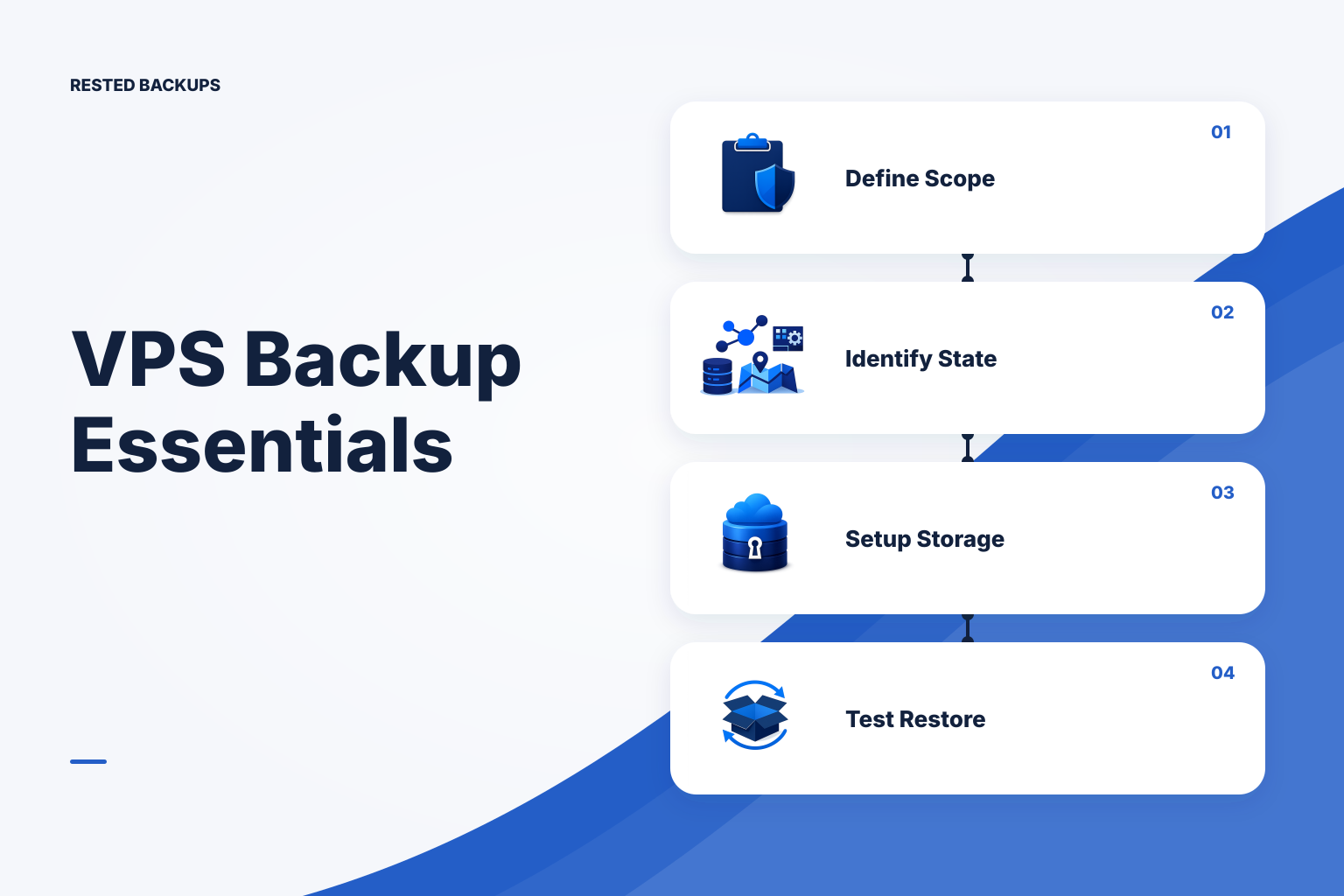
Use this practical checklist to define backup scope, configure a restic repository in S3, monitor scheduled runs, and prove that a restore works.

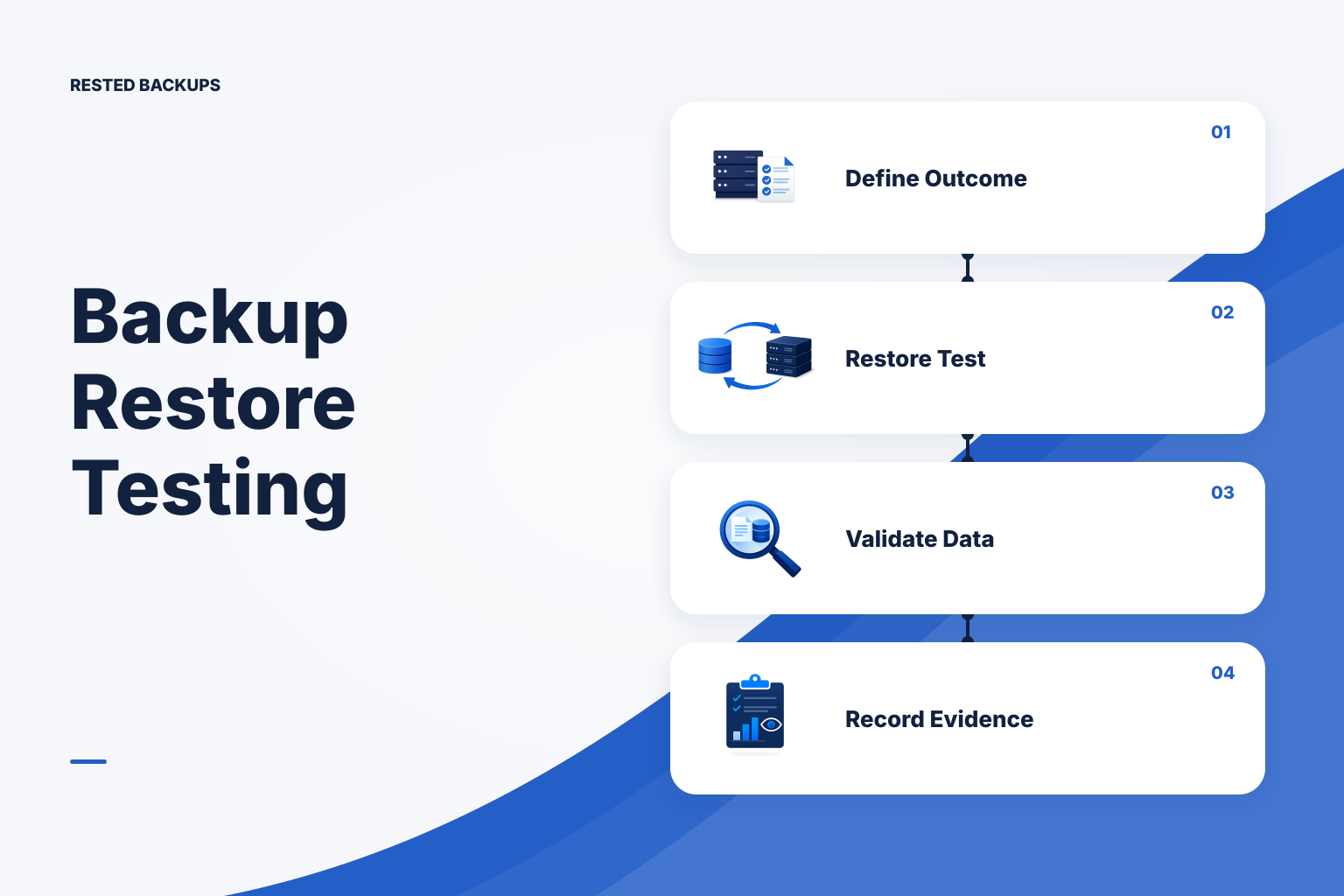
Use this practical checklist to prepare an S3-backed restic repository, protect access and recovery information, verify snapshots, and prove that a restore works.

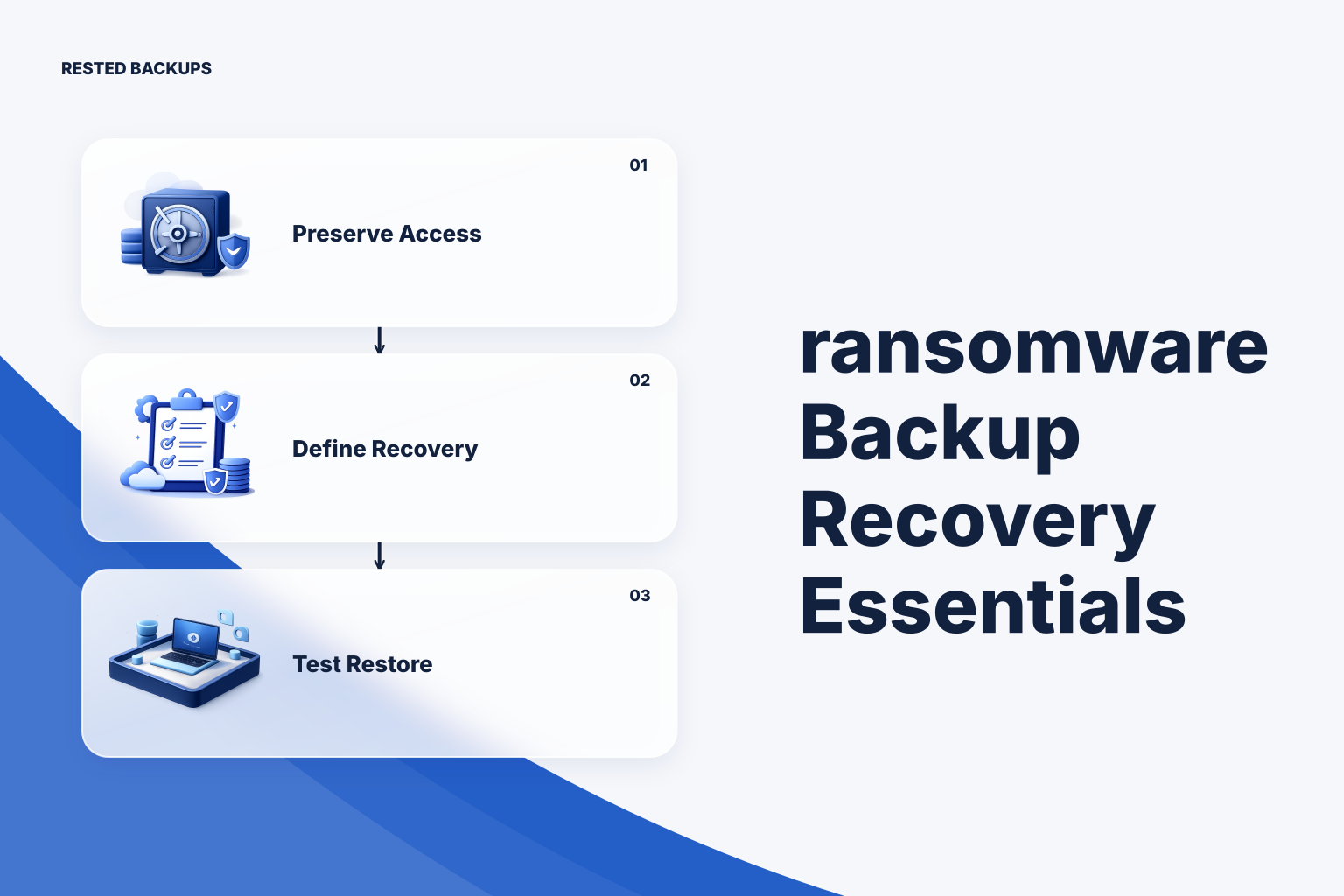
A restic repository in S3 is only one part of recovery. Preserve the repository location, access path, password ownership, and application configuration—then prove the plan with a contained restore test.

Rested can now turn a single-database PostgreSQL snapshot into a short-lived, browsable preview without querying or overwriting the source database.

MariaDB and MySQL share a history, but their backup tooling has diverged. The differences become most expensive during restore, so design and test for MariaDB itself.

Success usually means the backup tool completed its assigned work. It does not prove the assignment covered the service you need to recover.

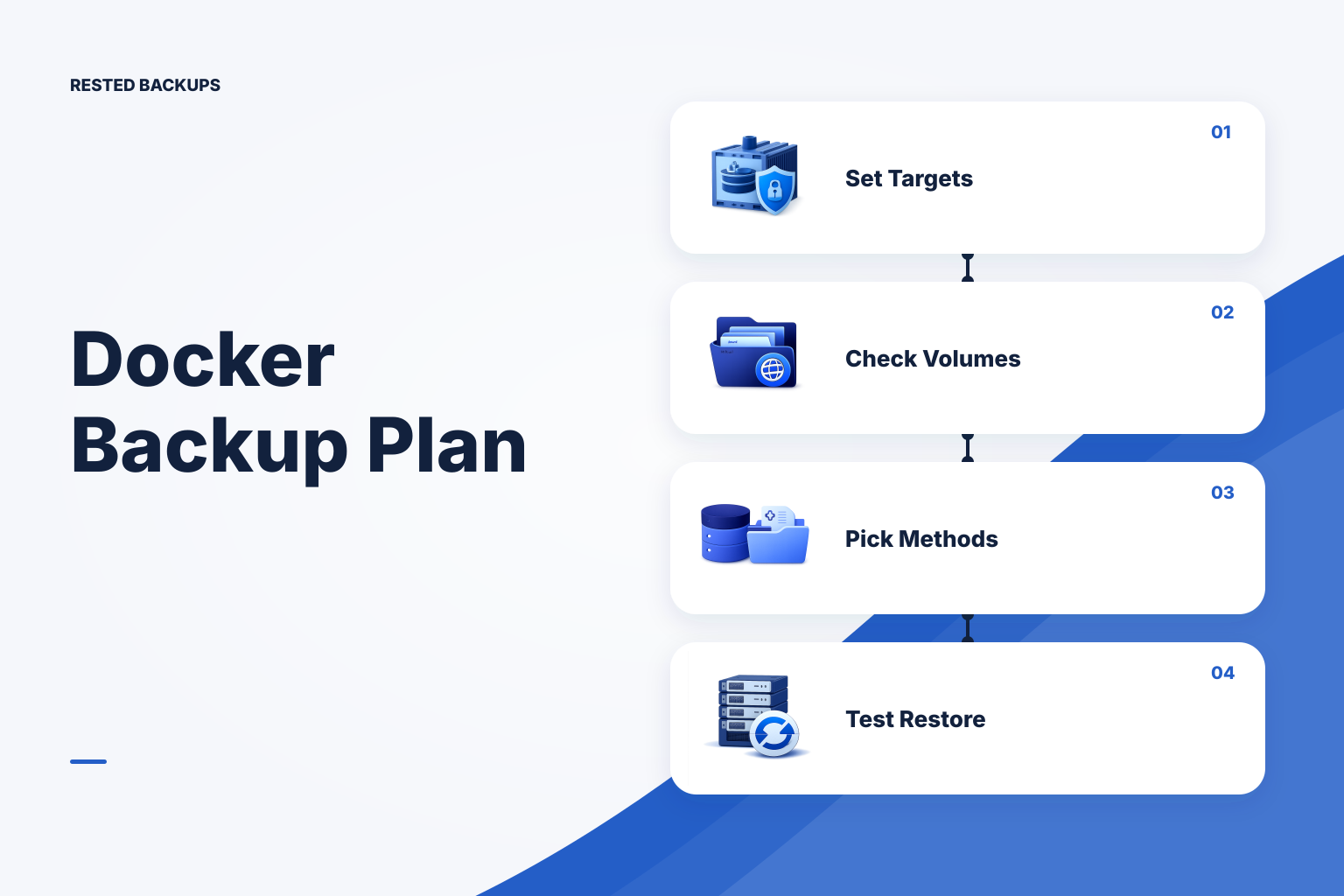
The backup job can stay green while a deployment moves the real data elsewhere. Coverage drift is the gap between what containers use now and what the backup still expects.

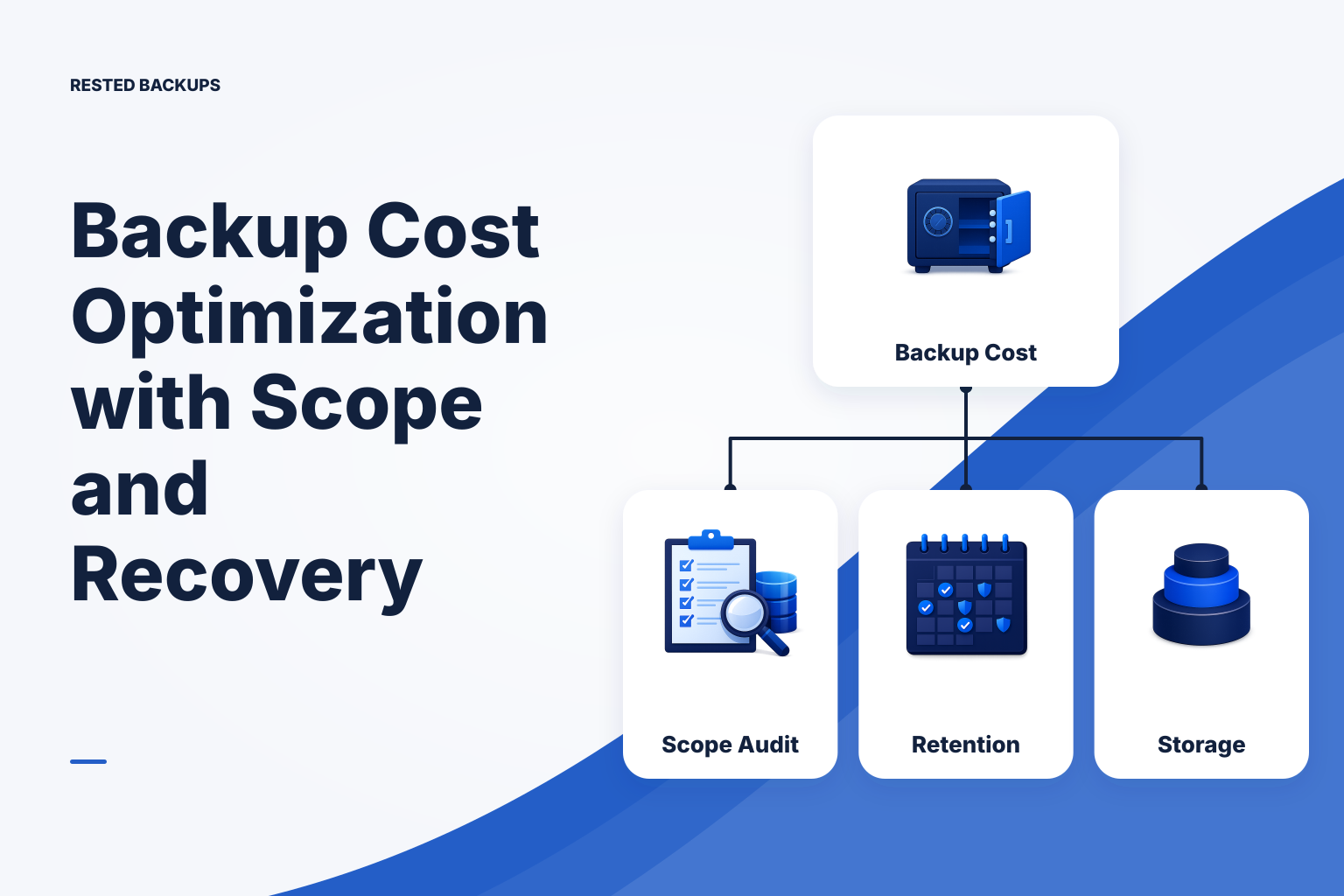
Backup scope is a recovery decision, not a checkbox. The meaning of “all databases” changes across PostgreSQL, MySQL, and MongoDB, as do the privileges and blast radius.