Category guide
Best Linux Server Backup Tools: Beginner to Advanced
Choose Linux backup software by the recovery workflow you can operate: guided protection for new teams, or deeper control for teams prepared to own it.
7 min readRead guide
Clear guidance for operators protecting Linux servers, Docker stacks, databases, and restic repositories—without pretending a green check is the same as a tested restore.
Page 2 of 6 · 50 guides
Choose Linux backup software by the recovery workflow you can operate: guided protection for new teams, or deeper control for teams prepared to own it.
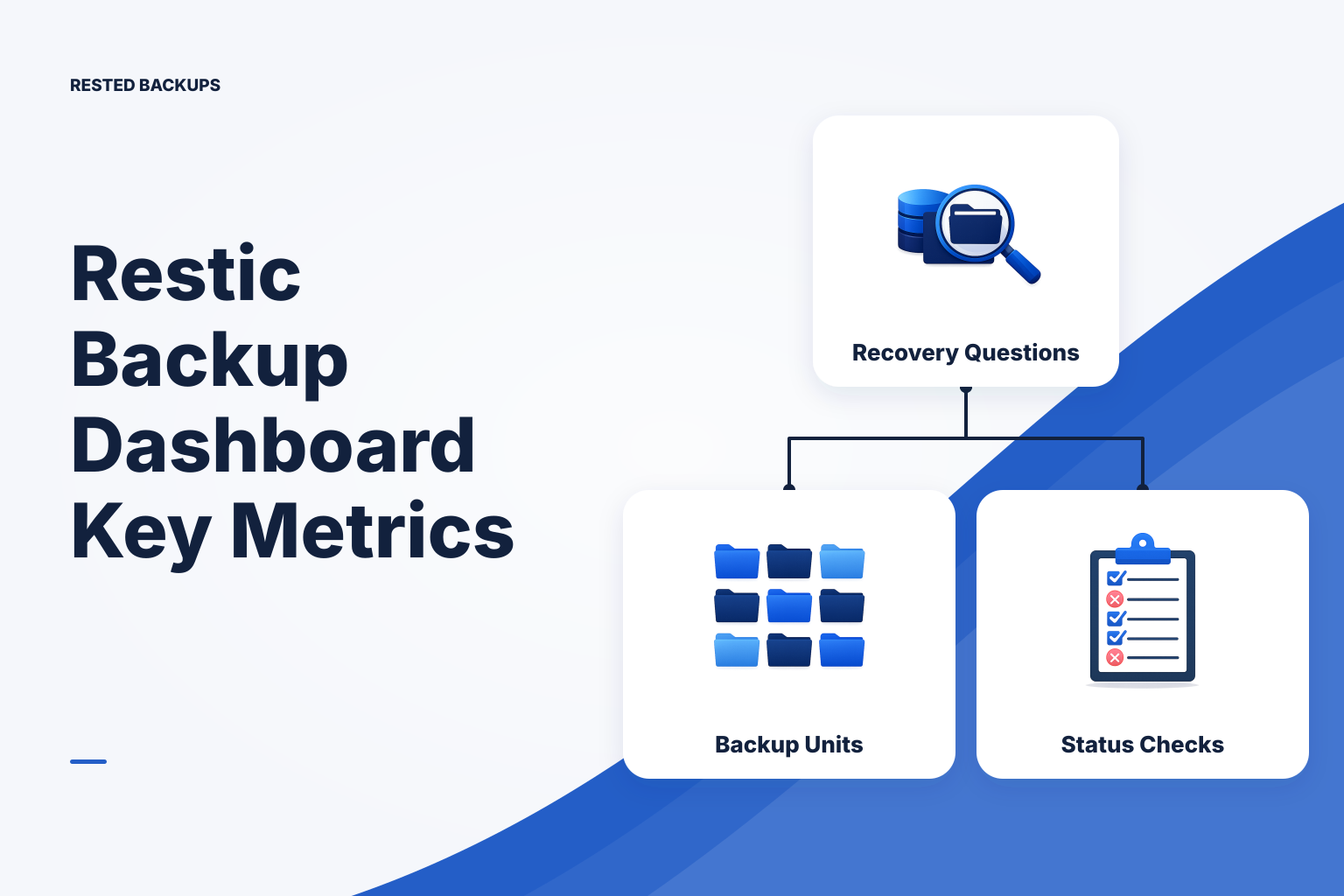
A restic dashboard should help you answer four recovery questions: what was protected, whether jobs are current, which snapshots exist, and whether you can restore them.
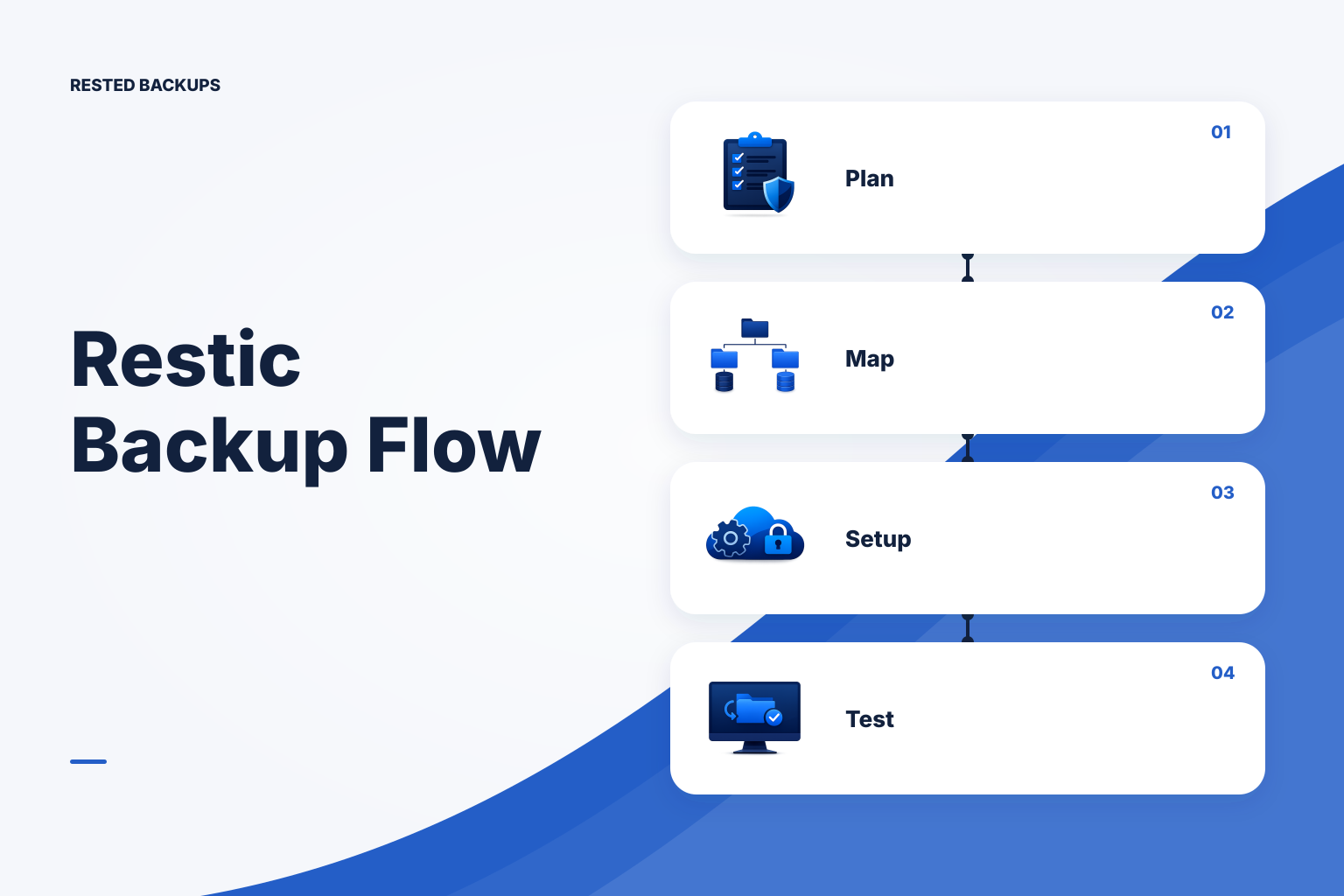
Use this practical checklist to define backup scope, configure a restic repository in S3, monitor scheduled runs, and prove that a restore works.
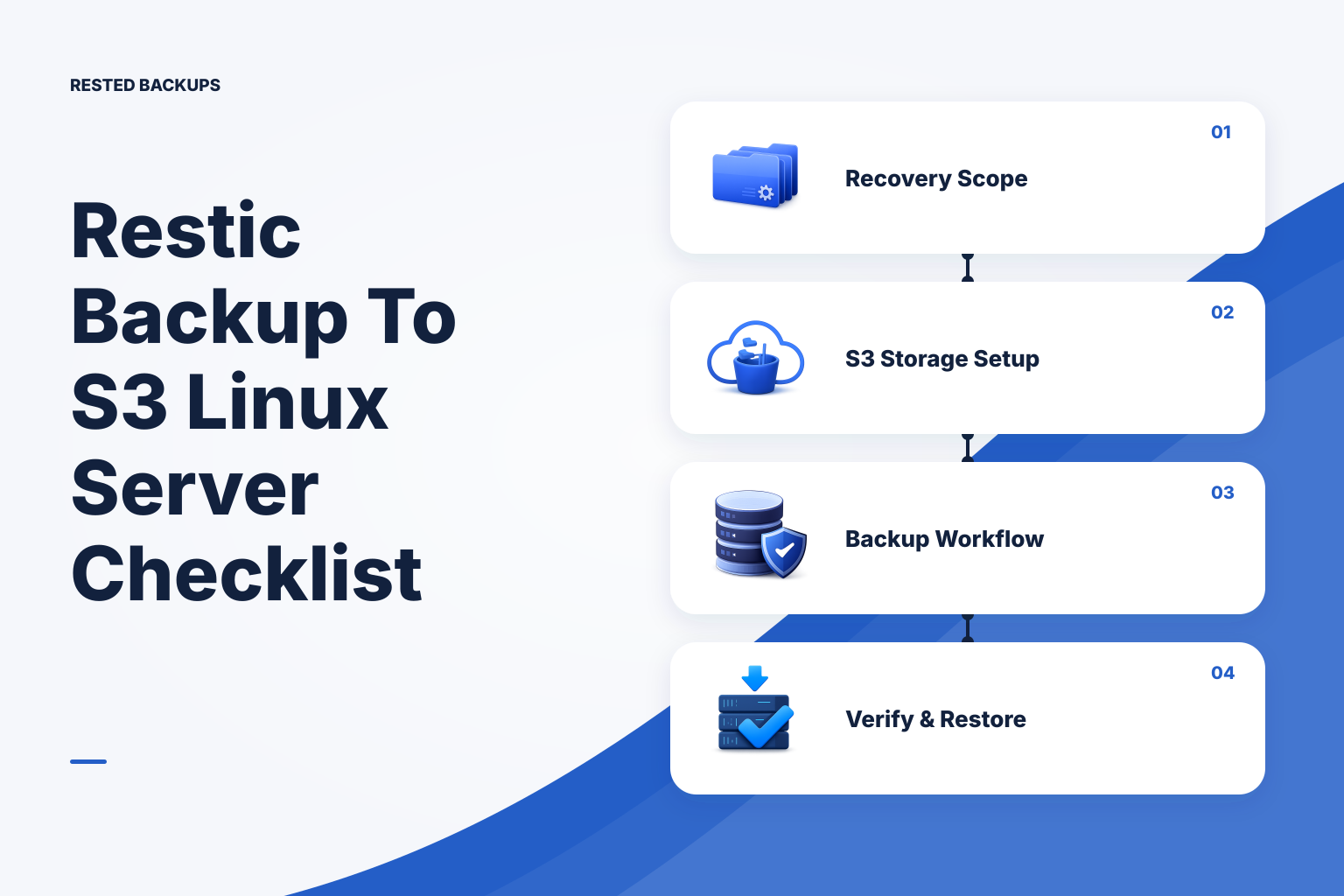
Use this practical checklist to define recovery scope, configure an S3-backed restic repository, protect access and recovery information, verify snapshots, and prove a restore in an isolated environment.
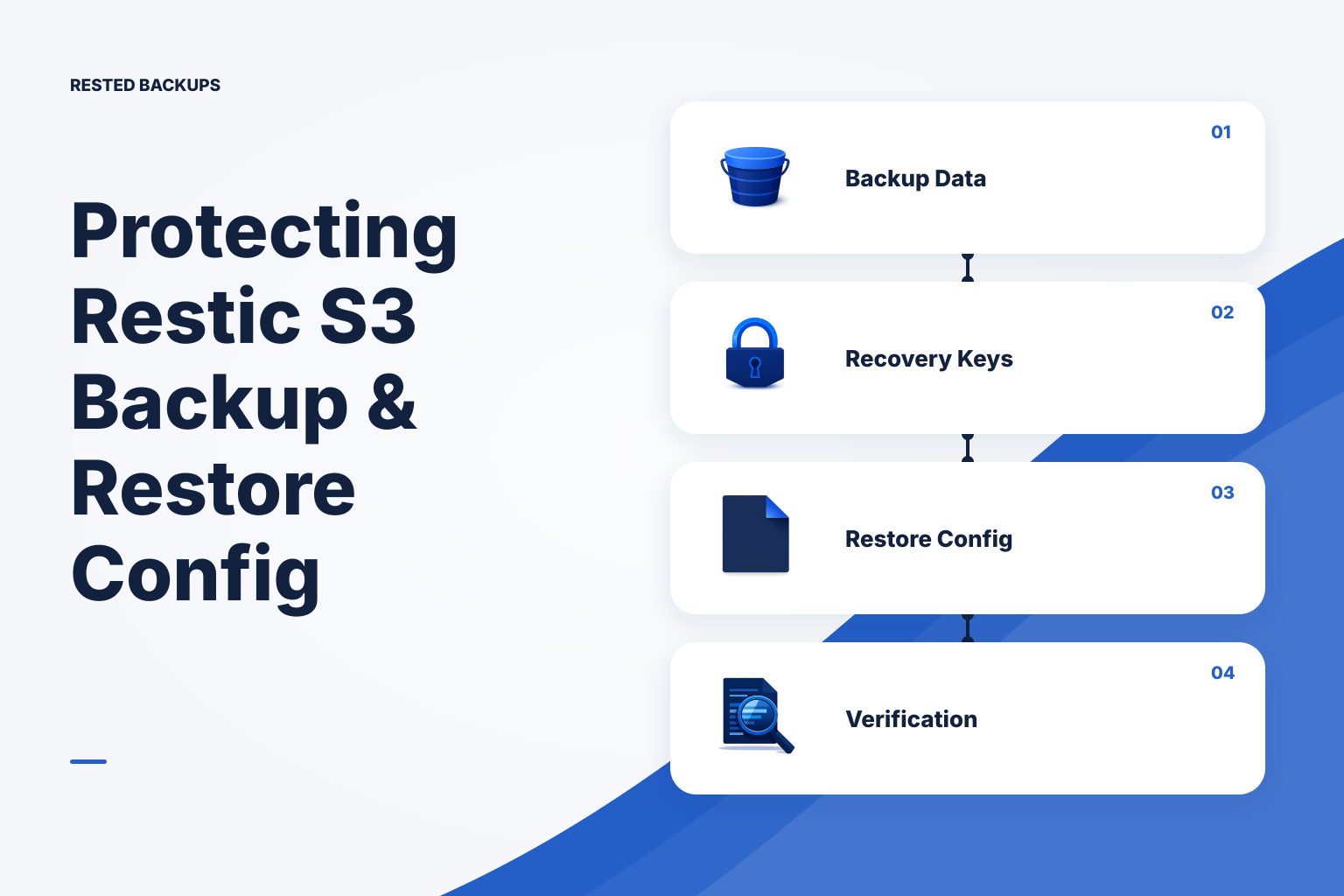
A restic repository in S3 is recoverable only if you can locate it, authenticate to storage, unlock it, choose a useful snapshot, and restore safely. Protect recovery configuration such as restore.conf with its context,—
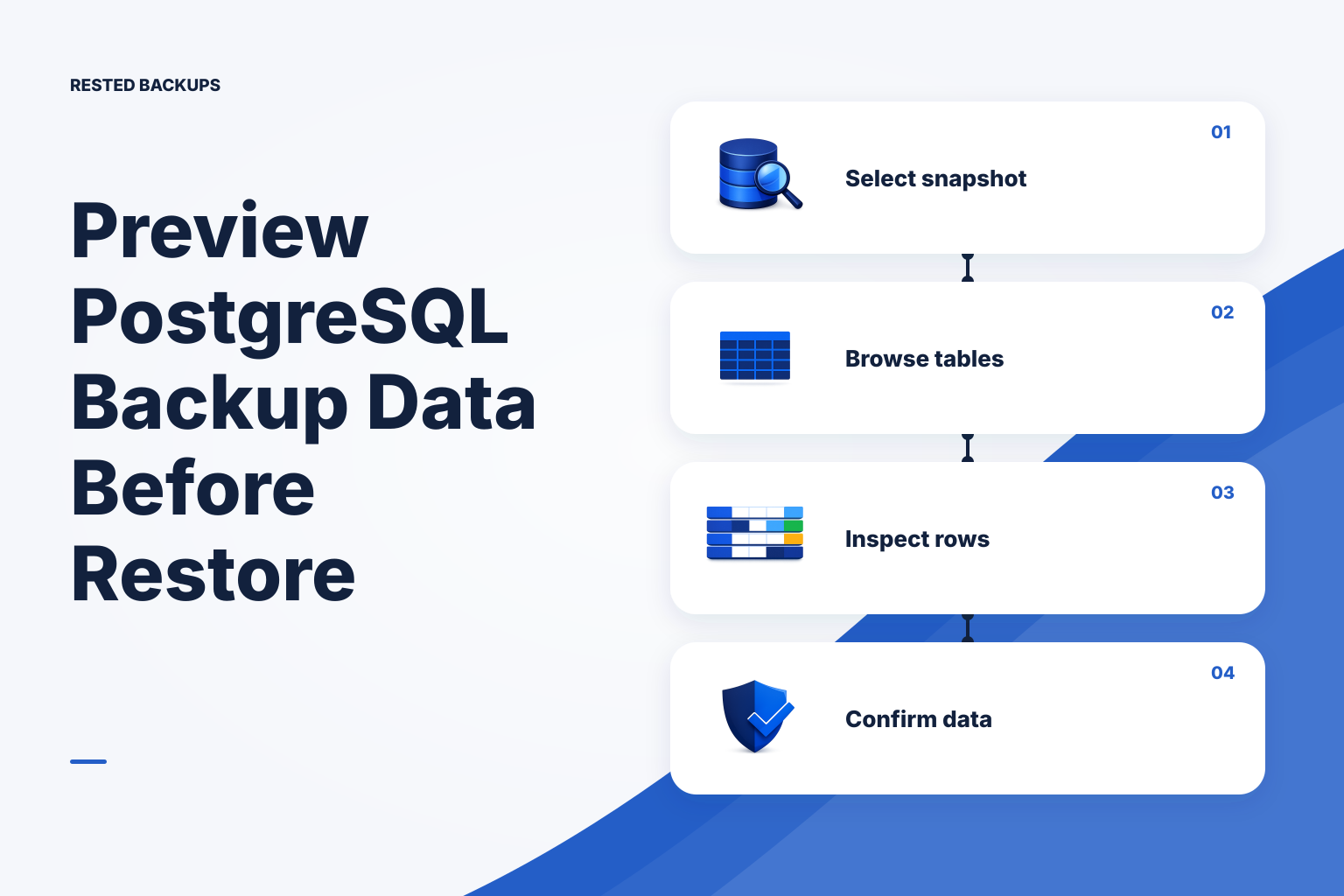
Rested can now turn a single-database PostgreSQL snapshot into a short-lived, browsable preview without querying or overwriting the source database.
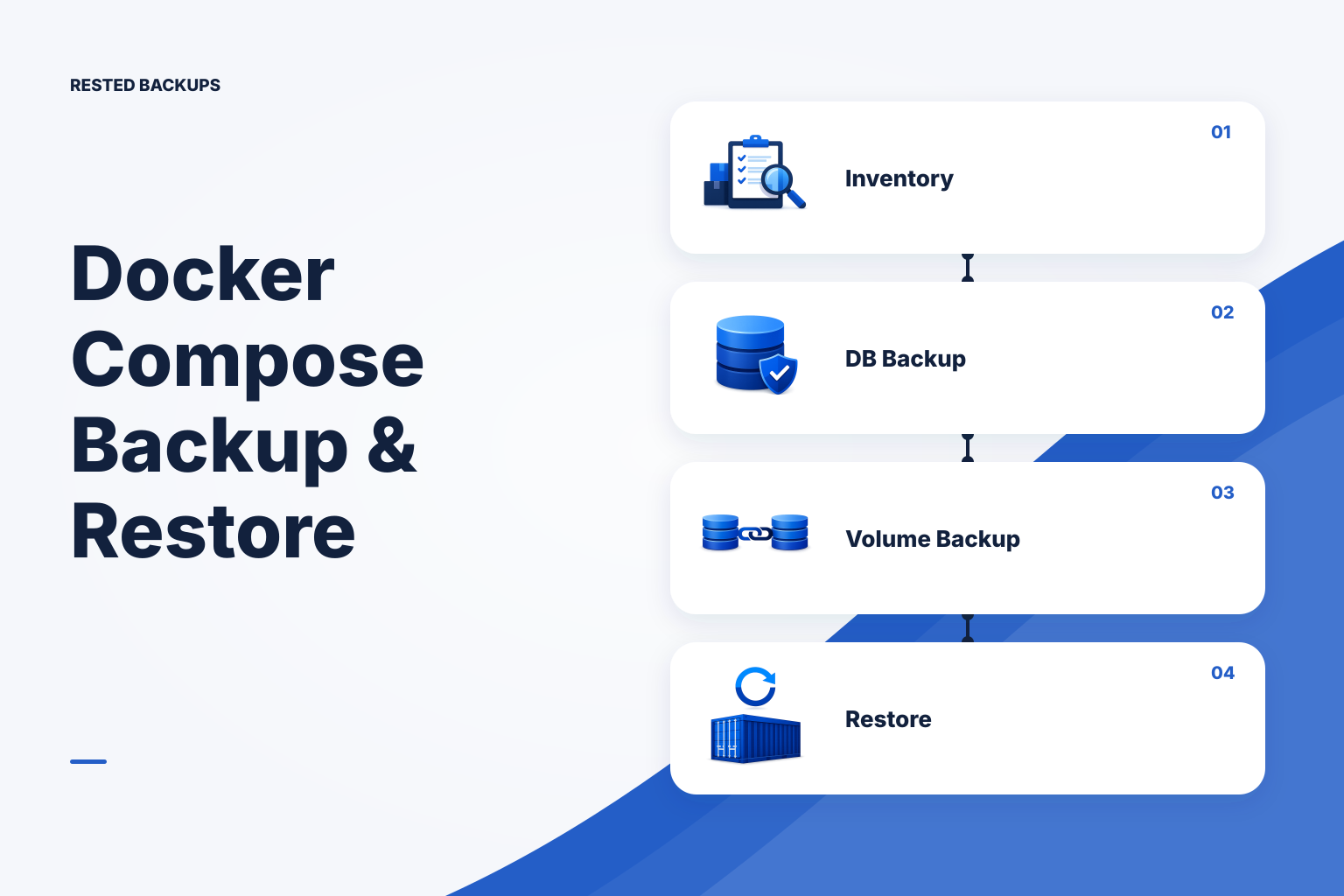
A Compose file can recreate containers, but not the state around them. Inventory every persistent dependency, use database-aware backups for live databases, protect configuration and recovery access, and rehearse the run
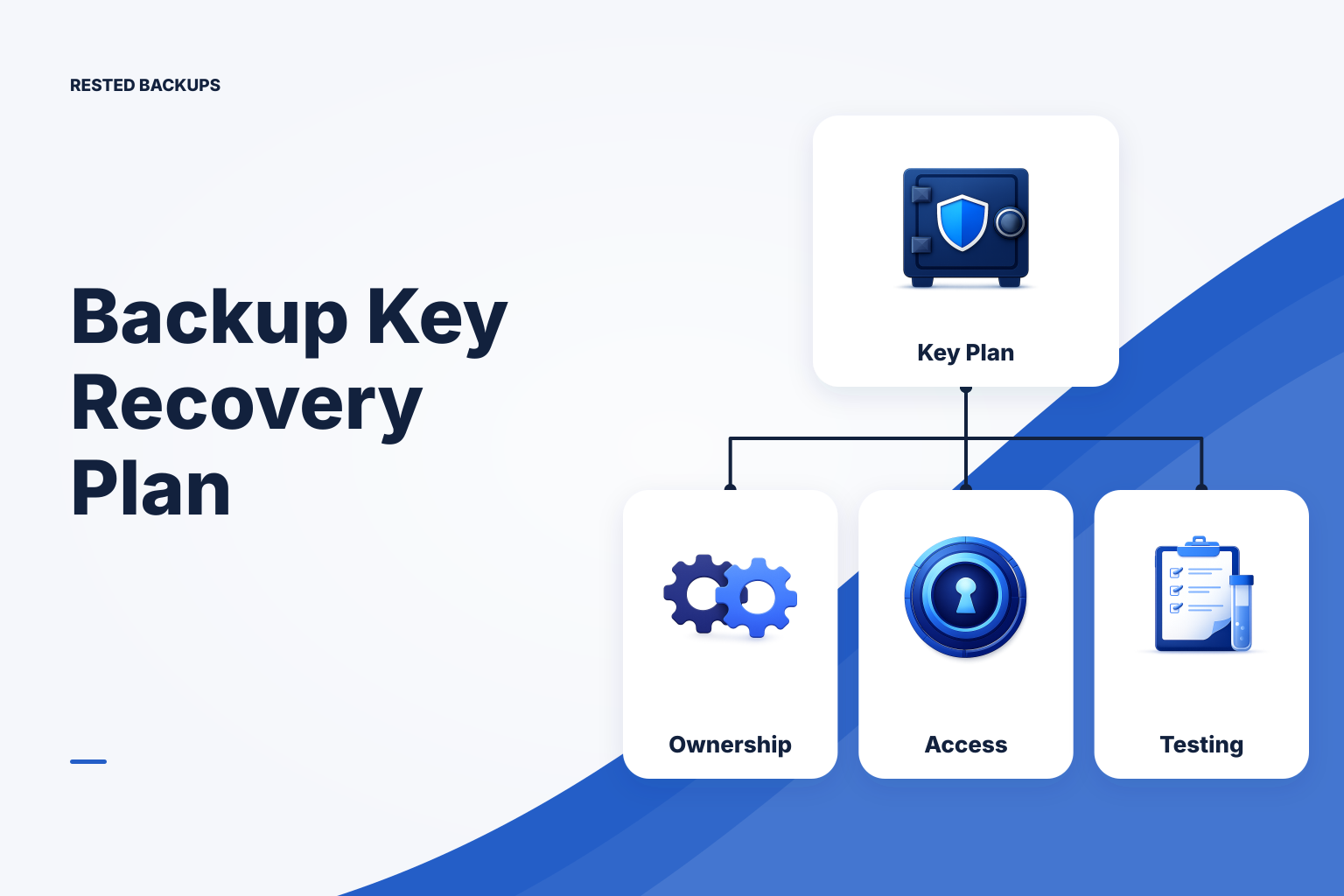
Encrypted backups are recoverable only when your organization can still reach the repository, storage, and decryption credentials. Build role-based ownership, independent break-glass access, and test restores from a new,
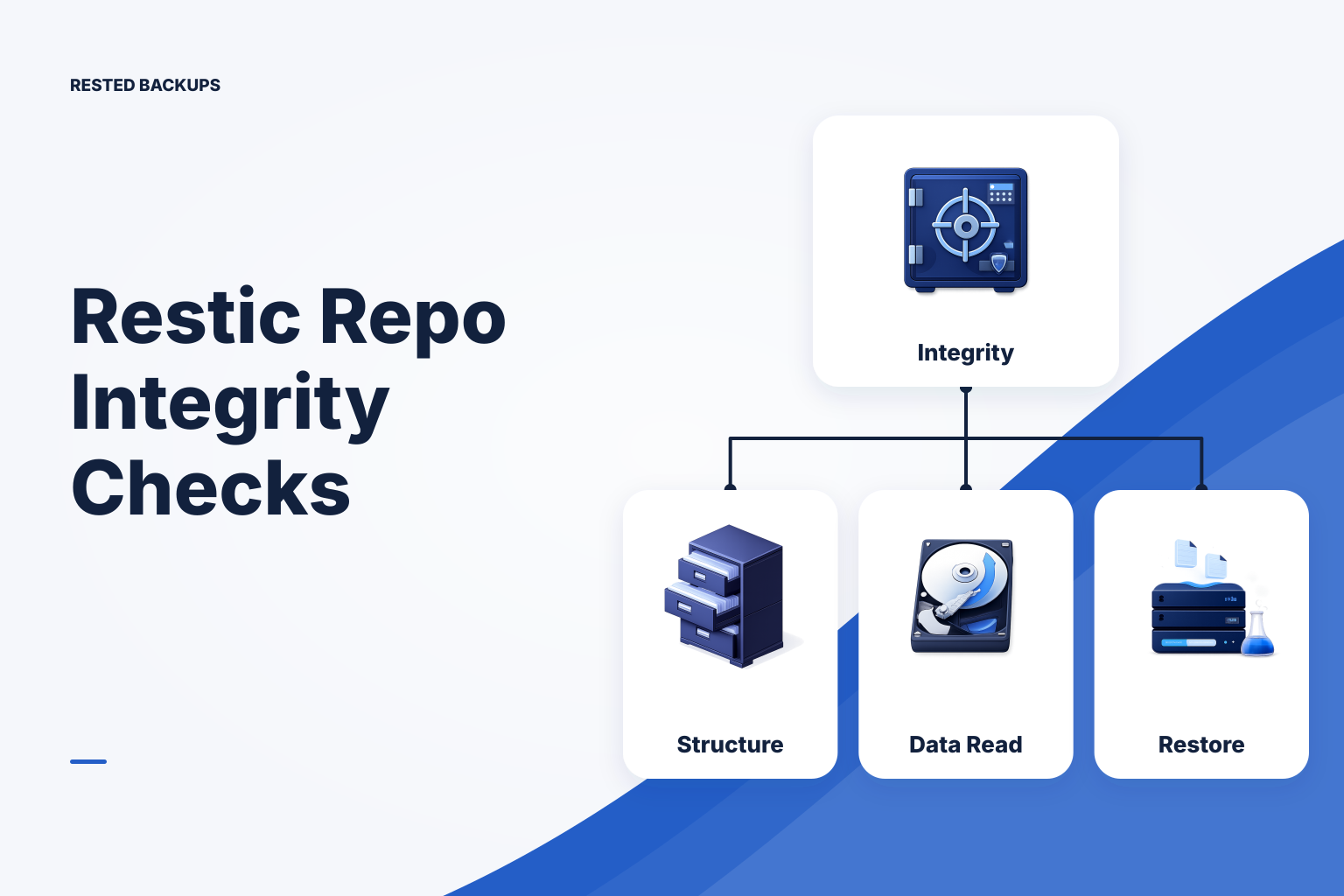
A restic repository check provides important evidence that stored backup data is structurally sound. Learn what standard checks, full data reads, subset reads, and isolated restore tests each prove—and how to respond if,