DigitalOcean backups vs snapshots vs application-aware backups
Compare DigitalOcean Droplet Backups, Snapshots, and application-aware backups by scheduling, consistency, retention, recovery granularity, and failure scope.
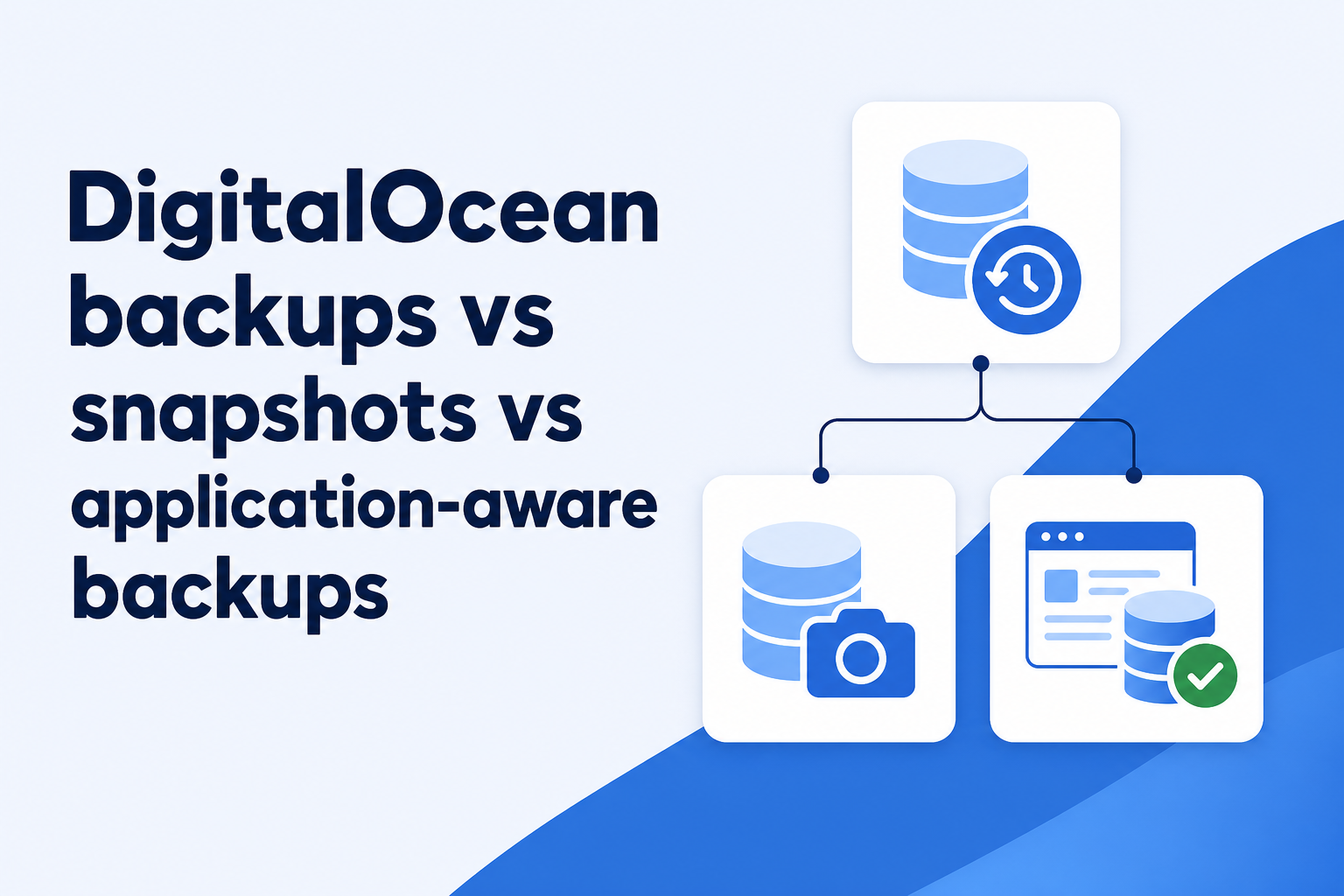
Start with the recovery unit
DigitalOcean Backups and Snapshots are images. They are excellent when the desired recovery unit is a Droplet or Volume, but that is not always the same thing as recovering an application. A web service may need a database from a precise point, one object-store export, an uploads directory, configuration secrets, or a complete machine. Those needs should decide the layers rather than the convenience of a single switch.
DigitalOcean describes automated Droplet Backups as crash-consistent point-in-time images taken from a live system. Snapshots are on-demand disk images. Application-aware backups use the database or application's own consistency mechanisms and produce artifacts intended for that application's restore process. None is a complete replacement for the others in every workload.
Compare the three options without collapsing them
Use the following distinctions as a first pass. DigitalOcean's plans, frequencies, retention choices, and prices evolve, so verify the current product documentation before making a cost or compliance commitment.
- Automated Droplet Backups: recurring crash-consistent images for whole-Droplet recovery, with configurable frequencies and retention depending on the selected plan.
- Snapshots: manual images of a Droplet or Volume kept until deletion, useful for release checkpoints, cloning, migration, and deliberate long-term preservation.
- Application-aware backups: scheduled logical or physical artifacts created with the application's consistency rules, usually stored separately and restored with application-specific tooling.
- Droplet Volumes: excluded from automated Droplet Backups and therefore dependent on separate Volume Snapshots or an in-guest backup method.
- Recovery granularity: DigitalOcean images restore as infrastructure images; application-aware repositories can be designed for file-, database-, table-, or point-in-time recovery.
What automated Droplet Backups provide
The strongest property is that DigitalOcean runs the image schedule outside the guest. The documented service creates a live snapshot, copies it off the Droplet's disk, and removes the temporary snapshot after the backup completes. A broken cron configuration inside the server does not stop the provider from attempting the image. Available backup plans range from weekly to multiple times per day, and usage-based plans allow configurable retention.
These images are useful for rebuilding an existing Droplet or creating a new one. Restoring the original is a whole-machine rollback and replaces changes made since the selected image. Creating a separate Droplet is less invasive and can help an operator inspect files before deciding how to recover production.
DigitalOcean stores automated Backups in the same datacenter as the corresponding Droplet. It also states that they do not include Volumes. This means the feature should not be described as a complete independent copy of every attached resource. It protects the Droplet disk from several common failures, but it does not create provider independence, account independence, or automatic coverage for separately attached storage.
What changes when you choose a Snapshot
Snapshots are initiated when you choose, so they fit planned change better than continuous protection. Take one before a major upgrade, preserve a known image for later cloning, or archive a Droplet before deleting it. DigitalOcean documents that Snapshots are retained until deletion and that it backs them up offsite for additional resiliency.
Manual retention is both a benefit and a risk. A Snapshot does not rotate away merely because a new daily image arrives, but it also does not become current by itself. A forgotten Snapshot can provide false comfort while application data changes every minute. Assign an owner and deletion date, and label the event it represents.
For a running Droplet, DigitalOcean recommends powering down before taking a Snapshot when applications require all data to be flushed to disk. It warns that a live Snapshot can degrade performance and compromise data consistency. That advice is especially important for databases. A manual image taken at a convenient moment is not automatically a database-supported backup.
Application-aware backups cover a different gap
An application-aware process coordinates with the software that owns the data. PostgreSQL can produce logical dumps while online or use base backups with WAL for physical and point-in-time recovery. MySQL distinguishes logical and physical methods and requires appropriate consistency handling when data files are copied from a running server. Similar principles apply to other stateful systems: let the engine define what constitutes a valid recovery artifact.
This approach also changes recovery granularity. A logical database backup may recover one database or selected objects without reverting the operating system. An encrypted file repository can return one directory without provisioning a second full-size Droplet. Point-in-time recovery can target a moment between provider images when the database's log chain has been protected correctly.
Application awareness does not reconstruct an entire VM by itself. Packages, boot configuration, firewall state, service units, and unrelated files may still be faster to recover from an image or infrastructure automation. A layered design uses images for broad machine recovery and application-aware artifacts for the data whose consistency and recovery precision matter most.
Account and export boundaries matter on incident day
DigitalOcean currently documents that Backups and Snapshots cannot be downloaded directly. To recover individual files from an image, you create a Droplet or Volume from it and copy the files. That workflow can be perfectly acceptable, but it depends on access to the DigitalOcean account, available resource quota, and the provider control plane.
An independently stored application backup can offer another path when the account is locked, compromised, or unavailable. Independence means more than a different bucket name. Review who controls the storage account, whether the production Droplet can delete old versions, where encryption keys live, and whether billing and identity recovery are shared with production.
Conversely, an external repository has its own dependencies: destination credentials can expire, schedules can stop, and a restore tool may be missing from a clean machine. Provider images are valuable precisely because they remove some of that operational burden. The aim is to avoid one failure disabling every path, not to replace a managed image service on principle.
Use a workload checklist
A neutral comparison becomes useful when it is attached to one real service. Answer these questions for each Droplet instead of applying one global label.
- How much data loss is acceptable, and does the chosen image frequency meet that recovery-point objective?
- Does critical state live on the Droplet disk, on a Volume, in Spaces, or in a managed database?
- Can the workload tolerate a crash-consistent image, or does it require a database-supported consistent backup?
- Do responders need a whole machine, a few files, one database, or point-in-time recovery?
- How long can deletion or corruption remain unnoticed, and is the retained image history long enough?
- Can recovery proceed if the DigitalOcean account or API is unavailable?
- Does the restore require enough quota to create another Droplet or Volume?
- Which validation proves success after restore: boot, database checks, login, background jobs, and application behavior?
A layered answer is usually more honest
For a conventional stateful Droplet, automated Backups can provide convenient recent whole-server recovery, Snapshots can preserve deliberate infrastructure milestones, and an application-aware encrypted backup can protect portable data with its own retention and access boundary. The appropriate frequency and number of layers follow from business recovery objectives, not from a generic rule.
A stateless worker rebuilt from code may need no long-lived disk history. A busy database may need log-based point-in-time recovery and careful performance planning in addition to occasional images. A low-change internal service may be adequately covered by daily provider images plus exported configuration. Document the choice, including what is explicitly excluded, and rehearse the recovery path that the team expects to use first.
Technical basis
First-party references
Technical claims and limitations in this guide were checked against these primary sources. Confirm version-specific behavior when designing a production recovery process.
- DigitalOcean Backups featuresDigitalOcean (opens in a new tab)
- DigitalOcean Backups limitsDigitalOcean (opens in a new tab)
- DigitalOcean Snapshots detailsDigitalOcean (opens in a new tab)
- Creating Droplet Snapshots safelyDigitalOcean (opens in a new tab)
- DigitalOcean Backups support and recovery constraintsDigitalOcean (opens in a new tab)
Related from Rested
Common questions
Frequently asked questions
What is the difference between a DigitalOcean Backup and Snapshot?
A Droplet Backup is created automatically according to a backup plan and retention policy. A Snapshot is created on demand and remains until deletion. Both are disk images; a Snapshot can cover a Droplet or an individual Volume.
Are DigitalOcean Backups application-consistent?
DigitalOcean describes them as crash-consistent images taken while the Droplet runs. They capture persisted disk state but do not coordinate a transaction-consistent export through your database. Use an application-supported backup method when that distinction matters.
Do DigitalOcean Droplet Backups include Volumes?
No. DigitalOcean explicitly excludes Volumes from automated Droplet Backups. Use Volume Snapshots or protect the data through a separate application- or filesystem-level backup.
Can I download a DigitalOcean Backup or Snapshot?
DigitalOcean currently says these images cannot be downloaded directly. Its documented file-recovery path is to create a Droplet or Volume from the image and copy the required data.
Should I use provider images or application-aware backups for a database?
Use a database-supported backup for consistency, portability, or precise recovery, and keep provider images when fast whole-machine reconstruction is valuable. Test both paths because they solve different recovery problems.