Recipe-aware Postgres backups for Linux hosts.
Rested helps you schedule encrypted Docker or native Postgres backups, see run history, and keep restore work close to your database backup setup.
Free plan: 1 server, 1 backup target, daily backups, and no credit card required. Compare plan limits Paid plans include MCP access.
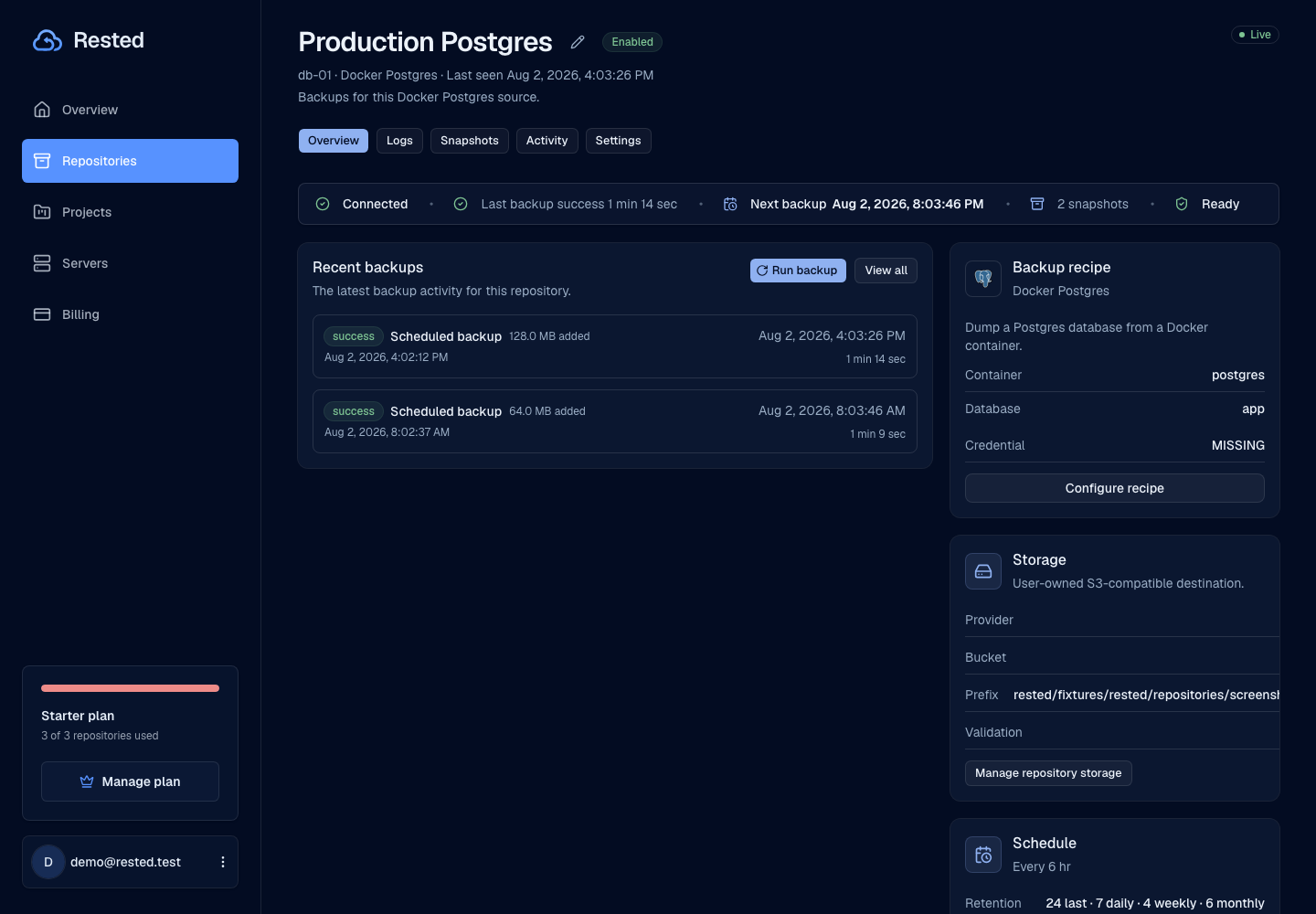
Built around practical Postgres recovery
The aim is a clear path from database backup to encrypted storage to restore.
Read the setup guideChoose the database
Define the Postgres database, dump mode, schedule, retention, and storage destination.
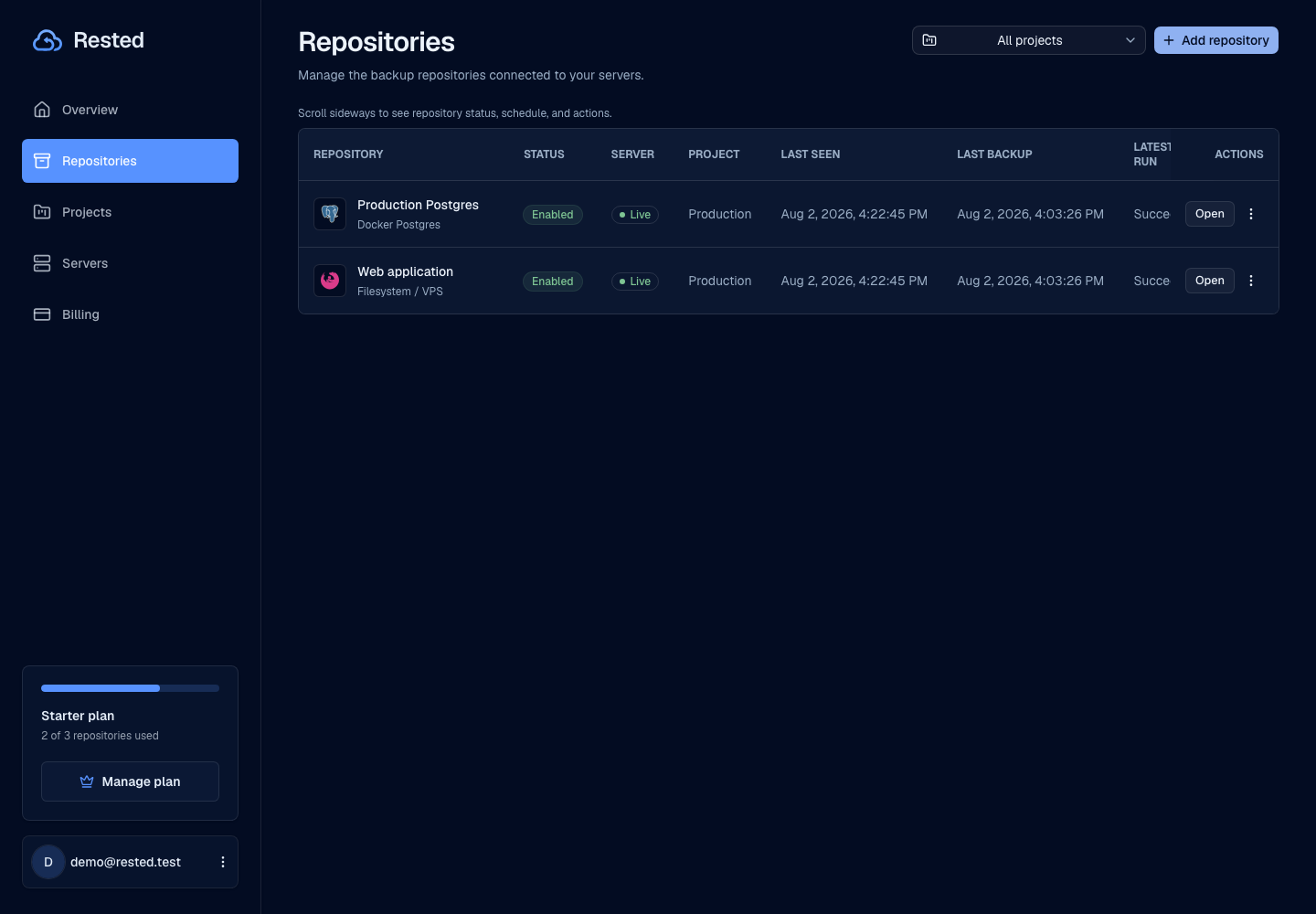
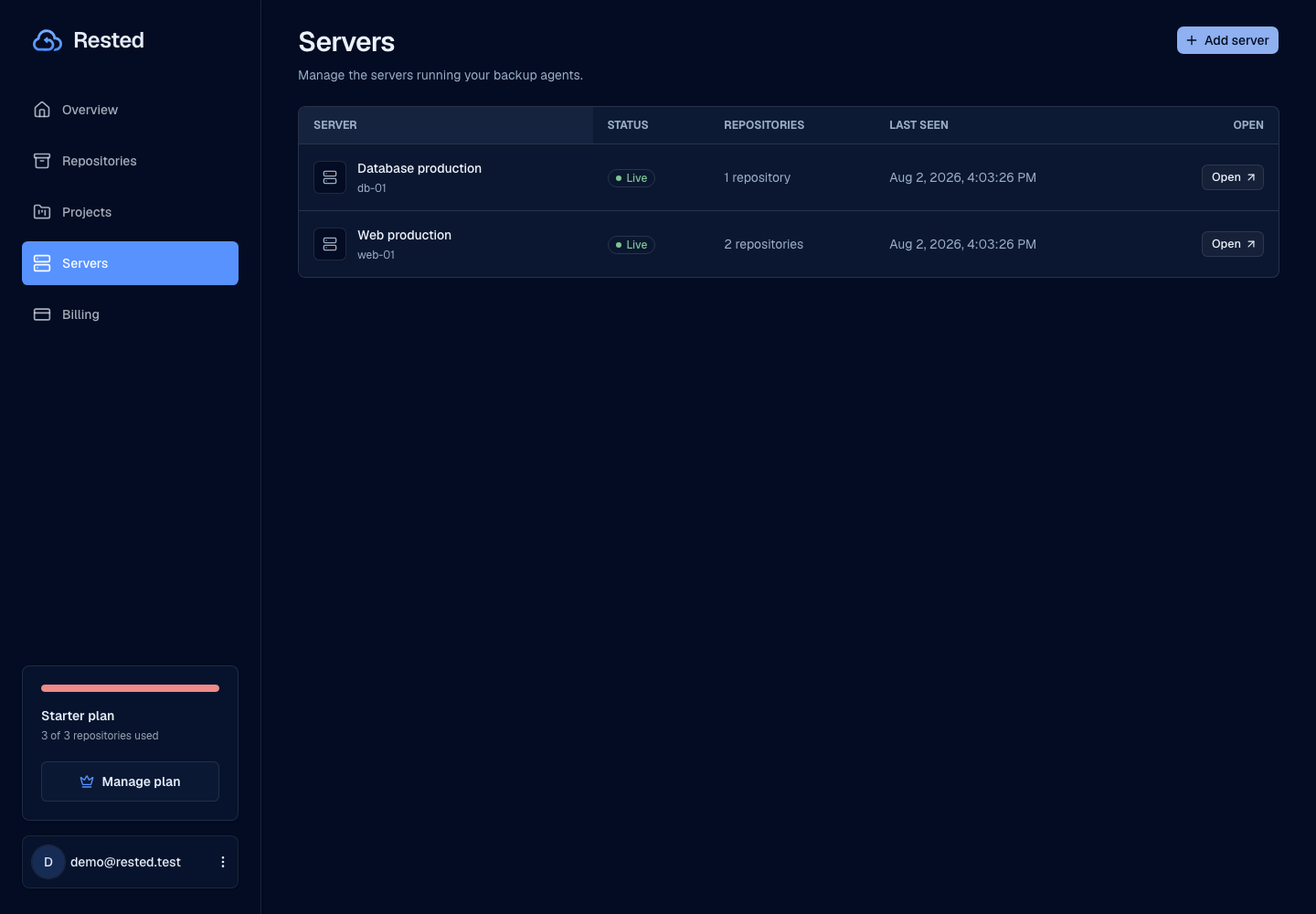
Connect the host
Connect the Linux machine that can reach the database and run the backup.
Store encrypted backups
Database dumps are encrypted on the host and written to your configured storage as restic backup data.
Restore with context
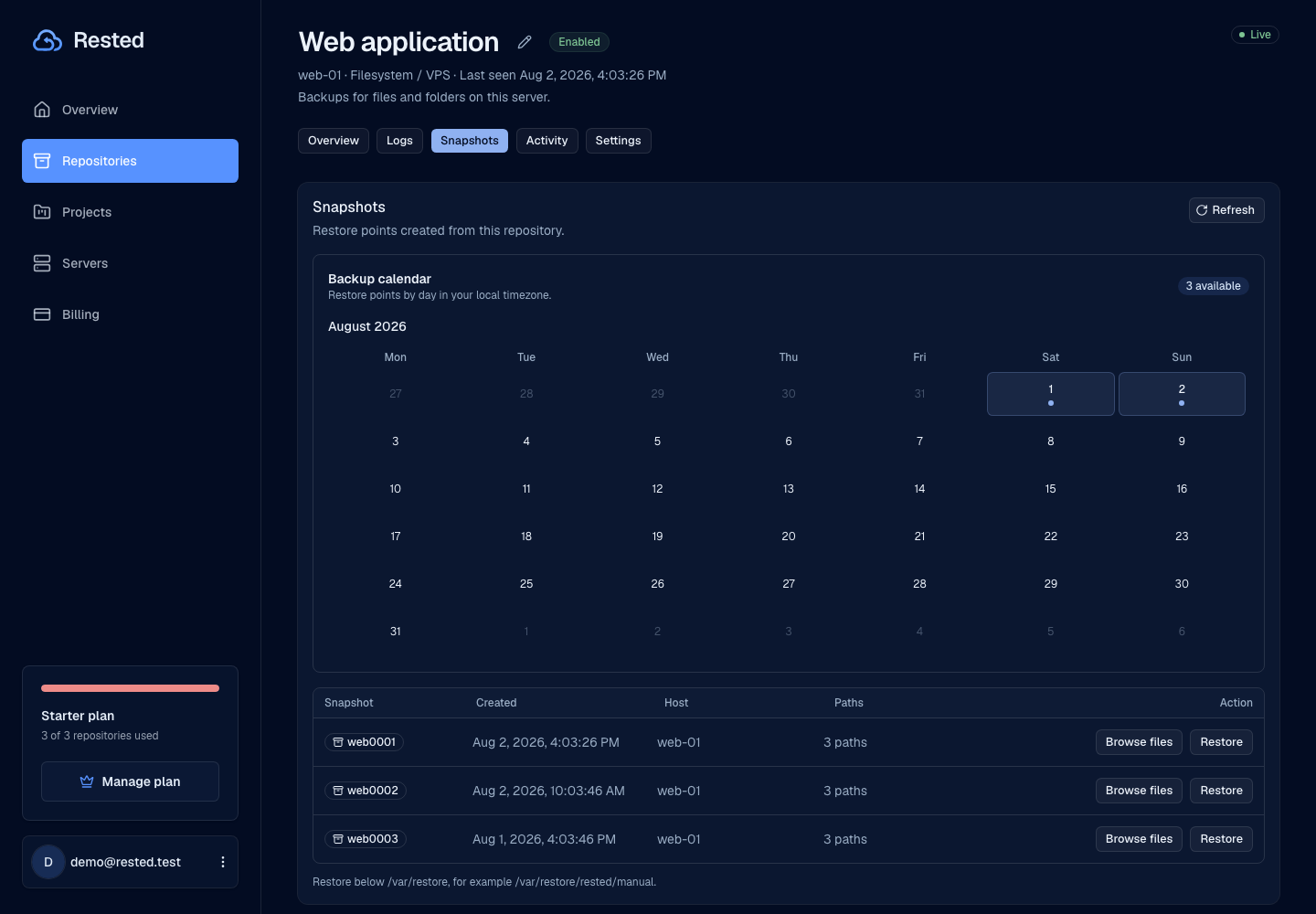
Keep backup history and recovery actions close together so restore work is easier to reason about.
Backup visibility without holding your keys
Rested makes Postgres backup work visible while your encryption key — and your data — stay yours.
Backup files skip the web app
Your host writes encrypted backup data straight to your storage. Rested coordinates the schedule and history — it never sees your dump contents.
You keep the recovery key
The key that unlocks your encrypted backups stays with you. Rested cannot read your data, and neither can anyone who compromises the control plane.
Database-focused actions
The Postgres workflow does one thing: back up and restore your database. It is not a general-purpose remote terminal into your host.
Real history after setup
Once the database host runs its first backup, Rested shows real run history, durations, and outcomes — not placeholder numbers.
Good to know
Postgres backup reliability depends on database access, storage, schedules, and tested restores.
Read about securityPostgres dump automation
Docker and native Postgres recipes support single-database and all-database dumps.
General database coverage
This page is about Postgres. It does not claim MySQL, SQLite, MongoDB, or every managed Postgres topology is supported.
Storage setup breadth
Storage setup should be clear before scheduled database backups are trusted.
History after setup
Run history, durations, and outcomes appear after the database host reports its first backup.
Frequently asked questions
How does Rested back up a Postgres database?
An agent on a Linux host that can reach your database runs pg_dump on your schedule, encrypts the dump with restic, and uploads it to your own S3-compatible storage. Rested stores the schedule and history, not the backup contents.
Does Rested support Docker Postgres backups?
Yes. The agent runs pg_dump inside the configured container and stores the encrypted dump alongside your other backups. Native Postgres is supported as a separate recipe.
Where are my Postgres backups stored?
In storage you own and configure — any S3-compatible bucket. Backups are encrypted by restic before they leave your host, so the storage provider only ever holds ciphertext.
Can I restore a Postgres dump back into the database?
Yes. You can restore the dump files non-destructively to a target path, or auto-restore the dump back into the live database. The destructive database import asks for confirmation before it runs.
Find your backup workflow.
From a single Linux server to a database. Start with the guide that fits your setup.
Start with one Postgres backup and prove the restore path.
Connect the database host, run a backup, and keep recovery points visible before you need them.