Backup cost optimization without cutting recovery coverage
Reduce backup storage cost without weakening recovery coverage. Audit scope, retention, storage access, restore evidence, and operational visibility.
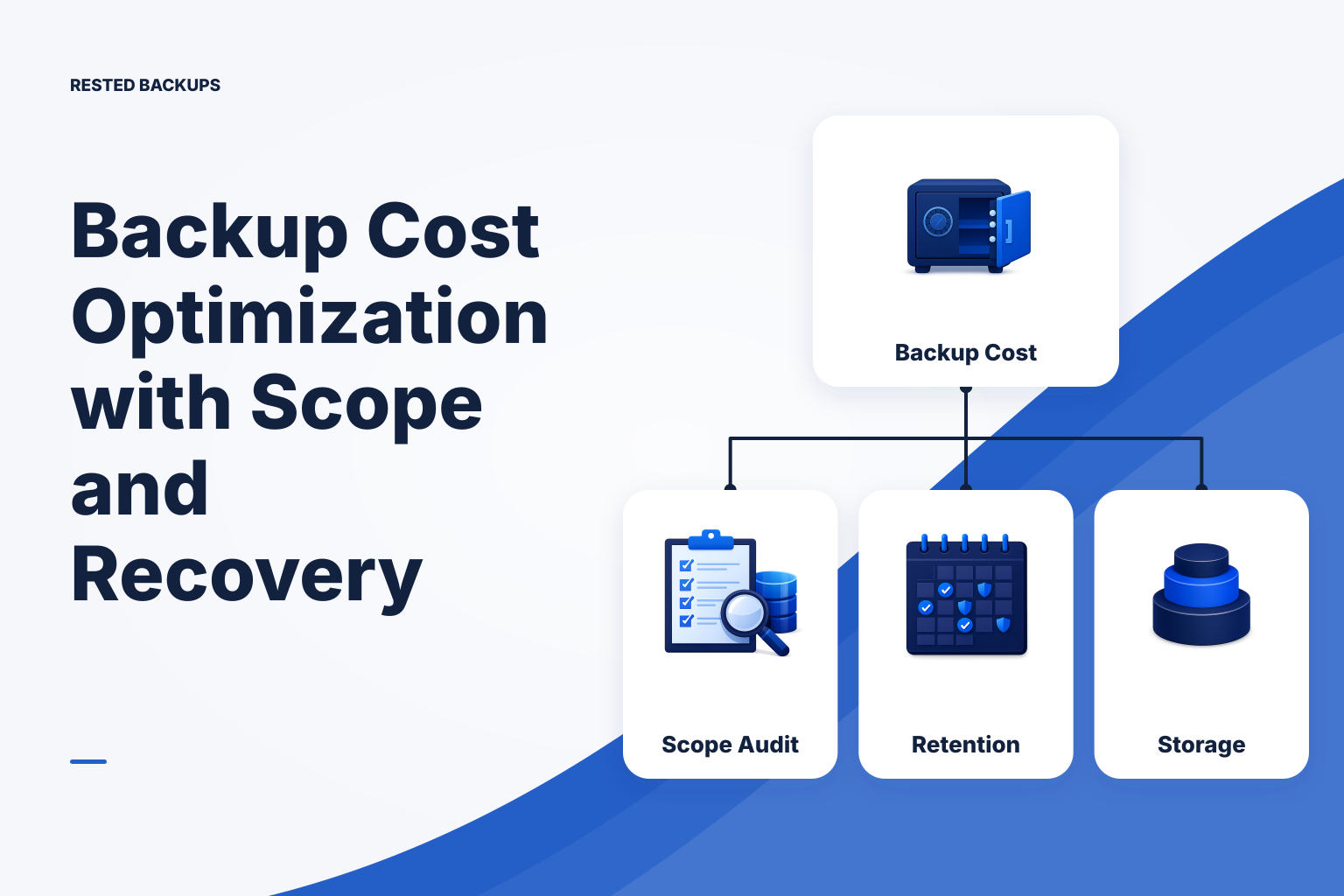
Start with recovery requirements, not a cheaper storage tier
The safest form of **backup cost optimization** is to remove data, copies, and retention periods that do not support a defined recovery outcome—while preserving the sources, recovery points, and restore information that do. Cutting cost by shortening retention or moving everything to a cheaper tier before you know what must be restored is a common way to create an inexpensive but inadequate backup system.
Begin with two decisions for each service: how much recent data loss is acceptable, and how quickly the service must return. These are the recovery point objective (RPO) and recovery time objective (RTO). An hourly order database, a mostly static documentation site, and a long-retention compliance archive can legitimately have different backup frequency, retention, and storage-access needs.
Recovery coverage means more than the number of objects in a bucket. It includes the application data, database-consistent artifacts where needed, configuration, credentials or recovery information, and a usable path to restore them in the right order. The [NIST contingency planning guide](https://csrc.nist.gov/pubs/sp/800/34/r1/final) is useful background for this discipline: contingency planning starts by identifying systems, recovery requirements, and procedures rather than selecting a storage product first.
For a small Linux estate, total backup cost usually has four parts: protected data retained over time, storage requests and retrieval, data transfer, and the operator time spent finding failures or reconstructing a restore path. Storage price is visible, but an oversized restore, a missing database role, or an unnoticed failed schedule can be far more expensive during an incident.
- Record each recovery target: service name, owner, source paths or database method, dependencies, target RPO and RTO, and the person who can approve a destructive restore.
- For each target, define the minimum viable restore: what must be present for the service to be useful, what can be rebuilt, and what evidence would show that recovery worked.
Measure scope before changing retention or storage
Do not assume that a large repository means your retention is wrong. First determine whether the backup contains the right things and only the right things. Inventory server paths, uploads, generated assets, database dumps or physical backup artifacts, container volumes, application configuration, and logs. Then mark each item as recover, rebuild, retain briefly for investigation, or exclude.
The most frequent waste on Linux servers is backing up reproducible or volatile data indefinitely: package caches, build outputs, temporary directories, container image layers, application caches, and verbose logs already handled by a separate logging policy. Excluding these items can reduce backup storage cost, but only after confirming the application can recreate them and that they are not the sole copy of customer-uploaded or operationally important data.
Containerized workloads need special care because the data path visible inside a container may be a Docker volume or a host bind mount. Docker documents that volumes persist outside a container lifecycle in its [volumes documentation](https://docs.docker.com/engine/storage/volumes/). Map the actual host-side persistent locations and database storage before excluding container-related paths; removing a disposable container image from scope is not the same as protecting the state it uses.
For databases, distinguish a raw data directory from an engine-aware backup artifact. A file-level copy may not provide the consistency or portability your restore procedure needs. PostgreSQL documents its logical and physical backup approaches in the [PostgreSQL backup and restore documentation](https://www.postgresql.org/docs/current/backup.html); use the method that matches your recovery requirement, then include the resulting artifacts and required global objects in the coverage map.
- Confirm application state: uploads, user-generated files, license or tenant configuration, and data directories outside the deployment repository.
- Identify safely rebuildable material: caches, package-manager cache, temporary files, CI artifacts, and images that can be pulled again from a trusted registry.
- Protect the configuration needed to assemble the service, while handling secrets according to your security process rather than casually copying them into broad backup scopes.
- Map dependencies that live elsewhere, such as object storage, managed databases, DNS configuration, or external identity settings; a server backup cannot automatically recover those services.
Right-size recovery points with a retention policy you can explain
Retention is a recovery policy, not merely a cost-control setting. Keep enough closely spaced recovery points to meet the RPO for active data, then keep fewer older points for the business events you genuinely need to recover from: a delayed discovery, an end-of-month issue, or a seasonal record. The exact schedule depends on change rate, acceptable loss, legal obligations, and how quickly data problems are normally noticed.
Avoid one universal rule for every server. A frequently changing production database may need more recent points than a low-change internal tool, while a critical configuration repository may be small enough to retain longer. Conversely, retaining dense daily points for a large rebuildable cache consumes money without materially improving recovery.
Encrypted, deduplicating backup tools can reduce repeated storage when much of the source remains unchanged, but they do not eliminate the effect of churn. Large compressed archives, rewritten database dumps, rotated log files, and generated artifacts that change wholesale can create substantial new data even when their logical content is similar. Track repository growth after a policy change instead of assuming deduplication will offset every workload pattern.
Treat deletion as a controlled operation. First apply a proposed retention policy to a noncritical repository or review which snapshots would remain, then confirm that the retained dates satisfy the documented recovery scenarios. Pruning reclaims unreferenced backup data only after older snapshots are removed; it should not be used as an emergency response to an unexplained storage increase.
- Keep recent points according to the service's acceptable data-loss window, not according to a generic “daily is enough” assumption.
- Keep selected older points for delayed detection and business milestones, then document why those dates matter.
- Investigate sudden repository growth by source and change pattern before shortening retention; unexpected growth can reveal a scope error or a new application data path.
Use storage controls that reduce spend without blocking a restore
Object storage lets you separate the backup workflow from ownership of the storage account, but the account’s pricing, permissions, quotas, lifecycle behavior, and availability remain part of the recovery plan. Review the provider’s storage, request, transfer, and retrieval model rather than comparing only a headline price. The [Amazon S3 user guide](https://docs.aws.amazon.com/AmazonS3/latest/userguide/Welcome.html) describes the service concepts and storage-management controls; equivalent controls vary across S3-compatible providers.
Lower-cost archival tiers can be appropriate for older points that are unlikely to be needed quickly. They are a poor default for the only recovery point that must meet a short RTO, especially if retrieval takes time, creates separate charges, or requires an operator action before data is accessible. Keep this distinction explicit in the recovery plan: “stored” does not necessarily mean “immediately restorable.”
Use a repository-specific storage configuration and isolated prefix so that one server or credential does not need broad access to unrelated backup data. Least privilege can limit accidental deletion and simplify cost attribution, but permissions must still allow the repository operations required by the configured workflow, including retention maintenance where applicable. Test the access path with the same credentials and repository information you would have during a restore.
Do not save money by treating recovery information as optional documentation. You need the repository location, storage access process, encryption or recovery key ownership, and restore instructions. If the recovery key is lost, encrypted repository data may remain stored but cannot be decrypted; no dashboard or storage provider can infer it for you.
- Classify retained points by expected restore urgency and keep the points needed for short-RTO recovery in storage that your procedure can access in time.
- Review lifecycle rules against the backup tool’s retention and pruning behavior before enabling them; an automatic rule that removes required objects can undermine the repository.
- Where the provider supports it, use account, bucket, prefix, or billing labels that let you attribute storage growth to a service and investigate it.
Verify savings with recovery evidence and visible operations
Make cost changes one at a time: adjust scope, retention, lifecycle handling, or schedule, then observe the effect over enough runs to distinguish a real trend from a one-time spike. Record the before-and-after repository size, retained snapshot dates, failure state, and any expected retrieval implications. A lower bill is not a successful change if the remaining restore points no longer meet the documented RPO or RTO.
Run a contained restore test after material changes. Restore to an intentional non-production target, check that the expected files or database artifacts are present, perform the application-appropriate validation, and capture the time and manual steps involved. A successful upload proves that a backup job completed its assigned transfer; it does not prove that the application will start or that the restored data is correct.
Visibility is part of cost control because silent failures lead teams to retain extra copies “just in case” while still not knowing whether a current recovery point exists. [Rested Backups](https://restedbackups.com) can be a practical fit for small teams running encrypted restic workflows on Linux: it keeps schedules, recent outcomes, snapshots, and restore work visible in one workspace while you retain control of storage configuration, permissions, and the recovery key.
Use this operational rule: remove only what you can classify as rebuildable, redundant, or outside a documented recovery need; retain what a tested restore requires. Review scope and retention whenever the application changes, and treat an unexpected cost increase or missing run as a recovery signal to investigate—not merely an invoice problem.
- Confirm that snapshot history still contains the recovery dates and sources required by each service’s recovery plan.
- Restore a representative recent point and, periodically, an older retained point to validate both procedure and retention assumptions.
- Make missing scheduled runs and failed jobs visible to an owner; cost savings do not compensate for discovering a backup gap during an outage.
- Keep a short change record with the policy change, expected savings mechanism, observed result, and any restore-test evidence.
Technical basis
First-party references
Technical claims and limitations in this guide were checked against these primary sources. Confirm version-specific behavior when designing a production recovery process.
Related from Rested
Common questions
Frequently asked questions
What is the fastest way to reduce backup storage cost?
Start with a scope audit. Removing confirmed caches, temporary files, reproducible build artifacts, and duplicate backup inputs often reduces growth without removing recovery points. Do not exclude a path solely because it is large; first establish whether it contains application state, uploads, database artifacts, or configuration needed for recovery.
Should I shorten backup retention to save money?
Only after mapping the recovery scenarios that require older data. Shortening retention may be reasonable for low-value, high-churn material, but it can eliminate the only point available before a delayed corruption or deletion was discovered. Review the snapshot dates that would remain and test that those dates support the documented recovery plan.
Are cheaper archive storage tiers always better for backups?
No. Archive tiers may reduce ongoing storage cost for older recovery points, but retrieval timing, retrieval charges, access workflow, and provider-specific behavior can conflict with your RTO. They are usually better suited to recovery points that are valuable but not needed for rapid operational restoration.
Does deduplication make frequent backups inexpensive enough to keep forever?
Not necessarily. Deduplication helps when source data has repeated or unchanged content, but workloads that rewrite large files, produce new compressed dumps, rotate logs, or generate unique artifacts can still grow quickly. Measure actual repository growth and retained snapshot history instead of assuming the logical size of the source predicts stored size.
How do I know a cost reduction did not weaken recovery?
Verify both policy and practice. Check that the retained snapshots still cover the required dates and sources, then perform a restore to a separate target and validate the recovered files or database artifact in the way the application requires. Keep the result, elapsed time, and missing prerequisites as evidence for the next review.