Backup restore testing: prove recovery before an emergency
Learn a practical backup restore testing process for Linux servers and databases: define recovery goals, restore safely, validate results, and record evidence.
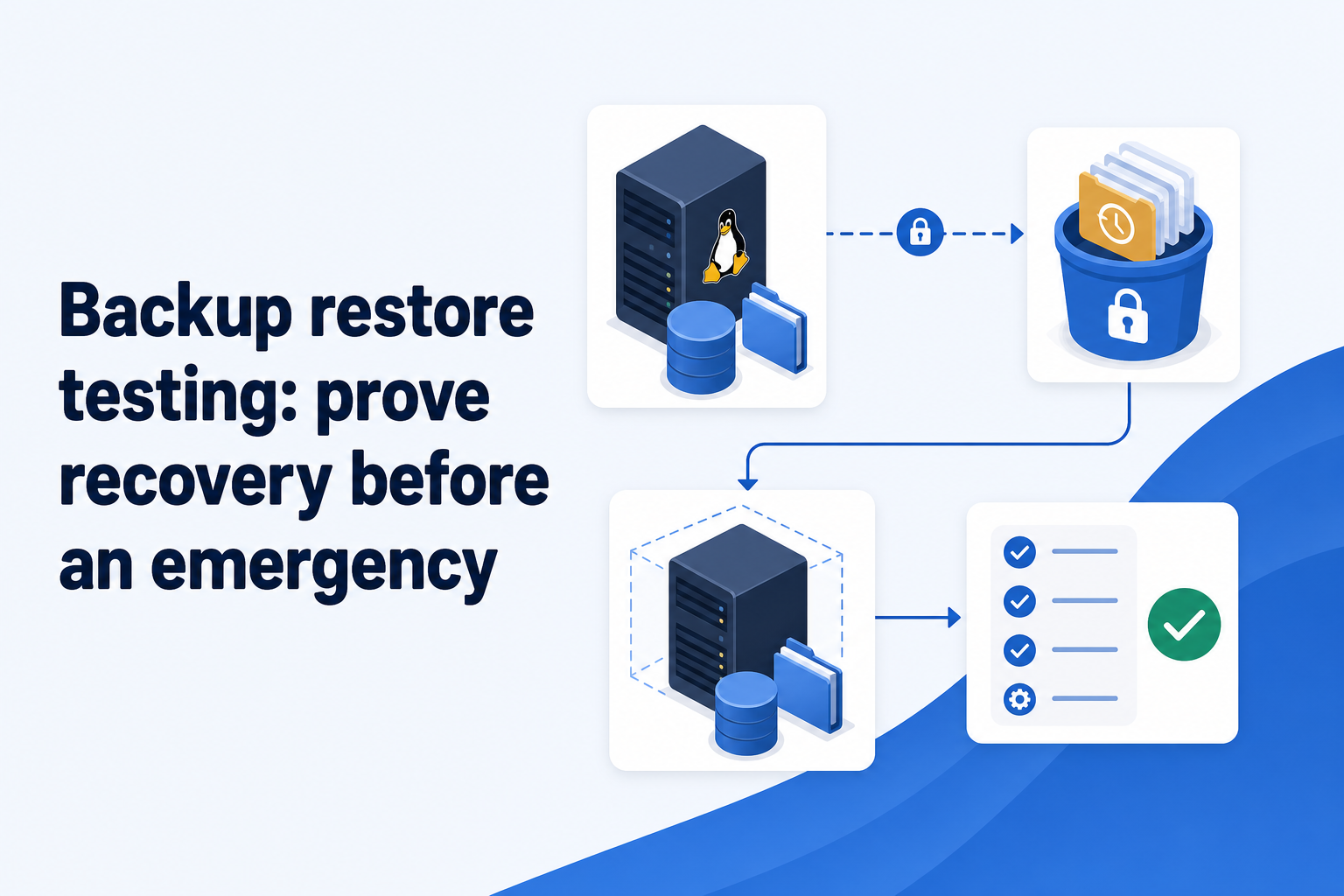
A successful backup is evidence of a copy, not evidence of recovery
Backup restore testing means restoring a real recovery point into a deliberate target, then proving that the recovered files, database, and application behavior meet the outcome you need. Do this before an emergency because a green backup job can still conceal the failures that matter most: the wrong paths were selected, credentials no longer work, a required dependency is absent, or the data cannot be used by the application.
This distinction matters especially for Linux server backups. A job can upload encrypted data successfully while the agent host has excluded an important mount, a database dump is incomplete, object-storage access has drifted, or the documented restore steps no longer match the current server. Repository integrity checks are useful, but they do not replace restoring and using the data.
Treat backup verification as layers rather than a single checkbox. First confirm that scheduled work completed and produced an expected recovery point. Then verify repository health where your backup tool supports it. Finally, run a restore test that demonstrates the business or technical outcome you chose. The last layer is the one that turns a backup from an assumption into recovery evidence.
- Backup signal: a recent run completed and the expected snapshot or backup artifact exists.
- Repository signal: the backup repository can be read and checked with the credentials and storage access required for recovery.
- Recovery signal: the restored data is complete enough, consistent enough, and usable enough for the stated recovery target.
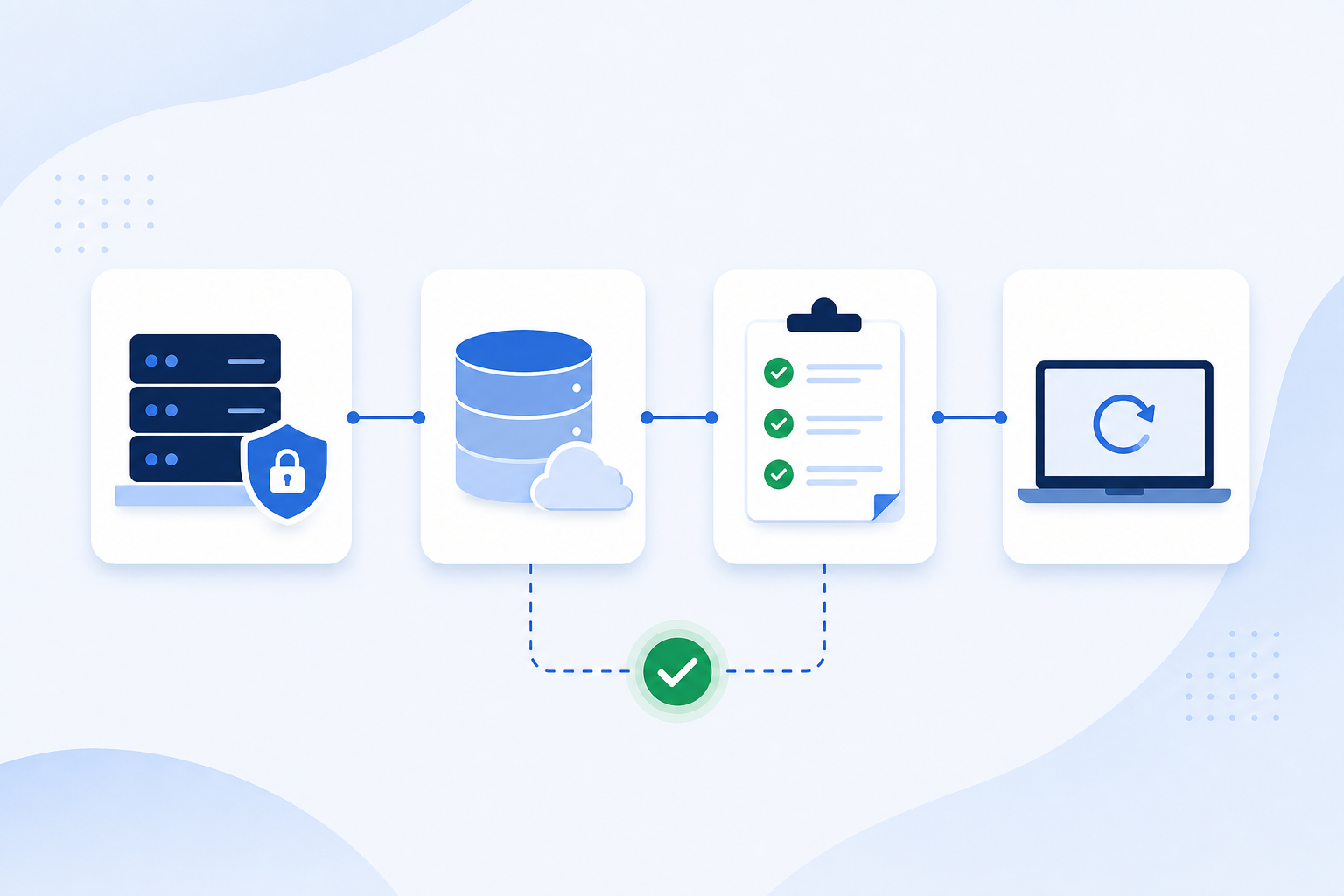
Define what “recovered” means before you choose a test
Start with a recovery target, not a command. Name the workload, the failure you are preparing for, the acceptable data age, and the test result that would count as success. Your recovery point objective (RPO) is the maximum acceptable age of recovered data; your recovery time objective (RTO) is the maximum acceptable time to restore service. Neither is proven by a schedule alone.
For a static application server, success may mean restoring /etc, an application release directory, uploads, and a service configuration to a clean host, then starting the service and retrieving a known file. For a database-backed service, success usually requires more: restore the database artifact, start a compatible database instance, connect with an application or query tool, and validate a small set of meaningful records and workflows.
Be explicit about scope boundaries. If application data lives in a Docker volume, a backup of the container image or configuration alone does not necessarily include that volume’s contents; Docker documents volumes as persistent data storage managed separately from a container’s writable layer. Review the paths and mounts that actually hold state using the Docker volumes documentation (opens in a new tab).
- Workload and owner: identify the service, server, database, and person responsible for judging the test.
- Recovery scope: list files, directories, secrets-handling prerequisites, database artifacts, configuration, and external dependencies that must be present.
- Recovery point: choose a recent snapshot or artifact and record its timestamp so you know the actual data age being tested.
- Acceptance checks: write a short list of commands, queries, endpoints, or user journeys that demonstrate usable recovery.
- Time observation: measure the test steps and note delays, while treating the result as an observation rather than a guaranteed future RTO.
Run the restore test in an isolated, repeatable sequence
Use an isolated restore target whenever practical: a disposable virtual machine, a separate directory on a non-production host, or an isolated database instance. Do not make a first-time restore experiment overwrite production paths. Before starting, ensure the target has enough capacity, the correct operating-system and application versions where relevant, access to the repository, and a safe way to handle any credentials needed for the test.
Select a specific recovery point rather than simply choosing “latest,” and record its identifier and time. Restore it to the isolated target, preserving the original backup until validation is complete. With restic, the restore operation is directed to a chosen target directory; consult the restic documentation (opens in a new tab) for the options appropriate to your repository and installed version. Treat the command completing successfully as the start of validation, not the end.
Capture enough detail that another operator can repeat the test: the selected snapshot, restore target, tool versions that materially affect the process, elapsed time, errors encountered, and the acceptance checks performed. A short runbook is more valuable than a memory of having restored once. If recovery depends on a recovery key, retain it through the team’s approved secure process; losing it can make an encrypted repository unrecoverable.
- 1. Confirm the recovery scenario and keep production write paths out of the test target.
- 2. Choose and record a specific snapshot or database backup artifact.
- 3. Verify that the test environment can authenticate to required storage and has sufficient disk capacity.
- 4. Restore files or database artifacts to the isolated target and retain the original source backup.
- 5. Run the documented acceptance checks, record the result, and clean up the isolated environment only after preserving evidence.
Validate the restored workload, not just the restored bytes
File-level validation should be proportional to the service. Confirm expected directories and ownership where that affects startup, inspect critical configuration files without exposing secrets in test records, compare a small set of known files or checksums where available, and start the service only in the isolated environment. Also test the negative case: verify that the recovered service does not accidentally point at production databases, queues, or storage.
Database restore testing needs an engine-appropriate path. For PostgreSQL, identify whether your backup produces a logical dump, a directory-format archive, or another recovery artifact, then restore into a separate compatible instance and run representative queries. PostgreSQL’s backup and restore documentation (opens in a new tab) describes the available logical backup and restore approaches. A dump file existing is not the same as proving that it loads, that required roles and extensions are available, or that the application can use it.
Keep the acceptance test small but meaningful. For example, authenticate to a test-only instance, read a recently created record, retrieve an uploaded object, and exercise a non-destructive application operation. Avoid declaring success solely because a port opens. The aim is not to recreate every production workload; it is to find the common restore blockers before the incident forces you to work under pressure.
- Files: expected paths, permissions or ownership where needed, configuration presence, and critical application data.
- Database: successful import or recovery, expected schema, representative row counts or records, and a query that the application depends on.
- Service: isolated startup, health checks, a representative read path, and one safe end-to-end workflow.
- Evidence: selected recovery point, target, elapsed time, observed gaps, remediation owner, and date of the next test.
Make restore evidence part of normal backup operations
Set a test cadence based on change and consequence. Test after material changes to backup scope, retention, storage permissions, encryption-key handling, database versions, operating-system rebuild procedures, or the application’s data model. Stable, lower-impact systems may need less frequent full exercises, but they still need a deliberate review and periodic end-to-end recovery test. Broader disaster recovery testing should also cover people, access, communications, and dependencies outside the backup repository; the NIST contingency planning guide (opens in a new tab) is a useful primary reference for planning those activities.
Operational visibility makes this sustainable. Rested Backups (opens in a new tab) is designed to keep encrypted restic backup schedules, run outcomes, snapshots, and restore work visible in one workspace while your team retains control of storage, permissions, and the recovery key. That visibility can help an operator spot a missed run or choose a recovery point, but the team must still define scope and perform restore tests.
When a test fails, preserve the failure as useful evidence rather than immediately rerunning until it appears green. Common causes include a missing source path, expired or insufficient storage credentials, a restore target without enough space, a database version mismatch, missing roles or extensions, and an undocumented secret or external dependency. Correct the backup scope or runbook, then repeat the failed acceptance check against a new or known-good recovery point.
The operational takeaway is simple: choose a real recovery scenario, restore a named recovery point into an isolated target, validate the service outcome, and record what happened. Repeat after meaningful change. That is the practical standard for knowing whether your backups can help when an emergency is real.
- Maintain a restore-test record with date, system, chosen recovery point, tester, target, duration, result, and follow-up work.
- Review recent backup failures and freshness before the test so you do not mistake an old recovery point for current protection.
- Trigger an additional test after changing backup paths, database recipes, storage configuration, retention, or recovery documentation.
Technical basis
First-party references
Technical claims and limitations in this guide were checked against these primary sources. Confirm version-specific behavior when designing a production recovery process.
Related from Rested
Common questions
Frequently asked questions
How often should I perform backup restore testing?
Run a full restore test after material changes to the workload, backup scope, storage access, retention, database version, or recovery procedure. For unchanged systems, choose a recurring cadence based on the impact of data loss and downtime. Also review backup freshness and failures between full tests; a restore test does not excuse missed backups afterward.
Is a restic repository check enough to verify a backup?
No. Repository checks can provide useful evidence that the repository is readable and internally consistent, but they do not prove that you selected all necessary data, can restore into a suitable environment, or can start and use the recovered application. Use repository checks alongside a restore test with application- or database-level acceptance checks.
Should a restore test use the latest backup?
Usually test a specific, recent recovery point and record its timestamp and identifier. A current recovery point helps expose freshness and current configuration problems. It can also be useful to test an older point when retention behavior or a particular incident scenario matters, but do not assume “latest” is always the right point without checking its age and scope.
Can I test a database restore on the production server?
An isolated database instance is generally safer because restore operations can overwrite data, consume substantial disk and CPU, or connect an application to the wrong target. If you must use shared infrastructure, use a separate database, separate credentials, and explicit safeguards that prevent production writes. The exact approach depends on the database engine and your operational controls.
What should I do when a restore test fails?
Keep the logs and notes, identify whether the failure came from backup scope, repository access, target capacity, version compatibility, missing dependencies, or the validation procedure, and assign a remediation owner. Update the runbook and repeat the same acceptance check after the fix. Do not treat a subsequent backup upload as proof that the original restore problem is resolved.