Ransomware backup recovery: build a recovery-ready plan
Build ransomware-resilient backups with protected access, separate recovery credentials, retention planning, immutable copies, and tested restores.
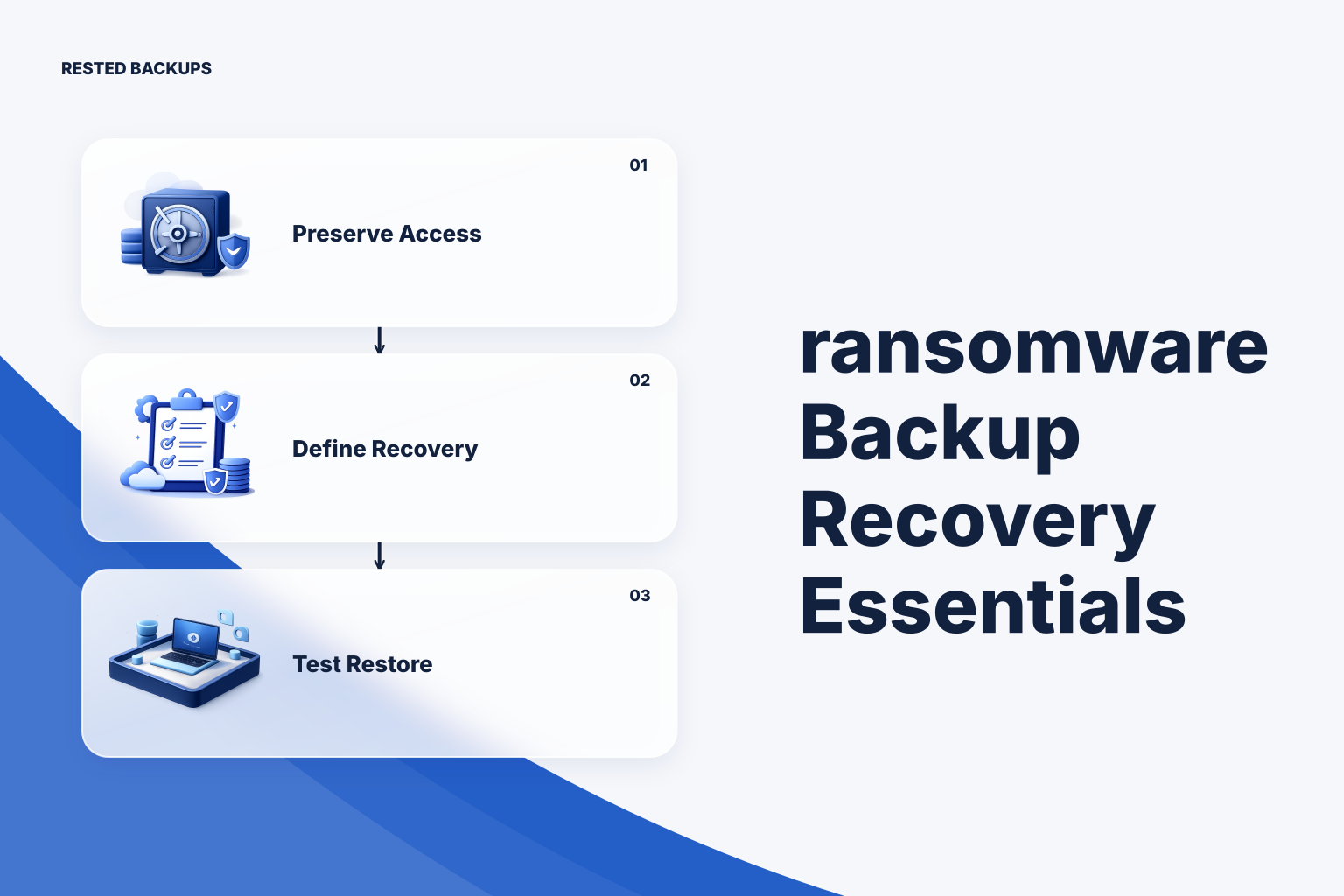
Treat ransomware recovery as a restore plan, not a second copy
Effective **ransomware backup recovery** requires backups that an attacker cannot easily alter or delete, plus a documented and tested way to restore a clean service. A completed backup job is necessary evidence, but it does not prove that the backup contains the right data, that you can decrypt it, or that the recovered application will work.
Ransomware changes the design problem because the affected system may no longer be trustworthy. An attacker who obtains broad server, cloud, or administrator credentials may encrypt production files, erase accessible backup data, change retention settings, or wait until old recovery points expire. Your recovery plan therefore needs to limit what one compromised account or host can reach.
Start by naming the service you must recover and the evidence that proves it is usable. Define the acceptable data-loss window as the recovery point objective (RPO), and define the acceptable time to restore service as the recovery time objective (RTO). Those are operating decisions, not promises a backup tool can make: the real values depend on backup frequency, data size, storage performance, credentials, people, and repeated restore tests.
[CISA’s ransomware guide](https://www.cisa.gov/stopransomware/ransomware-guide) is a useful baseline for treating backups as one part of broader incident readiness. For the recovery process itself, [NIST contingency planning guidance](https://csrc.nist.gov/pubs/sp/800/34/r1/final) reinforces the important operational principle: plans need testing and maintenance, not just documentation written once.
- Define the recovery target: the application, database, uploaded files, configuration, secrets-handling process, and dependencies required to make the service useful.
- Define where recovery happens: an isolated test host, a replacement production host, or another intentional target that is not simply the compromised machine.
- Define restore proof: for example, a service starts, expected records are present, a user-facing workflow succeeds, and the recovered data has been checked by an owner.
Reduce the blast radius around backup access
A backup repository is valuable precisely because it may contain the data needed to rebuild your service. Do not make it equally reachable from every production login, deployment credential, or developer workstation. Separate the permissions used to write backups, manage storage, change retention, and perform emergency recovery wherever your storage and operating model allow.
For encrypted restic repositories, preserving access means preserving both the storage path and the ability to decrypt it. Restic encrypts repository data, but encryption becomes a recovery dependency: if the repository password or recovery key is lost, the encrypted repository may be unusable. Record who holds that material, how authorized responders can access it during an outage, and how access changes when staff or credentials change. The [restic documentation](https://restic.readthedocs.io/en/stable/) is the primary reference for the repository’s backup, snapshot, check, and restore behavior.
For example, keep a production backup writer scoped to one repository prefix rather than granting it broad control over unrelated buckets or repositories. Keep the account that can alter storage protections or lifecycle rules separate from the routine backup process when practical. This does not make deletion impossible; it makes a single compromised credential less likely to be a complete recovery failure.
This is where a visible backup control surface is useful. [Rested Backups](https://restedbackups.com) runs encrypted restic backup workflows on connected Linux servers while keeping schedules, run outcomes, snapshots, and restore work in one workspace. You still control the storage account, permissions, recovery key, retention choices, and restore testing, but visible history helps a small team notice failed jobs or missing recovery points before an incident.
- Use narrowly scoped storage credentials for the backup workflow, limited to the intended repository location where feasible.
- Keep the repository location, recovery key or password ownership procedure, and restoration instructions outside the server being protected.
- Review who can change storage policies, delete repositories, alter retention, or replace backup credentials.
- Do not store the only copy of recovery documentation and decryption material solely on the production host.
Use immutable storage as a layer, not a substitute for recovery work
An immutable backup strategy aims to make selected backup objects resistant to modification or deletion for a defined period. This can be valuable when ransomware reaches credentials that would otherwise remove backups, but it is not a universal switch and it is not the same as a recoverable application. The exact behavior depends on the storage provider, object-lock or retention configuration, credentials, and whether the repository’s normal maintenance operations remain compatible with those controls.
This matters especially for deduplicating repositories. Backup retention decides which snapshots should remain, while cleanup may need to delete data that is no longer referenced. A storage retention lock can therefore conflict with expected cleanup or increase retained storage until protected objects become eligible for deletion. Design the protection period, snapshot retention, storage lifecycle rules, and repository maintenance as one policy rather than enabling immutability after the fact.
Use an immutable or deletion-resistant copy when the consequence of backup deletion is high and you can operate the resulting retention and cost trade-offs. Before relying on it, confirm which identity can configure or bypass the protection, how long protected data remains unavailable for deletion, and how a restore reads the protected objects. For a deeper restic-specific discussion, see [immutable restic backups: Object Lock, versioning, and the prune trade-off](/blog/immutable-restic-backups-object-lock-versioning-prune).
- Choose a protection period that covers the time you may need to discover an intrusion and select a clean recovery point.
- Test backup, restore, retention, and cleanup behavior against the actual protected storage configuration.
- Budget for retained data that cannot be deleted immediately, including growth during an incident investigation.
- Document the administrative path for changing protection settings and keep that authority appropriately restricted.
Build a clean recovery sequence before an incident
Write the recovery sequence while production is healthy, when you can verify each dependency without pressure. The procedure should begin from a clean, controlled environment and should not assume that the original host, its local credentials, or its configuration files are safe to reuse.
A practical sequence is: identify the last known-good recovery point; provision or isolate the destination; retrieve recovery credentials through the approved process; restore data to a non-production path or replacement host; restore databases using the engine-appropriate method; apply configuration and secrets through their separate controlled process; then start and validate the service. Keep the order explicit, particularly where applications depend on databases, uploaded assets, DNS, object storage, or external identity systems.
Do not assume a filesystem copy of a live database is equivalent to a database-aware backup. PostgreSQL, for example, documents distinct backup and restore approaches, each with different scope and recovery behavior; consult the [PostgreSQL backup and restore documentation](https://www.postgresql.org/docs/current/backup.html) for the method your workload uses. Back up database artifacts, roles or global objects where relevant, and the instructions needed to restore them in the required order.
Containers add another common failure mode: rebuilding an image or Compose stack does not recreate persistent state automatically. Identify named volumes, bind mounts, database artifacts, uploads, and configuration separately. Docker’s [volumes documentation](https://docs.docker.com/engine/storage/volumes/) is useful for understanding how persistent volume data is managed; use your deployment’s actual mounts to decide what enters the backup scope.
- Repository and snapshot identification steps, including how responders choose a likely clean point in time.
- An intentional restore destination and the safeguards that prevent an exploratory restore from overwriting production.
- The required order for databases, application files, configuration, secrets, network settings, and service startup.
- A named technical owner and service owner who can decide that the recovered service is safe and functionally acceptable.
Prove recovery with repeatable tests and visible evidence
The strongest control in a ransomware recovery plan is a recurring restore test. Restore a representative recovery point to an isolated destination, then validate more than file presence: confirm expected data is readable, the database imports or starts, the application can use the restored state, and the result meets the recovery target you defined. Record elapsed time and unexpected manual steps so the next test improves the plan.
Test more than one scenario over time. A single-file restore checks a common operational task, while a full service rebuild exposes missing configuration, dependencies, access approvals, and slow transfer paths. Also test a recovery point old enough to reveal whether your retention policy actually preserves the period you expect to need.
Between restore exercises, review backup freshness, failed runs, snapshot age, storage errors, credential changes, and scope drift. A schedule can remain green while the application starts writing important data to a new mount, volume, or database that the job never included. The practical monitoring goal is to detect both failed jobs and successful jobs that no longer protect the intended recovery target; [how to monitor restic backups and alert on failed scheduled jobs](/blog/monitor-restic-backups-alert-scheduled-job-failures) covers that distinction.
The operational takeaway is simple: protect a recovery copy from routine compromise, preserve independent access to storage and decryption material, and rehearse a clean restore. Review the plan whenever storage permissions, retention, deployment paths, database scope, or ownership changes—because those changes can quietly invalidate yesterday’s recovery evidence.
- Record the snapshot or recovery point tested and why it was selected.
- Record restore time, validation time, manual interventions, and dependencies that slowed recovery.
- Record what passed, what could not be validated, and the remediation owner with a due date.
- Repeat the test after meaningful changes to storage, credentials, backup scope, database layout, or application deployment.
Technical basis
First-party references
Technical claims and limitations in this guide were checked against these primary sources. Confirm version-specific behavior when designing a production recovery process.
Related from Rested
Common questions
Frequently asked questions
Are immutable backups enough to recover from ransomware?
No. Immutability can reduce the risk that backup objects are deleted or changed during a configured retention period, but you still need the correct backup scope, storage access, decryption material, compatible restore tooling, and a clean destination. You also need to verify that the restored application and data are usable.
Should the backup server have permission to delete old backups?
It depends on the retention and storage design. Routine cleanup may require deletion capability, but broad delete permissions enlarge the impact of compromised credentials. Consider separating routine writer permissions from higher-risk administration where your storage model permits it, and test how retention, repository maintenance, and any object protection settings interact.
How often should ransomware recovery restores be tested?
Test on a cadence that reflects how often your application, data model, backup scope, access controls, and infrastructure change. A practical trigger is any meaningful change to databases, storage credentials, deployment mounts, retention, or recovery ownership. The key is to run tests regularly enough that the documented procedure remains current and the team can measure actual recovery effort.
Can I restore directly onto the infected production server?
Avoid making that the default. Restoring to a separate path, isolated host, or replacement environment first gives you space to inspect the data and validate the service without overwriting evidence or reintroducing a compromised configuration. Move recovered data into production only through an intentional, documented cutover.
What is the minimum information needed to recover an encrypted restic repository?
At minimum, responders need the repository location and working storage access, the correct restic password or recovery key, compatible restore tooling, and knowledge of which snapshot and paths or database artifacts to restore. They also need the application-specific steps that turn recovered data into a working service. Losing the recovery key can make an encrypted repository unrecoverable, so its ownership and storage need their own tested process.