How to detect Docker volume and mount backup coverage drift
Find Docker volumes and bind mounts that escaped backup coverage after deployments, Compose changes, renames, and one-off container fixes.
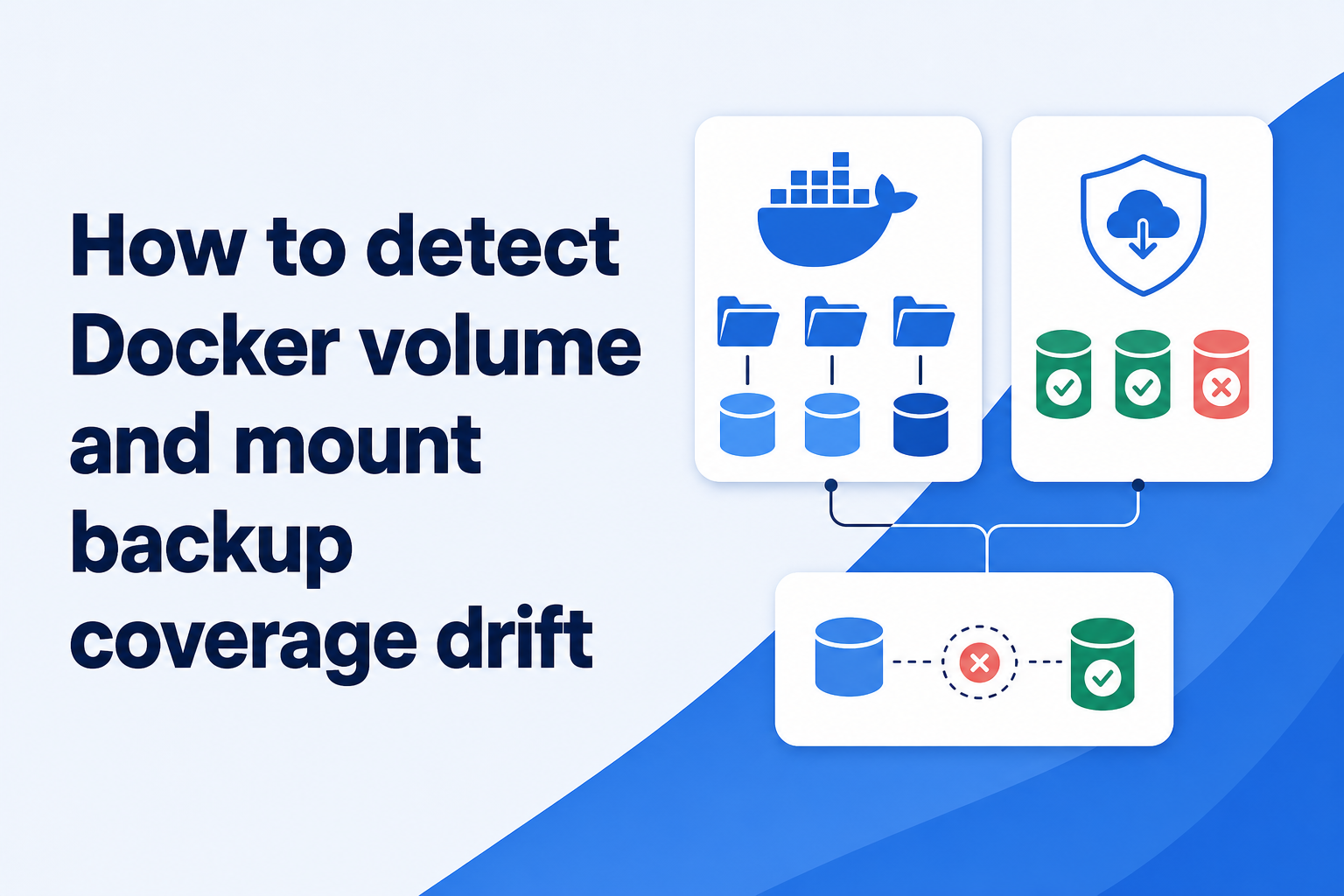
The backup did not fail; the application moved
A team deploys a new Compose project name during a server cleanup. The database starts with a new named volume, while the backup job continues reading the old volume’s mountpoint. Every night remains green. Storage grows slightly because logs and metadata still change. Weeks later, a restore produces a perfectly valid copy of a database that stopped receiving writes on deployment day.
That is backup coverage drift: the protected scope no longer matches the application’s current persistent state. It often follows an ordinary change—renaming a service, introducing a new upload directory, changing a bind-mount source, moving Docker’s data root, or launching a one-off container outside Compose.
Command success cannot detect this class of error because the old path still exists and remains readable. The control has to compare two changing inventories: what running and declared workloads use, and what the backup policy includes.
Know which container data is meant to persist
A container’s writable layer is ephemeral operational state. Docker recommends using mounts for data that must outlive the container. In practice, persistent state can live in a named volume, an anonymous volume, a host bind mount, or an external storage driver. Each has a different identity and lifecycle.
Do not assume that backing up container images captures application data. Docker’s own guidance notes that changes in attached volumes are not included when a container is committed to an image. Images and Compose files help recreate software; they do not replace the customer records, uploads, or database artifacts held in mounts.
Classify each mount by purpose. Some contain authoritative data, some contain rebuildable caches, some expose read-only configuration, and some are temporary scratch space. Backing up everything under Docker’s internal directory creates noise and can still miss a bind mount elsewhere on the host. Coverage should follow meaning, not just filesystem location.
Build a declared baseline from Compose and ownership
Start with the application definition. Compose services declare mount type, source, and target, while top-level volume definitions describe named or external volumes. That is the intended state and a useful review surface. It is not sufficient on its own: overrides, environment interpolation, project naming, and manual containers can change the resources that exist at runtime.
For each persistent mount, record the service owner, data purpose, consistency method, backup set, and restore validation. A database volume might be covered through a database-aware dump rather than a filesystem copy. An uploads bind mount may be included directly. The mapping should say why a mount is protected or intentionally excluded.
Store stable application identity separately from generated resource names. Compose commonly scopes volume names to a project, and the actual platform name can be customized or marked external. A backup rule that recognizes only yesterday’s generated name can drift when the project is redeployed under a new one.
Compare declared mounts with observed runtime mounts
Runtime state answers what containers are actually using today. Container inspection exposes mounts with their type, source, destination, and access mode. Volume inspection exposes details such as driver, labels, and mountpoint. Compare that observation with the declared baseline and with backup coverage; do not treat any one list as authoritative.
Look for four differences: an observed persistent mount with no owner, a declared mount that is not present, a covered source no longer used by an application, and an active source missing from the backup set. The last case is urgent. The third is also valuable because stale volumes can make a restore test pass against obsolete data.
Include stopped but expected containers where appropriate. A scheduled worker or maintenance service may not be running during the comparison, yet its data can still matter. Conversely, short-lived build containers may create mounts that are intentionally disposable. Ownership and purpose keep the inventory from becoming an unreviewable list.
Treat bind mounts as host paths with application meaning
Bind mounts can point anywhere on the Docker host, and their source path is tied to that host’s directory layout. A migration from /srv/app/uploads to another disk can leave the old directory behind. The backup continues successfully while new files land on the new mount.
Check resolved absolute sources rather than only the shorthand in a deployment file. Pay attention to symlinks, separately mounted filesystems, network mounts, and paths created automatically by permissive volume syntax. A typo that creates an empty directory can start a container with an apparently valid mount and no historical data.
The restore plan must preserve more than bytes. Record expected ownership, mode, security labels where relevant, and the container destination. A recovered host path is not covered in a useful sense if nobody knows which service should mount it or with which access mode.
Do not confuse volume coverage with database consistency
Discovering a database volume is important, but adding its live files to a generic filesystem backup is not automatically safe. Database engines coordinate memory, files, transaction logs, and checkpoints. Prefer the engine’s supported logical or physical backup procedure, then protect the resulting artifact and every required companion file.
Represent that choice in the coverage map. The observed database mount may be marked “covered by PostgreSQL dump” rather than “included as raw volume.” This prevents a later reviewer from seeing the exclusion and adding a second, misleading copy without understanding the consistency boundary.
Test the exact artifact. A valid archive that contains the wrong database, omits cluster-wide roles, or depends on unavailable transaction logs is still incomplete. Coverage drift can happen at the logical layer too, for example when a new database or container is added but the dump job still targets the old name.
Check after the changes most likely to cause drift
A daily comparison is useful, but change-triggered review catches mistakes sooner. Evaluate coverage after Compose changes, deployments that recreate resources, Docker upgrades, data-root changes, volume migrations, new services, and emergency manual fixes. These are the moments when intended and observed state diverge.
Route differences to an owner
Make differences visible to a human who owns the service. Automatically adding every discovered path to backups can capture secrets, caches, or inconsistent database files and may cause unexpected storage costs. Automatic discovery should create a review decision, not silently redefine the recovery plan.
Alert on unresolved additions and on previously covered mounts that disappear. A disappearing mount can be a planned removal, a failed deployment, or evidence that the application is now writing to its container layer. The owner should classify it while the change is still fresh.
Prove coverage with a content-level restore
Inventory comparison shows that a path is intended to be included. It does not prove that the recovered content is current or useful. Periodically restore the application’s persistent components into an isolated project and compare recognizable business data: a recent upload, a known database record, and configuration needed to attach them correctly.
Record the newest recovered data for each component. If database records are current but uploads end three weeks earlier, the service has a component-level RPO failure that a single green status would hide. Multi-container applications need recovery points that make sense together.
The long-term goal is modest: for every persistent mount, somebody can explain its owner, purpose, protection method, newest proven recovery point, and restore path. Anything less is an untested assumption; anything much more elaborate risks becoming inventory theater that nobody maintains.
Technical basis
First-party references
Technical claims and limitations in this guide were checked against these primary sources. Confirm version-specific behavior when designing a production recovery process.
Related from Rested
Common questions
Frequently asked questions
Should I back up all of /var/lib/docker?
Usually not as a default strategy. Docker’s internal data includes images, layers, caches, and engine-managed state, while bind mounts may live elsewhere. Inventory the application’s persistent mounts and use database-aware methods where required.
Are Docker images enough to recover a containerized app?
No. Images help recreate application software, but data in attached volumes is separate. You also need deployment configuration, persistent data, required secrets or a recovery path for them, and a tested order for restoring services.
What causes Docker volume names to change?
Compose project naming, explicit volume names, environment interpolation, stack renames, and recreation under a different deployment context can all affect platform resource names. Match volumes to stable application identity and verify runtime state after changes.
How do I know a Docker database volume is safely backed up?
Confirm the engine-specific consistency method, restore its artifact into an isolated database, and validate recent application data. Merely finding the volume’s files in a snapshot does not prove a coherent database restore.