The 3-2-1 backup strategy, explained for Linux servers
Learn how to apply the 3-2-1 backup strategy to Linux servers: map independent copies, use off-site storage, account for immutability, and prove recovery with restore tests.
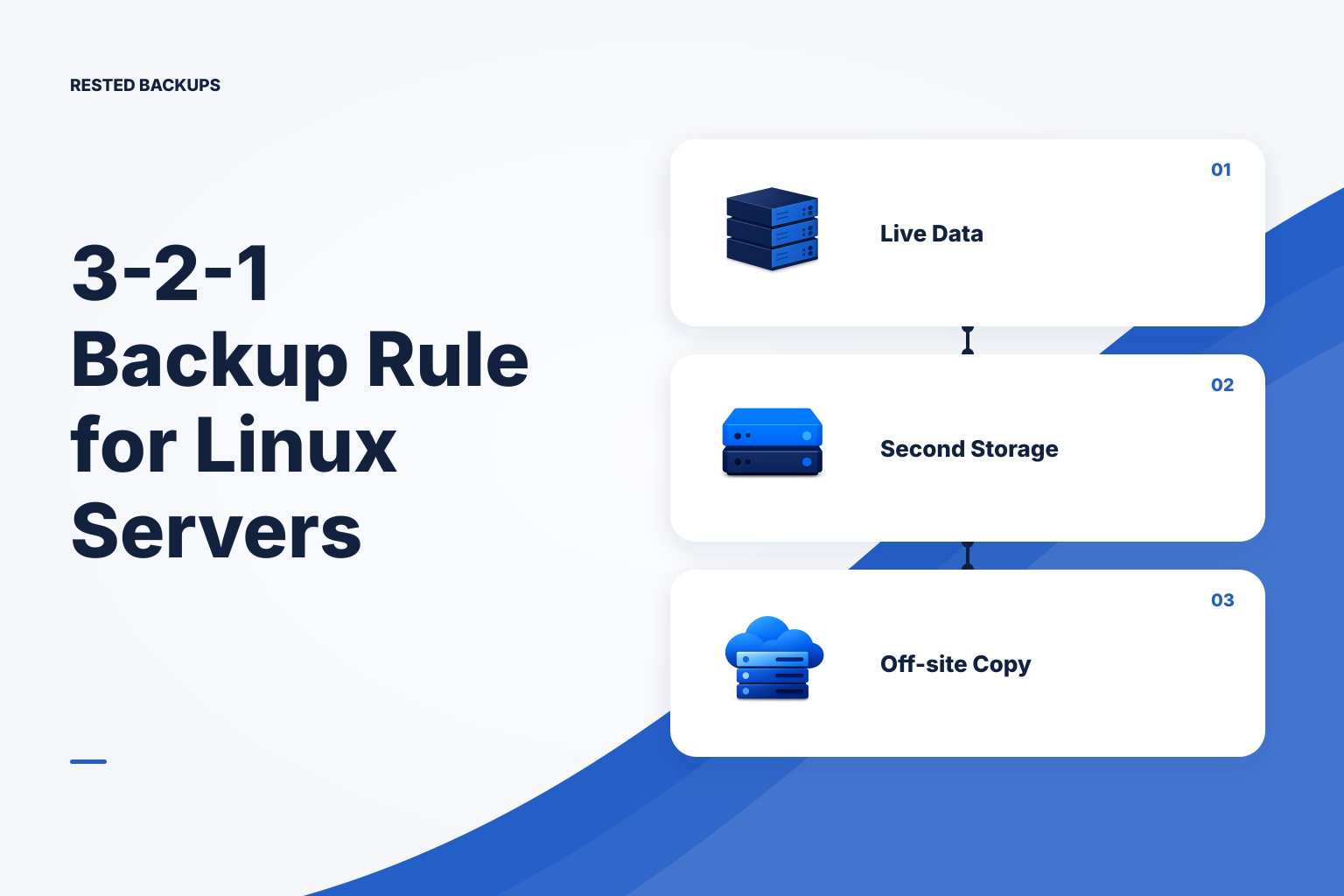
Use 3-2-1 to remove single points of backup failure
The 3-2-1 backup strategy means keeping three copies of important data, on two different storage systems or media types, with one copy off-site. For a Linux server, the practical goal is not to hit a copy count on a diagram. It is to make sure one disk failure, deleted server, compromised account, bad deployment, or damaged backup repository cannot remove every viable recovery path.
Count a copy only when you can identify its location, access path, encryption or recovery credentials, retention period, and restore procedure. A completed backup job proves that a particular operation completed; it does not prove the selected data is sufficient or that the application can run after recovery. See [why a successful backup can still be unrecoverable](/blog/successful-backup-still-unrecoverable) for the gaps a green job can leave behind.
- 3 copies of your data: the live production copy plus at least two backup copies.
- 2 different storage systems or media types: do not treat two directories on one disk, VM, or storage account as independent copies.
- 1 off-site copy: keep at least one recovery copy outside the source server's location and primary failure domain.
Define what must be recovered before choosing copies
Start with the service you need to bring back, not the backup tool. List the application data, database-consistent backup artifacts, uploaded files, configuration, secrets-recovery process, DNS or deployment instructions, and the credentials needed to reach backup storage. A container image or Compose file can recreate software, but it does not recreate changing data in volumes, bind mounts, or external services.
Then set a recovery point objective (RPO), the maximum data age you can accept after an incident, and a recovery time objective (RTO), the target time to restore service. RPO determines how often you create useful recovery points. RTO depends on more than backup frequency: it includes download time, storage access, server provisioning, database import time, configuration work, and application validation. [RPO versus RTO for small teams](/blog/rpo-vs-rto-small-teams-backup-frequency) explains how to turn these into an operational schedule.
- For a web application, include user uploads, generated assets that cannot be recreated, application configuration, and a database-consistent export or backup.
- For PostgreSQL, decide whether you need one database, all databases, and cluster-level roles or other global objects; those choices change the backup and restore path.
- For Docker workloads, inventory both declared and runtime mounts. A green backup can miss new state after a deployment moves persistence to an unprotected volume or bind mount.
Cloud snapshots are useful, but usually share your primary blast radius
Provider snapshots and automated VM backups can be valuable fast-recovery layers. They may help after a failed package upgrade, accidental file deletion, or loss of a single server. But snapshots frequently live in the same provider account, billing relationship, administrative identity, and deletion workflow as the server. A compromised administrator identity, account lockout, provider-side incident, or destructive automation change can therefore affect the source and its snapshots together.
Off-site does not mean a different folder, bucket prefix, or availability zone by itself. Review who controls the cloud account, credentials, billing, delete permissions, encryption keys, and support access. A second provider can improve independence, but a separately protected account at the same provider may also be a meaningful boundary when it has separate identities, recovery contacts, and restricted cross-account deletion access.
Treat snapshots as one layer in the design, not automatic proof of 3-2-1 compliance. For the distinction between infrastructure images and application-consistent data recovery, see [why VPS provider snapshots are not a database backup](/blog/why-vps-provider-snapshots-are-not-database-backups).
- Useful snapshot role: rapid rollback or server replacement within the primary platform.
- Independent backup role: a recoverable copy with a separately considered storage, identity, deletion, and credential boundary.
- Failure signal: every copy can be deleted, encrypted, or made inaccessible by one administrator credential or one automation pipeline.
A practical 3-2-1 design for a Linux application
For many small Linux services, the safest practical default is: retain the live server data as copy one, create scheduled encrypted backups to an off-host object-storage repository as copy two, and maintain a second backup repository or protected replication path as copy three. The exact technology matters less than the independence of the failure and deletion paths.
The lower-cost version may use the live server, one off-site encrypted repository, and provider snapshots. It can be reasonable for low-impact services, but it is weaker if the snapshots share the production account. The higher-resilience version uses an independently controlled off-site repository plus a second repository or protected replica with different credentials and a deliberately tested recovery path. Include storage, egress, retention, and operator time in the cost decision; a second location is not free, and an untested copy is not a reliable bargain.
Encrypted restic repositories can protect backup contents before data leaves the server. [Rested Backups](https://restedbackups.com) can run encrypted restic backup workflows on a connected Linux server and keep schedules, outcomes, snapshots, and restore work visible in one workspace. It can help you operate one off-host repository, but it does not replace your need to choose backup scope, protect the recovery key, separate storage access, and create the additional independent copy.
- Copy 1 — live: application files, database service, and other live data on the production server.
- Copy 2 — routine off-site backup: encrypted, scheduled backups in object storage outside the source server's local disk and preferably outside its primary account boundary.
- Copy 3 — independent recovery path: a second repository, replicated backup set, or protected export with separately reviewed access and deletion controls.
- Recovery information: repository location, storage endpoint, authentication method, recovery key or password ownership, restore instructions, and a known-good test result. This is not optional metadata; without it, a copy may be unusable.
Test each copy against the failures it is meant to survive
A backup architecture is independent only relative to specific failures. Make the dependencies visible in a short recovery map for each copy: where it lives, which account owns it, which identities can read or delete it, which credentials unlock it, whether routine automation can erase it, and what must be available to restore it. The map often reveals that apparently separate copies share the same root account, password manager vault, infrastructure-as-code credentials, or billing owner.
Use failure scenarios instead of assumptions. Ask what remains if the VPS disappears, the primary cloud account is locked, a deployment deletes a mounted directory, a backup credential is stolen, or corruption is discovered after normal retention has expired. If every answer requires the same account, person, or repository, you have several copies but only one effective recovery path.
- Server loss: provision a clean host and confirm you can reach the off-site repository without relying on the lost server.
- Primary-account loss: use documented break-glass access to locate and read the independent copy without the routine production administrator identity.
- Bad or malicious deletion: confirm which credentials can delete backup data, which retention or versioning controls apply, and whether the protected copy remains accessible.
- Silent data damage: restore an older selected point, not only the newest snapshot, and check that the retention policy preserves a recovery point old enough to be useful.
Add immutability carefully, without breaking maintenance
Object versioning and retention controls can preserve earlier object versions after a deletion or overwrite. Amazon S3 Object Lock can prevent protected object versions from being deleted during a defined retention period. These controls can reduce the impact of destructive credentials, but they do not make an application automatically recoverable, and they change how backup retention and storage cleanup behave. Review the [AWS guidance for using S3 Object Lock](https://docs.aws.amazon.com/AmazonS3/latest/userguide/object-lock.html) before enabling it.
With a restic repository, retention selection and physical cleanup are different operations: forgetting snapshots changes which snapshots are referenced, while pruning removes unreferenced repository data. A retention lock or object-lock rule can block expected cleanup and increase storage consumption. Test your exact retention, lifecycle, deletion-permission, and restore workflows in a non-production repository before applying them to production. [Immutable restic backups: Object Lock, versioning, and the prune trade-off](/blog/immutable-restic-backups-object-lock-versioning-prune) covers the operational trade-offs.
For some teams, a protected mirror or separate second repository is easier to reason about than placing undeletable retention directly on an actively maintained repository. Whatever design you choose, document who can alter retention rules, where protected versions are located, how long they remain available, and how you will restore them when the primary environment is unavailable.
- Do not grant routine backup jobs broader delete or policy-change permissions than they need.
- Set retention duration from the time needed to detect damage or compromise, not from a generic default.
- Monitor unexpected storage growth after enabling protection; it may indicate that normal cleanup cannot remove expired data.
- Restore from the protected path during a drill. A preservation control is only useful when operators can find and use the preserved data.
Technical basis
First-party references
Technical claims and limitations in this guide were checked against these primary sources. Confirm version-specific behavior when designing a production recovery process.
Related from Rested
Common questions
Frequently asked questions
What does the 3-2-1 backup rule mean?
The 3-2-1 backup rule means keeping three copies of important data: the live copy plus two backups, stored across at least two storage systems or media types, with at least one copy off-site. The purpose is to avoid relying on one server, disk, account, or deletion path for recovery.
Do provider snapshots satisfy 3-2-1?
Usually not by themselves. Provider snapshots can be a useful recovery layer, but they commonly share the same provider account, administrative identity, billing relationship, and deletion controls as the source server. Evaluate whether you also have an independent off-site copy and a tested recovery path.
What is 3-2-1-1-0?
3-2-1-1-0 is a common extension of 3-2-1. It adds one offline, air-gapped, or immutable copy and a goal of zero unverified recovery errors. The zero should be based on evidence from repository checks, isolated restores, and application-level validation, not merely from a successful upload.
Does one off-site repository satisfy 3-2-1?
No. One off-site repository may provide one backup copy, but 3-2-1 calls for the live data plus two backup copies with different storage characteristics, including one off-site copy. Also check account, credential, and deletion independence rather than counting locations alone.
How often should a Linux server backup be tested?
Test after important changes to application storage, database design, backup scope, credentials, providers, retention rules, or restore procedures. Run scheduled restore drills at a frequency appropriate to the service's impact and recovery objectives. A useful drill restores into isolation, validates the application and representative data, records elapsed time, and assigns fixes for any gaps.