Backrest alternative: choose a restic workflow you can restore
Looking for a Backrest alternative? Compare direct restic, a self-operated interface, and an agent-based service, then run an isolated restore test.
First, identify what Backrest is not solving
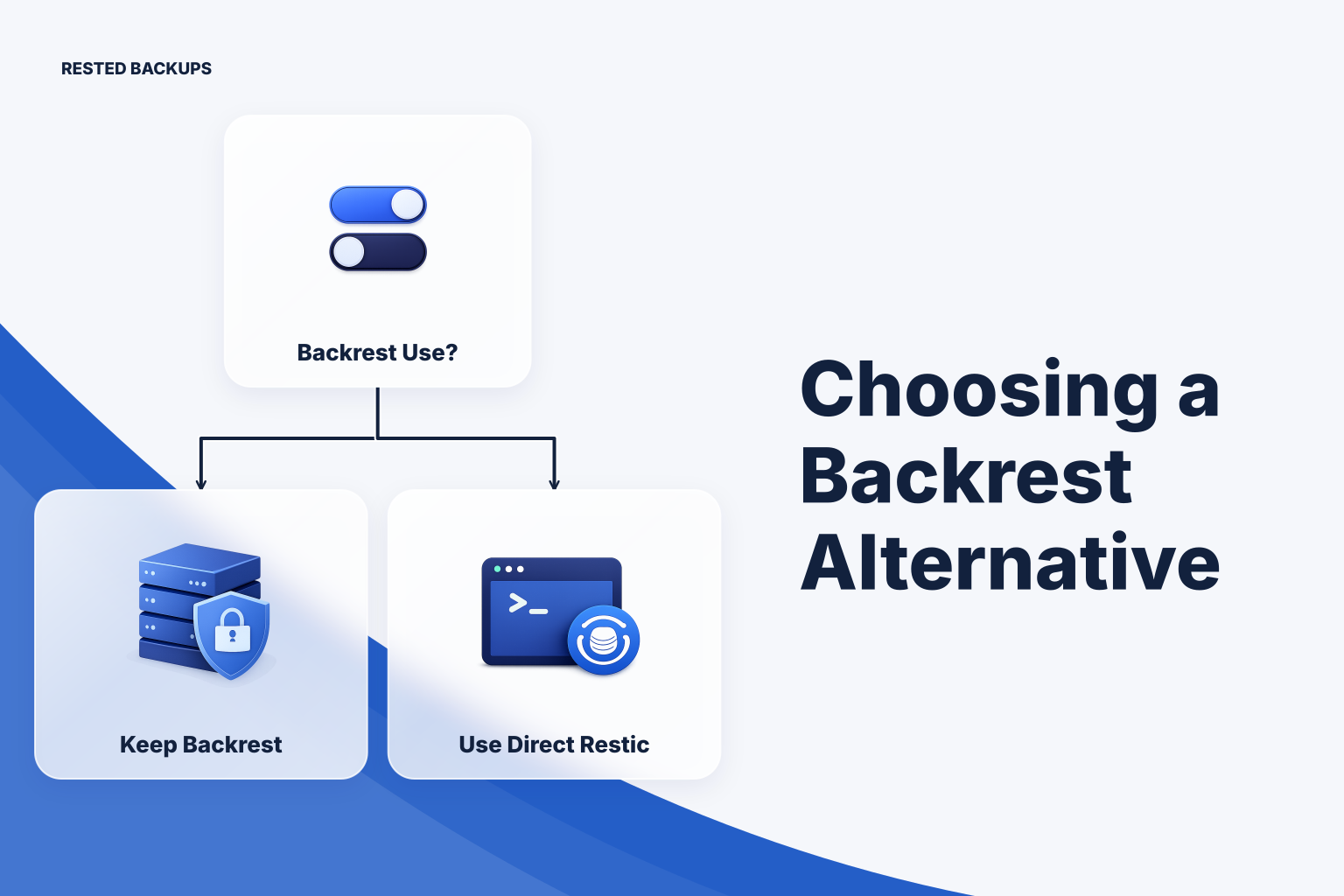
The best Backrest alternative depends on what you want to stop operating. Keep Backrest if its current restic workflow is recoverable and the main problem is a fixable configuration gap. Use direct restic if you want fewer moving parts and can own scheduling and alerts. Consider an agent-based service if a small team needs shared visibility into runs and recovery points without maintaining its own backup control plane. **Do not switch solely because uploads are green:** first prove you can restore the data your service needs.
This guide uses “Backrest” to mean the restic backup interface, not pgBackRest, the PostgreSQL-specific backup tool. The comparison is about operating models rather than an audited feature inventory for a particular Backrest release. Confirm version-specific capabilities and your configured behavior in your own deployment before migrating.
Write down one recovery target before comparing interfaces: the host or application, the paths and database-consistent artifacts it needs, its storage destination, and who holds the repository password. Set a recovery point objective (RPO)—the most data you can afford to lose—and a recovery time objective (RTO)—the time you can afford to spend restoring service. A schedule is a proposed route to the RPO, not proof that you can meet it; a timed restore is the evidence for the RTO.
Compare ownership and recovery, not just the interface
Use the table to shortlist an operating model. “Depends” means you must inspect its configuration or test it; it is not a claim that a tool lacks the capability. In particular, distinguish a restic snapshot from database point-in-time recovery, which requires an appropriate database recovery design. The [restic documentation](https://restic.readthedocs.io/en/stable/) describes repository, snapshot, check, and restore operations that remain relevant whichever interface starts the job.
Choose by the work your team can reliably own
Keep your current Backrest deployment when it reaches every required source, runs on the intended schedule, exposes failures to an owner, and passes an isolated restore. Moving to another interface will not fix a missing mount, an inconsistent database export, or a lost repository password. If one of those is the problem, correct the recovery design first.
Direct restic is a reasonable lower-control-plane choice for a small, stable set of Linux hosts when you are comfortable managing timers or cron, credential delivery, stale-job detection, retention, and restore instructions yourself. Count operator time as a cost: a job that never starts needs an external freshness check, not merely a failure alert from the job. See the [restic backup guide](/blog/restic-backup-guide) for the underlying backup and restore workflow.
[Rested Backups](https://restedbackups.com) fits a team that wants an agent to run encrypted restic backups on connected Linux servers while schedules, outcomes, snapshots, and restore work remain visible in one workspace. You still choose the backup scope, configure storage you control, safeguard the recovery key, and test the restore. Confirm that its supported path or database recipe matches your workload before treating it as a replacement.
Compare total cost rather than an interface price alone: licensing or service charges where applicable, object storage and retained data, restore egress, host or control-plane infrastructure, and the time spent maintaining and testing the workflow. Pricing and support terms are not established here; obtain current terms for each candidate. An existing working deployment may be cheaper and safer to improve than to replace.
Prove the restore path before moving a production workload
Choose a verification method that matches the failure you fear. Repository checks inspect stored repository data; manifest or snapshot review helps catch missing scope; an isolated file restore proves you can read and decrypt a selected snapshot. For an application, add a disposable restore of its database-consistent backup and dependent files, followed by database-native consistency checks and application smoke tests. A clone or managed restore preview can help inspect data, but neither replaces testing the full service when that is your recovery target.
The following commands are an **illustrative, non-production file drill**, not a migration script. First install restic, create a private disposable directory, and prepare a password file readable only by your test account. Run in an isolated shell with no production repository credentials. Replace /tmp/restic-choice-lab if needed; LAB_ROOT is the disposable workspace, RESTIC_REPOSITORY its local test repository, and RESTIC_PASSWORD_FILE the path to a separately prepared test password file. Never commit that file or put its secret in shell history.
Run these lines in order after confirming the workspace does not contain data you need. They initialize a new repository, back up one known file, check the repository, restore to a separate directory, and compare bytes. The cmp command should exit successfully; a missing snapshot, failed check, or mismatch means the drill has failed.
sh
export LAB_ROOT=/tmp/restic-choice-lab
export RESTIC_REPOSITORY="$LAB_ROOT/repository"
export RESTIC_PASSWORD_FILE="$LAB_ROOT/test-password-file"
mkdir -p "$LAB_ROOT/source" "$LAB_ROOT/restore"
printf 'restore-drill-marker\n' > "$LAB_ROOT/source/marker.txt"
# Prepare the password file securely before this point; do not use a production key.
restic init
restic backup --tag choice-drill -- "$LAB_ROOT/source"
restic snapshots
restic check
restic restore latest --target "$LAB_ROOT/restore"
cmp "$LAB_ROOT/source/marker.txt" \
  "$LAB_ROOT/restore${LAB_ROOT}/source/marker.txt"
Restic restores the backed-up absolute path beneath the target directory; inspect the restored tree if your installed version or input paths behave differently. After recording the result, remove only this confirmed disposable workspace using your normal safe cleanup procedure. Do not run these commands against an existing repository or treat this file drill as evidence that a database or application will recover.
For the actual service, restore into an isolated host or project: establish storage and repository access; select a timestamped recovery point; restore database-consistent artifacts and required persistent files; bring dependencies up before the application; then run read-only data checks and an application smoke test. Record the elapsed time, snapshot age, missing configuration, and every credential needed. Keep the isolated target separate from production and clean it up only after saving your findings. [NIST contingency planning guidance](https://csrc.nist.gov/pubs/sp/800/34/r1/final) provides broader context for exercising and maintaining recovery plans.
Move one recovery target at a time
A safe migration starts with access to the existing repository, its recovery key, storage permissions, a recent tested snapshot, and an owner for alerts. Map the old and proposed backup scope side by side, including mounts, exported database artifacts, exclusions, and retention. Decide whether the new workflow will use a separate repository and storage prefix; do not assume two schedulers can safely maintain the same repository without checking their lock, retention, and credential behavior.
Run the proposed workflow alongside the old one only where their schedules, source load, and repository operations will not interfere. Inspect scheduled outcomes and snapshot freshness, then perform a complete isolated restore from the new recovery point. Retire the old workflow only after the new one meets your stated scope and restore criteria; keep a documented rollback path until retention and monitoring have been observed over an appropriate cycle.
A useful backrest alternative checklist is short: name the recovery target, account for every persistent dependency, identify the key and storage owners, catch both failed and missing runs, and restore a selected snapshot without touching production. If any item is unproven, the next step is a drill—not a new dashboard.
- Confirm the chosen workflow can read every required path or produce the required database-consistent artifact.
- Verify independent access to the repository location, storage credentials, and recovery key.
- Compare the intended RPO with actual snapshot timestamps and alert on jobs that never ran.
- Restore into isolation, validate application behavior, record elapsed time, and assign fixes.
Technical basis
First-party references
Technical claims and limitations in this guide were checked against these primary sources. Confirm version-specific behavior when designing a production recovery process.
Related from Rested
Common questions
Frequently asked questions
Can I move an existing restic repository to another interface?
Possibly, if the new workflow can access the same repository and password, but compatibility alone is not a safe migration plan. Check repository operations, storage permissions, retention policy, and scheduling before giving a second workflow write access. A separate repository and a tested restore may be easier to reason about.
Is checking a restic repository enough to verify recovery?
No. A check provides evidence about repository integrity, but it cannot prove you selected every necessary path or can start the restored application. Combine it with an isolated restore and workload-specific validation.
What if the backup host is offline at its scheduled time?
A host-local agent or timer cannot read and back up that host while it is offline. Monitor snapshot age independently of job failure notifications, then determine whether missed runs should be caught up and whether the resulting gap exceeds your RPO.
Should I delete the old backups immediately after switching?
No. First restore and validate from a new recovery point, verify alerting and scope, and record which older recovery points the new repository cannot replace. Set an intentional retirement date that respects your retention and recovery requirements.