Restic backup guide: encrypted snapshots, checks, and restores
Learn how to configure restic backups, manage encrypted snapshots and retention, check repository health, and test restores on a Linux server.
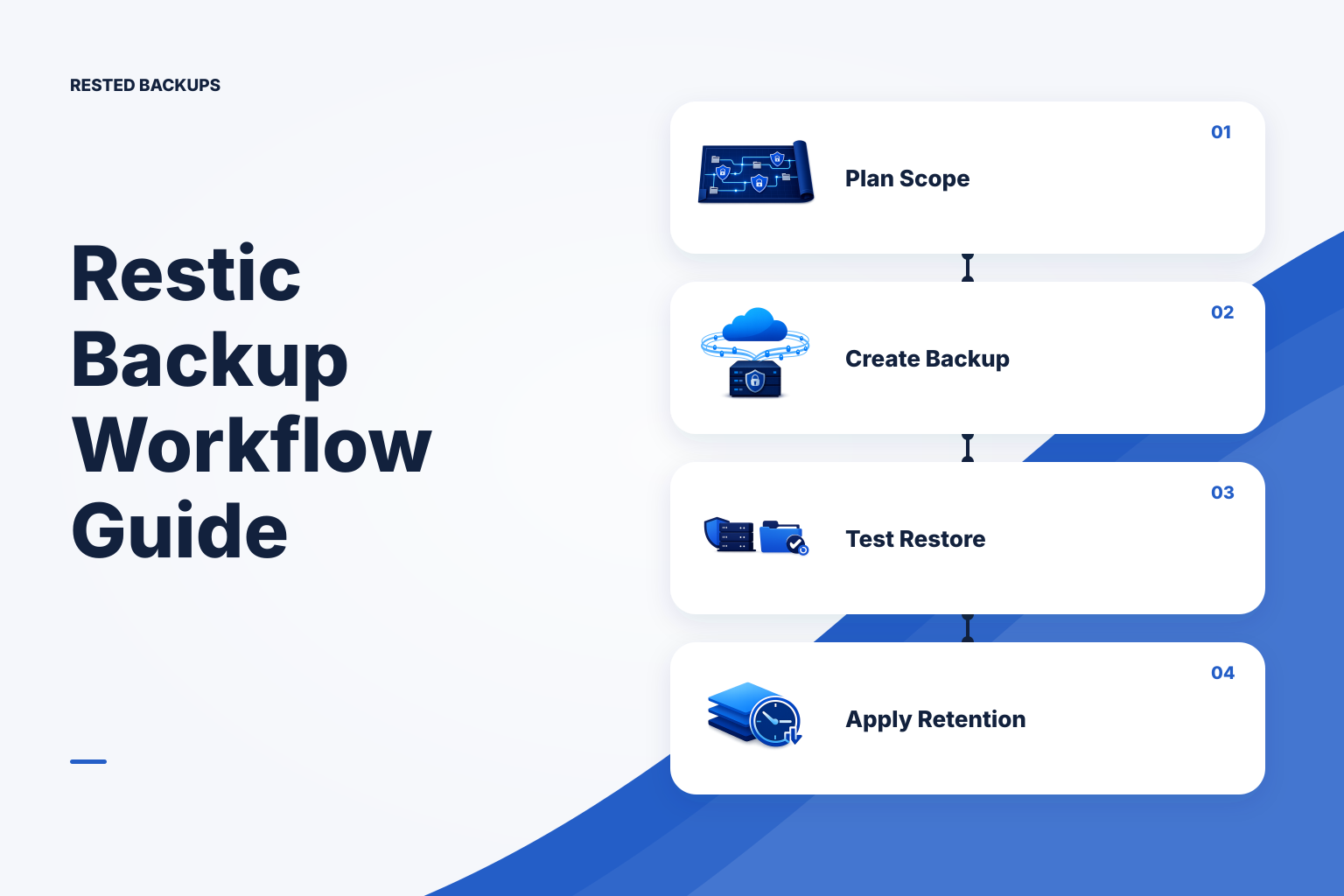
Use restic as a recovery workflow, not just an upload command
Restic is an open-source backup program that creates encrypted, deduplicated snapshots in a repository. The practical goal is not merely to produce a successful backup exit code; it is to retain a recovery point you can locate, unlock, restore safely, and validate when the original server is unavailable.
A sound default for a Linux server is: create one deliberately scoped repository, back up application files and database-consistent exports on a schedule, retain recovery points that match your objectives, check repository health, and rehearse an isolated restore. Start by writing down the amount of recent data you can afford to lose—your recovery point objective (RPO)—and then measure the time required to restore and validate service—the recovery time objective (RTO). [RPO and RTO for small teams](/blog/rpo-vs-rto-small-teams-backup-frequency) explains why these are separate decisions.
Restic encrypts repository data and metadata. Its repository password is therefore part of the recovery system, not an implementation detail. Losing that password can make otherwise healthy backup data unusable. A repository URL and object-storage credentials alone are not enough to restore.
- Use explicit source paths so you can explain what each snapshot is expected to recover.
- Back up a database-aware export or physical backup procedure where required; do not treat a copy of live database files as automatically recoverable.
- Keep the repository location, storage access path, and password-retrieval procedure available outside the server being protected.
- Treat a successful upload as evidence of one completed job, not proof that the application can be restored.
Define repository boundaries and backup scope before scheduling
Use a repository boundary that matches who should administer and recover the data. In object storage, give each repository its own prefix and use credentials scoped to that prefix where practical. Keep routine backup access narrowly scoped; document a separate, authorized recovery access path in case the source host or its credentials are suspected of compromise.
Build a recovery map before choosing paths. Typical inputs include application uploads, application configuration, deployment manifests, TLS or service configuration where appropriate, and database exports. Exclude rebuildable caches, package caches, temporary files, and logs only after confirming they are not needed for the recovery procedure. This is especially important for containers: a Compose file recreates containers, but not necessarily named volumes, bind-mounted data, database state, or external configuration. See [what to back up on a Linux server](/blog/what-to-back-up-linux-server) and [how to detect Docker volume and mount coverage drift](/blog/detect-docker-volume-mount-backup-coverage-drift).
For a relational database, capture an application-consistent artifact and include it in the restic backup scope. For PostgreSQL, a logical pg_dump is often an appropriate single-database artifact; cluster-wide recovery may additionally require globals and other planning. The restore procedure must match the export format and scope. Review the official [PostgreSQL backup and restore documentation](https://www.postgresql.org/docs/current/backup.html) and decide explicitly whether you need one database or the whole cluster.
- Repository: its backend URL, bucket or storage endpoint, and isolated prefix.
- Recovery sources: exact paths, database export locations, and the owner responsible for each one.
- Dependencies: DNS, secrets, environment files, service units, container manifests, object-storage permissions, and external services needed to make the restored data useful.
- Exclusions: each excluded path and the reason it can be recreated or is intentionally outside the recovery objective.
Initialize, back up, and inspect a repository safely
The following is an illustrative Linux workflow. Run it first on a non-production repository or with a test source directory. Before running it, install a current restic release, create the object-storage destination, configure storage authentication using your provider’s supported mechanism, and place the repository password in a root-readable file outside the backup paths. Do not put passwords, access keys, or tokens directly into shell history, scripts committed to source control, or command lines.
Replace the repository URL, paths, and tag with your own values. The example initializes the repository once, backs up selected server paths plus a prepared database-export directory, and lists snapshots. It does not create a database-consistent export for you; generate that artifact before the restic command and verify that the backup user can read every selected path.
bash
# Illustrative only: adapt, test in non-production first, and keep credentials out of the shell.
# Prerequisites: restic installed; storage authentication configured separately;
# /root/.config/restic/prod.password exists with mode 0600; source paths are readable.

export RESTIC_REPOSITORY='s3:s3.amazonaws.com/example-backup-bucket/restic/production-web-01'
export RESTIC_PASSWORD_FILE='/root/.config/restic/prod.password'

# Run once for a new, empty repository. Expected output includes "created restic repository".
restic init

# Back up only deliberate recovery sources. Do not substitute a live database data directory
# for a database-aware backup without an engine-specific procedure.
restic backup \
  --tag production-web-01 \
  --exclude '/srv/app/cache/**' \
  /etc \
  /srv/app/uploads \
  /var/backups/postgres

# Expected output includes a new snapshot ID and summary statistics.
restic snapshots --tag production-web-01
Record the snapshot ID, host, paths, and tag shown by restic snapshots. If a path is unexpectedly absent, stop and fix scope or permissions before relying on the schedule. A green restic command can still omit data the operating-system user could not read, data placed in a new mount, or a database artifact that was never generated.
- Failure signal:
permission deniedor skipped files. Fix access deliberately; do not casually run a broad backup as root without reviewing the additional data that becomes included. - Failure signal: repository or backend authentication errors. Confirm the repository URL, endpoint, prefix, clock, storage credentials, quota, and network reachability before retrying repeatedly.
- Failure signal: a backup completes but the expected export is old or missing. Make export creation and its freshness check an explicit step before restic runs.
- Failure signal: a new volume or bind mount is not in the selected paths. Update the recovery map and test the new scope after deployments or infrastructure changes.
Create a PostgreSQL artifact before backing it up
For a single PostgreSQL database, a custom-format logical dump is a useful restore artifact because pg_restore can inspect and restore it into a chosen target. The following example writes to a temporary file, moves the completed dump into the directory that restic protects, and then checks that the result is non-empty. Run this as an account authorized to connect to PostgreSQL; configure authentication through PostgreSQL’s normal protected mechanisms rather than embedding a password in the command.
bash
# Illustrative only: adapt database name, authentication, and retention to your environment.
# Safe context: produce the dump before the restic backup; do not write into a live data directory.
# Expected output: /var/backups/postgres/appdb.dump exists and pg_restore can list its contents.

install -d -m 0700 /var/backups/postgres
sudo -u postgres pg_dump \
  --format=custom \
  --file=/var/backups/postgres/appdb.dump.tmp \
  appdb
mv /var/backups/postgres/appdb.dump.tmp /var/backups/postgres/appdb.dump
pg_restore --list /var/backups/postgres/appdb.dump | sed -n '1,20p'
A successful pg_dump does not prove that the export matches every dependency your service needs. If roles, tablespaces, extensions, multiple databases, or cluster-wide objects matter, plan and test those separately. For the scope decision and restore differences, see [pg_dump vs pg_dumpall](/blog/pg-dump-vs-pg-dumpall) and [PostgreSQL backup strategy for small teams](/blog/postgres-backup-strategy).
- Keep the dump directory in the restic source list, and ensure the dump is newer than the recovery point you expect to create.
- Use a temporary filename and rename only after the export succeeds so a failed export is not mistaken for a valid artifact.
- Do not restore a production dump over a production database during verification. Use a disposable database or isolated PostgreSQL instance.
Apply retention with a reviewed cleanup plan
Restic snapshots are incremental in storage use because unchanged data is deduplicated, but each snapshot presents a complete recovery view. Retention decides which snapshot records to keep. Pruning later removes unreferenced repository data, so it can reclaim storage but is a consequential repository-changing operation.
Choose retention from recovery needs rather than an arbitrary snapshot count: keep denser history for recent operator mistakes and less frequent points for longer-term needs. Storage cost, restore needs, and the impact of deleting older recovery points should all be explicit. If your object-storage design includes versioning or retention controls, understand how they interact with deletion and pruning before enabling automated cleanup; [immutable restic backups: Object Lock, versioning, and the prune trade-off](/blog/immutable-restic-backups-object-lock-versioning-prune) covers that operational tension.
Preview retention selection before allowing removal. Run maintenance when no backup, check, restore, or other repository writer is active, and avoid giving every scheduled job broad delete permissions without considering the recovery consequences.
bash
# Illustrative only: review this output before using --prune in production.
# Prerequisites: no other repository operation is running; correct repository and password are set.
# This dry run shows which snapshots the policy would remove; it does not delete data.
restic forget --keep-daily 7 --keep-weekly 4 --keep-monthly 12 --dry-run

# After review and a tested change process, --prune removes unreferenced repository data.
# Run it separately from normal backup windows where possible.
# restic forget --keep-daily 7 --keep-weekly 4 --keep-monthly 12 --prune
- Inspect the dry-run list for tags, hosts, and dates you expected to keep.
- Keep enough history to recover from delayed discovery of deletion, corruption, or a bad deployment.
- Monitor storage growth, failed prune operations, and the age of the newest usable snapshot rather than assuming retention worked.
Use checks to validate repository health, then restore to validate recovery
restic check validates repository structure. With data-reading options, it also reads stored pack data and verifies it against recorded hashes. A metadata-oriented check is quicker; a data-read check gives stronger evidence about stored backup data but can take substantial time, network traffic, and provider request activity on a large remote repository.
Neither check proves that the right source paths were selected, that a database export is application-consistent, or that your recovery instructions and credentials work from a clean environment. Use checks as one layer of evidence, then restore a representative snapshot into an isolated target and perform service-specific validation. [Restic repository health: what integrity checks prove—and what they do not](/blog/restic-repository-health-integrity-checks) explains the distinction in more detail.
bash
# Illustrative only: run during a planned maintenance window and avoid overlapping repository work.
# Expected output: "no errors were found". Investigate any reported errors before relying on new backups.
restic check

# Sample stored data rather than reading every pack on every run.
# Choose the percentage and schedule based on repository size, cost, and risk.
restic check --read-data-subset=5%
- Repository check proves: structural consistency, and—with data reads—integrity evidence for the data read.
- Restore test proves: selected snapshot access, password and backend access, target write capacity, restore procedure, and the usability checks you actually perform.
- Coverage review proves: the backup plan still includes the files, volumes, and generated artifacts the service needs.
Technical basis
First-party references
Technical claims and limitations in this guide were checked against these primary sources. Confirm version-specific behavior when designing a production recovery process.
Related from Rested
Common questions
Frequently asked questions
Does restic encrypt backups?
Yes. Restic repositories encrypt backup data and metadata. You must retain the repository password or recovery key material required by your procedure; encryption does not provide a recovery path if that access is lost.
Does restic perform incremental backups?
Restic deduplicates data so unchanged content is not stored repeatedly, while each snapshot remains a complete recovery view for restore purposes.
How do I know a restic backup can be restored?
Use several layers of evidence: inspect snapshots and scope, run repository checks, restore a selected snapshot into an isolated target, and validate representative files plus the restored application or database. A completed backup command alone is not a full recovery test.
Is a restic check the same as a restore test?
No. A repository check validates repository structure and, depending on options, reads stored data. A restore test also exercises access to the repository, credentials, target capacity, restore instructions, source coverage, and application-level usability.
What should I do when restic reports a repository lock?
First confirm that no backup, check, prune, restore, or other repository operation is still active. Investigate the scheduler, host, and storage state before considering lock removal. Removing a lock while a valid operation still owns the repository can disrupt that work.