Restic dashboard: what to monitor and how to verify
Build a restic dashboard that exposes schedules, missed jobs, snapshots, repository health, storage risks, and restore-test evidence for Linux backups.
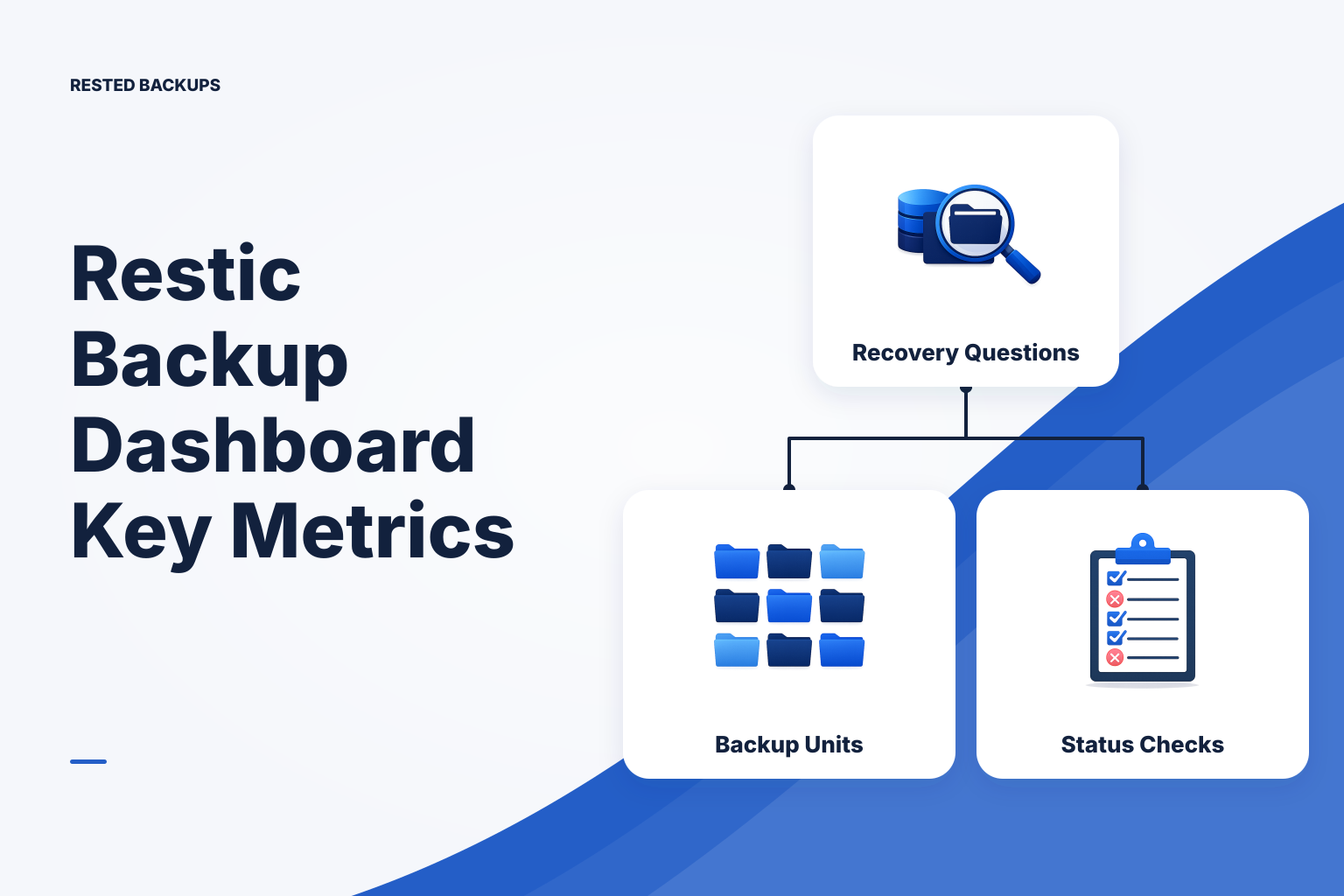
A restic dashboard should answer recovery questions, not just show green jobs
A useful **restic dashboard** tells you whether your intended recovery points are current, complete enough for the service you operate, accessible in the expected repository, and supported by restore evidence. A page that only reports a zero exit code or a recent upload is not enough. That status may show that a backup command finished, but it cannot prove that the selected paths contained the application state you need or that the restored service will start.
Start with the questions someone will ask during an incident: Which server was protected? When did its last expected backup finish? What snapshot can we use? Where is the repository? Who can access the storage and decrypt it? When was the recovery path last exercised? Those questions turn a dashboard from a convenience layer around restic into an operational record.
Restic provides encrypted repositories, snapshots, inspection, checking, and restore operations; its [official documentation](https://restic.readthedocs.io/en/stable/) is the reference for the commands and repository behavior your dashboard reflects. The dashboard is a separate operational concern: it should collect the state that lets an operator notice missing work and make a deliberate recovery decision.
- Freshness: did the job complete within the interval your recovery plan expects?
- Scope: do the protected paths or database artifacts still represent the running service?
- Recovery point: which snapshot, time, host, and tags identify the candidate restore?
- Evidence: what repository checks and restore tests support confidence beyond a successful upload?
Inventory the backup units before choosing metrics
Before building views or alerts, define one backup unit for every meaningful recovery target. A unit is not simply “the server.” It might be a server path, a PostgreSQL logical dump, an uploads directory, a configuration bundle, or a repository that contains several deliberately grouped sources. Record the host, source, schedule, repository location, retention policy, owner, and intended restore target for each unit.
This inventory prevents a common reporting error: treating a healthy repository as evidence that every current workload is protected. Deployments change paths, mounts, database names, and credentials. For containerized services in particular, map named volumes and bind mounts to their host locations; Docker documents that volumes persist independently of a container lifecycle in its [volumes documentation](https://docs.docker.com/engine/storage/volumes/). A dashboard should make the declared backup scope visible enough to compare it with the service’s real state.
Also record the recovery dependencies that do not live inside the snapshot. These commonly include the restic password or recovery key, object-storage account and prefix, storage credentials, database roles, application secrets, DNS changes, and deployment definitions. Keep sensitive values out of the dashboard itself; record their owner and the approved recovery location instead. Losing the ability to decrypt a repository is a recovery failure even when the backup data remains in storage.
- Source host and service owner, including how to contact them during recovery.
- Exact protected paths or generated database artifacts, plus meaningful exclusions.
- Repository identifier, object-storage bucket or endpoint, and isolated prefix.
- Expected cadence, retention rule, and the next expected run window.
- Intended restore destination, validation method, and date of the latest test.
Show freshness, outcomes, snapshots, and repository health separately
Do not collapse all backup state into one badge. A job can be recent but failed, successful but missing expected sources, or successful with a snapshot that is later unavailable because storage access changed. Present separate signals for expected-run freshness, latest execution outcome, newest matching snapshot, repository integrity status, and latest restore-test result. This separation makes it easier to see what needs investigation.
Freshness should be calculated from the schedule you declared, not from a universal number of hours. If a nightly job last succeeded two days ago, it is stale; if a monthly archive ran last week, it may be exactly on plan. Track both failed runs and absent runs. A cron task, systemd timer, disconnected agent, expired credential, or powered-off host can cause a job never to start, leaving no command failure for a simple log parser to report.
For the recovery-point view, show the newest relevant snapshot’s timestamp, host, tags, and source paths. The corresponding command-line inspection is typically restic snapshots; use it to confirm that the candidate snapshot is in the repository and matches the target you intend to recover. If multiple services share a repository, tagging and clear naming conventions reduce the chance of selecting a technically valid but wrong snapshot.
Repository health deserves its own record. restic check can provide useful evidence about repository structure, and read-data checking can add evidence that stored data can be read, depending on the check you run. Neither check establishes that backup scope was correct or that an application will run after restoration. Likewise, surface storage-side risks separately: failed authentication, permission changes, quota or capacity signals where available, and unexpected changes to the bucket or repository prefix. Object-storage configuration and access remain part of your plan; see the [Amazon S3 user guide](https://docs.aws.amazon.com/AmazonS3/latest/userguide/Welcome.html) for the service-side concepts involved.
- Expected versus actual last successful completion, with a visible stale state.
- Latest run result and a link or reference to the failure output when it failed.
- Newest matching snapshot identity, protected source list, and repository.
- Latest repository check result, including what kind of check was performed.
- Date, snapshot, target, validator, and result of the latest restore exercise.
Build the dashboard around an operator’s daily and incident workflow
For daily operation, begin with an exceptions view: overdue backup units, failed runs, repositories without a recent snapshot, and restore tests that are due under your own policy. Make every exception actionable by showing the backup unit, the last known good recovery point, the responsible owner, and the next diagnostic step. A fleet summary is useful only after it leads an operator to that detail.
The detail view for one backup unit should follow the recovery path in order: source definition, recent executions, snapshots, repository details, retention activity, and restore-test history. Keep timestamps unambiguous by showing the time zone. Preserve failure output and configuration-change history long enough to distinguish a transient storage outage from a scope change or an agent that has stopped running.
For small teams that do not want to assemble this operational layer themselves, [Rested Backups](https://restedbackups.com) keeps connected Linux-server backup schedules, outcomes, snapshots, and restore work visible in one workspace while running encrypted restic workflows close to the source data. It is still your responsibility to configure the right scope, storage permissions, retention, recovery key custody, and intentional restore targets. The value of visibility is that those responsibilities are easier to inspect rather than hidden behind an assumed-success status.
If you currently operate restic through scripts, start by standardizing structured records for every run: backup-unit ID, start and finish time, exit result, repository, snapshot ID when created, and error output. Then add schedule-aware freshness evaluation and a snapshot query. Only after those basics are dependable should you invest in trend charts or a broad fleet scorecard. For a comparison of script-first monitoring and central visibility, see [managing restic across multiple Linux servers](/blog/manage-restic-multiple-linux-servers).
- Define the backup-unit inventory and its expected schedule.
- Capture execution outcomes and preserve enough error context to investigate failures.
- Correlate successful runs with the expected snapshot and source scope.
- Evaluate freshness against the unit’s schedule and alert on missing as well as failed jobs.
- Record restore-test evidence alongside the snapshot history.
Use this restic dashboard checklist before trusting the view
Use the following restic dashboard checklist when reviewing a new dashboard or onboarding a server. Verify each item against the actual host and repository, not only the dashboard’s displayed value. The point is to prove that the view is connected to the work it claims to represent.
Restore testing is the last and most important layer. Choose a snapshot, restore it to an isolated and intentional target with a command such as restic restore <snapshot> --target /srv/restore-test, and validate the recovered data in the way the application requires. For a database, that means more than seeing a dump file: load or otherwise inspect it in a safe environment, verify the needed objects and application assumptions, and do not overwrite production as your first test. The [NIST contingency planning guide](https://csrc.nist.gov/pubs/sp/800/34/r1/final) likewise treats testing and exercising recovery capabilities as part of contingency planning.
A failed test is valuable evidence, not a reason to conceal the dashboard signal. Capture the cause—missing configuration, unavailable key, incompatible database version, insufficient target capacity, or incorrect restore order—then update the backup unit and repeat the test. For a deeper explanation of why job success alone is insufficient, read [why a successful backup can still be unrecoverable](/blog/successful-backup-still-unrecoverable).
Operational takeaway: make the next expected backup, the last usable snapshot, the storage and key ownership, and the last validated restore visible for every recovery target. If your restic dashboard cannot answer one of those questions quickly, treat that gap as backup work still to be done.
- Every recovery target has a named owner, declared scope, repository, schedule, and retention policy.
- The dashboard distinguishes a failed run from a run that never started and marks schedule-relative staleness.
- A successful run is correlated with a recent, correctly identified snapshot in the intended repository.
- Repository checks and storage-access failures are visible, but not misrepresented as application-recovery proof.
- The team knows who holds the recovery key and how authorized operators reach the controlled storage account.
- A recent restore exercise records the snapshot, target, validation performed, outcome, duration, and corrective actions.
Technical basis
First-party references
Technical claims and limitations in this guide were checked against these primary sources. Confirm version-specific behavior when designing a production recovery process.
Related from Rested
Common questions
Frequently asked questions
Does restic include a built-in dashboard?
Restic is primarily a command-line backup tool with repository, snapshot, check, and restore capabilities. A restic dashboard is an operational interface built around those capabilities, whether you create it from scripts and monitoring data or use a control plane that presents schedules, outcomes, and recovery history.
What is the most important metric in a restic dashboard?
There is no single sufficient metric. Schedule-relative freshness is usually the first signal to review because it catches missing recovery points, but it must be paired with the latest matching snapshot and restore-test evidence. A recent successful command without the right source scope can still leave the service unrecoverable.
How should a dashboard detect a backup job that never ran?
Store the expected schedule for each backup unit and compare it with the last confirmed successful completion. This detects jobs that were never invoked because of a disabled timer, offline host, broken scheduler, or agent connectivity issue. Parsing command failures alone cannot find an absent execution.
Does `restic check` prove that I can restore my application?
No. A repository check is important evidence about repository consistency and, when data is read, data readability. It does not prove that the selected backup sources were complete, that you retain needed keys and configuration, or that the database and application will work after restoration. An isolated restore and application-specific validation are still required.
What should I show for a database backup?
Show the database backup artifact or recipe, its creation time, the associated restic snapshot, database scope, required roles or global objects where applicable, and the last restore validation. Keep the logical database backup workflow distinct from a raw filesystem path unless you have deliberately designed and tested a filesystem-level recovery method.