PostgreSQL backup strategy for small teams
Design a PostgreSQL backup strategy with logical dumps, roles, encrypted off-site storage, retention, monitoring, and tested restores.
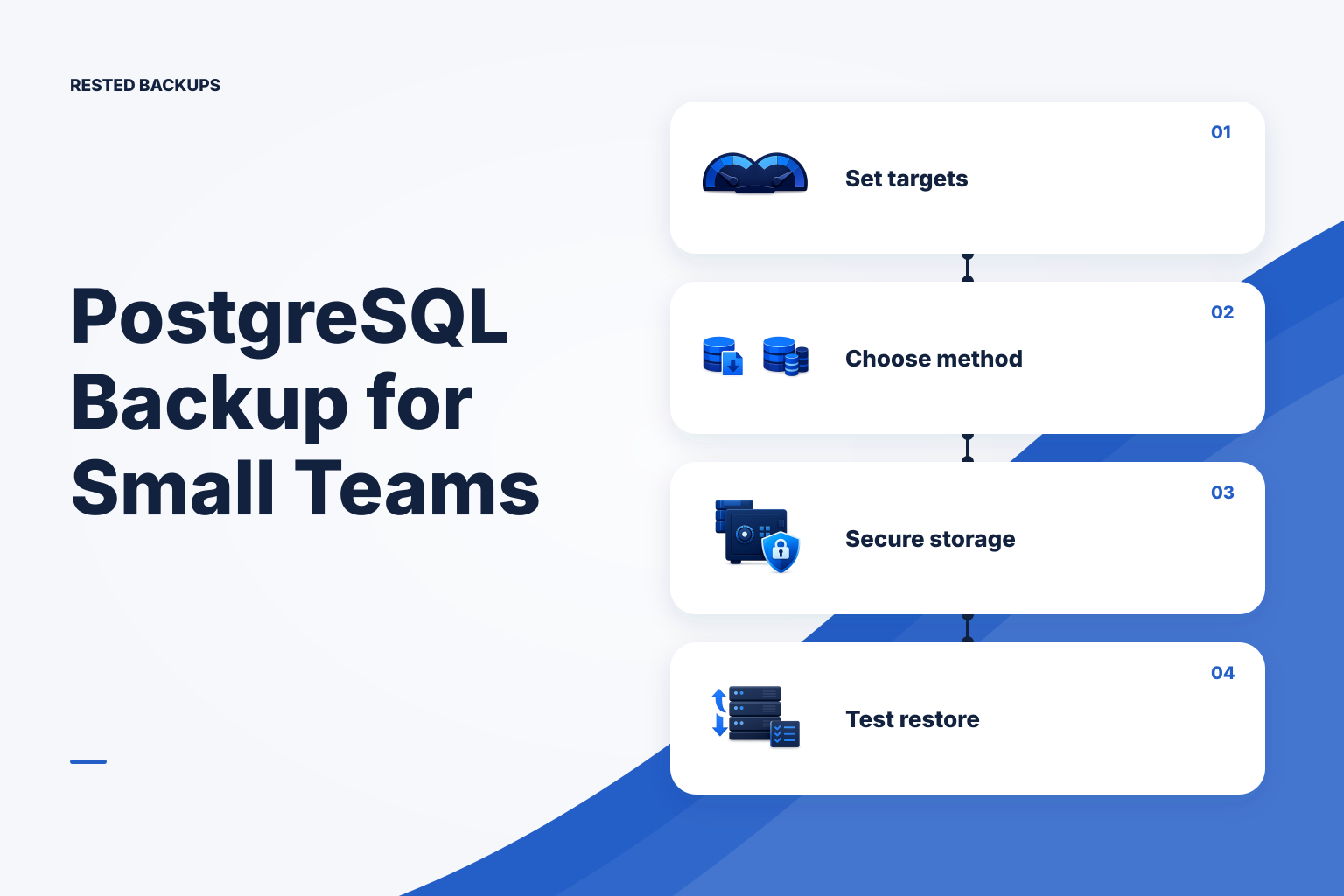
Set recovery targets before choosing a PostgreSQL backup method
For most small teams, start with scheduled logical backups plus regular isolated restore tests. Logical dumps are portable, support selective recovery, and are straightforward to inspect. Their limit is important: the newest recoverable state is the last completed dump. If you need recovery to a point between scheduled backups, plan a physical base backup and write-ahead log (WAL) archiving strategy instead of assuming more frequent dumps provide point-in-time recovery.
Write down two separate targets. Your recovery point objective (RPO) is the maximum data loss you can accept, such as up to one hour of new orders. Your recovery time objective (RTO) is the maximum acceptable time to return the service to a usable state. A successful hourly dump may meet the RPO while still missing the RTO if downloading, provisioning PostgreSQL, restoring, rebuilding indexes, and checking the application takes half a day. For a fuller planning method, see [RPO vs RTO for small teams](/blog/rpo-vs-rto-small-teams-backup-frequency).
Classify databases by impact rather than applying one policy everywhere. Re-creatable development data, a customer-facing transactional database, and an audit store can need different backup intervals, retention windows, storage access, and test frequency. Name an owner for each database’s recovery decision, including who can access the repository, retrieve credentials, and approve a production restore.
- Use scheduled logical dumps when restoring the latest completed backup, a selected database, or selected data is sufficient.
- Use physical backups with WAL archiving when the required recovery point falls between dump schedules; design and test that workflow as PostgreSQL documents.
- Treat a provider disk snapshot as a separate infrastructure recovery layer, not as a substitute for a database-aware PostgreSQL recovery plan.
Create database-aware backups, not ordinary copies of live data files
Use PostgreSQL tools for PostgreSQL data. pg_dump creates a consistent logical export of one database while PostgreSQL remains available. pg_dumpall can export all databases and cluster-wide objects, but it produces plain SQL and has a different restore path. PostgreSQL’s [backup and restore documentation](https://www.postgresql.org/docs/current/backup.html) explains the supported logical and physical backup approaches.
Do not copy a running PostgreSQL data directory as an ordinary filesystem backup and assume it is restorable. A physical PostgreSQL backup needs PostgreSQL-aware consistency handling and, where needed, WAL files. A raw copy can omit the state required for consistent recovery or capture files from different points in time.
Logical and physical backups solve different problems. A logical dump is useful for a single-database restore, a selective restore, inspection, and migration to a newer PostgreSQL version. A physical base backup combined with continuous WAL archiving can support point-in-time recovery. Choose from the recovery requirement, restore scope, database size, and measured restore duration; neither method is universally better.
- For one database, prefer
pg_dumpin custom (-Fc) format when you want a compact artifact thatpg_restorecan list and restore selectively. - For large logical exports where parallelism is appropriate, directory format can support parallel dump and restore work, but it creates a directory that must be handled as one completed backup artifact.
- For all databases and cluster-wide settings, explicitly plan both database dumps and global-object exports rather than assuming a single-database dump contains everything.
Include the dependencies a database dump does not carry by itself
A single-database pg_dump does not by itself capture cluster-wide roles or tablespaces. Decide whether global objects will be exported with PostgreSQL tooling or recreated through controlled infrastructure configuration. During a restore rehearsal, validate login roles, object ownership, grants, and connection permissions—not only whether tables were created.
Extensions are another common restore failure. A dump can contain objects provided by an extension, but the required extension binaries and compatible extension version must be available on the target PostgreSQL server before or during restore. Record the PostgreSQL major version, required extensions, locale or collation assumptions where relevant, and the application configuration needed to connect after recovery.
PostgreSQL documents logical dumps as a route for moving data to newer server versions, but restoring into an older major version is not guaranteed. Use a client tool compatible with the source server, review extension and upgrade constraints, and rehearse the exact source-to-target version path before an outage. The practical choice between pg_dump and pg_dumpall is covered in [pg_dump vs pg_dumpall](/blog/pg-dump-vs-pg-dumpall).
- Capture a one-database logical backup when the recovery scope is one application database.
- Capture required global objects separately, for example with a reviewed
pg_dumpall --globals-onlyexport, when roles and grants must be recreated. - Keep a recovery note that identifies the source version, target version, extension list, dump format, storage location, and responsible owner.
Protect each completed dump and monitor both stages of the job
A database export is only an intermediate recovery artifact until it reaches protected backup storage. Stage it in a directory with restricted permissions, back it up to encrypted off-site storage, and remove or rotate the local artifact according to your documented procedure. Do not report success merely because pg_dump exited with status zero: the storage transfer, repository authentication, and retention step can fail separately.
Track freshness, completion status, duration, and output size for the dump stage and the encrypted-storage stage. An unexpectedly small dump, a job that never started, a repository authentication failure, or a backup that now overlaps its next scheduled run are all actionable signals. A green upload does not establish that the export contains the expected data or can be restored; see [why a successful backup can still be unrecoverable](/blog/successful-backup-still-unrecoverable).
Where a PostgreSQL recipe fits your environment, [Rested Backups](https://restedbackups.com) can keep schedules, run outcomes, snapshots, and restore work visible alongside encrypted restic backup workflows on the connected Linux server. You still own the storage account, recovery key, scope, retention choices, and restore testing. That separation matters during an incident: visible history helps you select a recovery point, but it does not replace the evidence from a restore rehearsal.
- Alert when an expected backup does not arrive, not only when a started command exits unsuccessfully.
- Alert on material duration or size changes after establishing a normal baseline; do not rely on a fixed size threshold for every database.
- Keep database and object-storage credentials out of shell history, command-line arguments, build logs, and backup output.
- Retain multiple recovery generations so delayed discovery of accidental deletion or corruption does not leave only a damaged recent copy.
- Protect the repository location, storage access details, and recovery key separately from the production host; losing access to any of them can block recovery.
Prove recovery in an isolated PostgreSQL instance
A restore rehearsal should recover a chosen backup into a disposable PostgreSQL instance or isolated host, never over the production database. First verify that you can identify the intended recovery point and retrieve its artifacts. Then restore global objects where required, create a fresh target database, restore the dump, and run representative application checks. Record elapsed time from recovery decision through usable application evidence; this is the evidence for your practical RTO.
Check more than row counts. Validate required extensions, database ownership, login and application-role permissions, migrations, representative reads and writes where safe, background-job assumptions, and a small set of business-critical queries or application flows. A dump can load successfully while the application fails because a role, extension, secret, configuration value, or dependent service is missing.
Use a target with sufficient disk for the restored database, indexes, temporary files, and WAL created during recovery. Preserve command output and errors with the rehearsal record. If recovery fails, classify the gap—missing artifact, insufficient storage, incompatible version, absent extension, permission issue, invalid credentials, or slow restore—assign an owner, correct it, and repeat the test. Use the [VPS backup restore test checklist](/blog/vps-backup-restore-test-checklist) to structure the wider server and application rehearsal.
- Restore to a new database name or disposable PostgreSQL cluster; do not use a command that can overwrite production as part of a test.
- Restore and validate the global-object export only in an isolated target because it can create or alter cluster-level roles.
- Compare the restored database’s expected schema, migration level, critical record counts, and application behavior with the chosen recovery point.
- Document the snapshot or artifact selected, start and end times, result, failures, and corrective actions so the next rehearsal is faster and more reliable.
Run a safe logical backup and restore rehearsal
The following commands are illustrative and must be adapted and tested outside production first. They show one database in custom format plus a separate global-object export. Prerequisites: PostgreSQL client tools compatible with the source server; a dedicated backup role with the required privileges; a restricted staging directory; a protected credential mechanism such as a permissions-restricted .pgpass file or your secret manager; and a separate, isolated PostgreSQL target for the restore. Do not place passwords in the commands or export them into logs.
Run the backup commands on a host that can reach the source database and has enough temporary disk. Replace appdb, host details, paths, and the date variable for your environment. The expected result is a non-empty custom-format dump and a non-empty globals SQL file. Check the exit status of each command before handing the completed artifacts to your encrypted backup workflow; do not back up a partially written file as though it were a valid recovery point.
Run the restore commands only against a disposable PostgreSQL target. The target needs a compatible PostgreSQL version and required extension packages installed. The expected validation is that pg_restore --list can read the archive, pg_restore ends without errors, and the SQL checks and application smoke test succeed. A failure in any step means the recovery procedure needs correction, not that the backup is proven.
- Illustrative backup commands:
bash
# Run as a restricted OS account. Credentials come from .pgpass or a secret manager.
set -euo pipefail
umask 077
stamp="$(date -u +%Y%m%dT%H%M%SZ)"
stage_dir="/var/backups/postgresql/staging"
mkdir -p "$stage_dir"

pg_dump --format=custom --verbose \
  --host="127.0.0.1" --username="backup_role" \
  --file="$stage_dir/appdb-${stamp}.dump" \
  appdb

pg_dumpall --globals-only --verbose \
  --host="127.0.0.1" --username="backup_role" \
  > "$stage_dir/globals-${stamp}.sql"

test -s "$stage_dir/appdb-${stamp}.dump"
test -s "$stage_dir/globals-${stamp}.sql"
pg_restore --list "$stage_dir/appdb-${stamp}.dump" > "$stage_dir/appdb-${stamp}.manifest"
After these checks, back up the completed dump, globals export, and recovery notes with your encrypted backup process. Restrict access to the globals export: depending on server configuration, it can include sensitive role information. - Illustrative isolated restore commands:
bash
# Run only against a disposable target, never production.
# Confirm PGHOST, PGPORT, and credentials point to the isolated instance.
export PGHOST="127.0.0.1"
export PGPORT="55432"
export PGUSER="restore_admin"

psql --set=ON_ERROR_STOP=1 --file="/restore/globals-20250101T000000Z.sql" postgres
createdb --owner="app_owner" appdb_restore
pg_restore --exit-on-error --verbose \
  --dbname="appdb_restore" \
  "/restore/appdb-20250101T000000Z.dump"

psql --dbname="appdb_restore" --set=ON_ERROR_STOP=1 \
  --command="SELECT current_database(), now();"
psql --dbname="appdb_restore" --set=ON_ERROR_STOP=1 \
  --command="SELECT count(*) FROM pg_catalog.pg_tables WHERE schemaname NOT IN ('pg_catalog', 'information_schema');"
Follow these checks with application-specific smoke tests using non-production configuration. Do not treat the example catalog query or a table count as sufficient evidence on its own. - After a successful rehearsal, record the restore duration, artifact sizes, target version, extensions checked, validation steps, and any manual intervention. Use the record to revise your RTO estimate and to decide whether logical backups remain suitable.
Technical basis
First-party references
Technical claims and limitations in this guide were checked against these primary sources. Confirm version-specific behavior when designing a production recovery process.
Related from Rested
Common questions
Frequently asked questions
Is pg_dump safe to run on a live database?
Yes. pg_dump creates a consistent logical export while the database remains available. It still consumes database, CPU, disk I/O, and network resources, so schedule it, monitor its duration, and test its impact on busy systems.
When should I use pg_dumpall?
Use pg_dumpall when the recovery plan needs all databases or cluster-wide objects such as roles. For flexible backup and restore of one database, especially where selective restore matters, pg_dump in custom format is often a better fit. Test the restore path for the format you choose.
Does pg_dump include PostgreSQL roles?
No. A single pg_dump covers one database and does not include cluster-wide roles or tablespaces. Export required global objects separately with PostgreSQL tooling, or recreate them from controlled configuration, and then validate ownership and permissions during restore.
How long should PostgreSQL backups be retained?
Retention depends on your recovery needs and any applicable policy requirements. Keep enough recent and historical generations to recover from delayed discovery of accidental deletion or corruption, while confirming that storage cost and pruning behavior are understood.
Do logical PostgreSQL backups support point-in-time recovery?
A logical dump restores the state captured when that dump ran. Recovery to a chosen time between dumps requires a physical PostgreSQL backup and WAL archiving design, with a tested point-in-time recovery procedure.