How to back up a PostgreSQL database on Linux (pg_dump + restic)
Create and test PostgreSQL backups on Linux with pg_dump and restic. Cover consistent dumps, roles, encrypted off-host storage, retention, monitoring, and isolated restores.
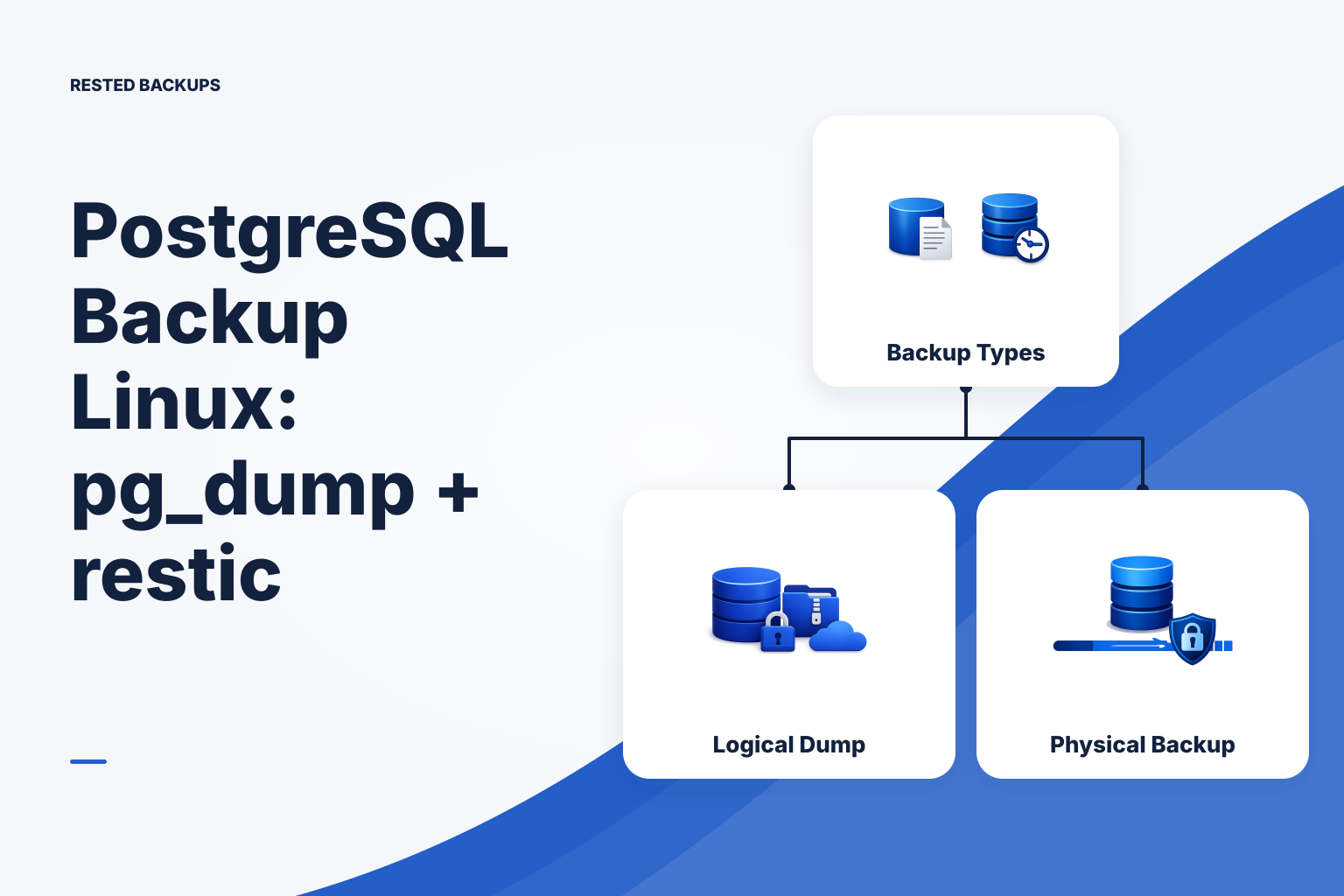
Choose logical dumps for a manageable default; use physical backups for point-in-time needs
For a typical small Linux-hosted application, the practical default is a scheduled PostgreSQL logical dump, encrypted off the database host, followed by regular isolated restore tests. It gives you a portable recovery artifact and a clear restore procedure without operating a write-ahead log (WAL) archive. The trade-off is recovery-point granularity: you can recover only to the time of a completed dump, not to an arbitrary moment between dumps.
A logical backup exports database objects as SQL or an archive. PostgreSQL documents that [pg_dump](https://www.postgresql.org/docs/current/app-pgdump.html) makes consistent exports without blocking normal readers or writers. Custom-format archives are useful for routine recovery because pg_restore can inspect and selectively restore their contents. Test the exact source version, target version, extensions, and application behavior you intend to support; portability is helpful, not a substitute for a rehearsal.
A physical base backup copies a PostgreSQL cluster in a database-consistent form. Combined with continuous WAL archiving, it can support point-in-time recovery (PITR). That is the higher-resilience route when your recovery point objective (RPO)—the maximum acceptable data loss measured in time—is tighter than your dump interval. It also adds operational work: archive durability, WAL retention, recovery configuration, and full recovery drills. PostgreSQL’s [continuous archiving and PITR documentation](https://www.postgresql.org/docs/current/continuous-archiving.html) is the starting point for that design.
- Best default for many small applications: daily or more frequent logical dumps, off-host encrypted storage, and tested restores.
- Lower-complexity option: a logical dump kept locally only long enough to upload it elsewhere; do not treat the local file as the sole recovery copy.
- Higher-resilience option: physical base backups plus continuous WAL archiving, operated and tested as a PITR system.
Define what the database recovery must include
Start with the restore outcome, not the command. Write down the database name, PostgreSQL version, required extensions, application role, expected storage location, and the last acceptable recovery point. Also record where the application’s uploads, configuration, secrets references, and deployment definition live. A database restore alone may not recreate the service your users need.
This inventory prevents a common failure mode: the dump is valid, but a deployment changed a volume, added an extension, or moved user-uploaded files outside the protected paths. Review the inventory after application, database, container, or mount changes. For a broader server-level map, see [what to back up on a Linux server](/blog/what-to-back-up-linux-server).
- Database data: the named application database or databases, with an intentional decision about whether every database on the cluster is in scope.
- Cluster-level objects: roles, role memberships, and tablespaces where applicable.
- Recovery prerequisites: extension packages, compatible PostgreSQL software, storage access, repository location, and the protected recovery key or password.
- Application state outside PostgreSQL: uploads, file-backed assets, and configuration needed to connect the recovered application safely.
Take a consistent custom-format dump with pg_dump
Use a custom-format archive for a single application database unless you have a reason to require plain SQL. It is compressed by default and works with pg_restore for listing, selective restore, and parallel restore where appropriate. Publish the finished artifact atomically: write to a private temporary directory, then rename it only after pg_dump exits successfully. This stops a failed or interrupted export from replacing the last known-good artifact with a partial file.
The following is an illustrative command for a host that has PostgreSQL client tools installed and can authenticate as a backup role. Run it first in a non-production environment or against a non-critical copy. Replace placeholders with your host, port, database, backup role, and protected destination. Supply credentials through a mode-0600 .pgpass file or another protected non-interactive mechanism; do not put passwords in shell history, process arguments, or a script.
A successful command should leave a non-empty .dump file and exit with status 0. It does not prove that the archive can be restored into the target environment. If the command fails, preserve its stderr in your job log and investigate authentication, network reachability, permissions, disk space, client/server version compatibility, timeouts, or an unavailable target directory before retrying.
- Prerequisites: pg_dump and pg_restore installed, enough local staging space, a backup role with the required access, and a protected credential source.
- Safe context: create a new artifact; do not point output at a file that an active restore or another backup job may use.
- Expected validation: pg_restore --list can read the archive after it is created.
Back up roles and other cluster-level dependencies deliberately
A pg_dump export covers one database. It does not include cluster-wide roles or tablespaces, so a database can restore successfully while its application cannot log in or while object ownership no longer matches expectations. Export global objects separately with pg_dumpall --globals-only, or manage them as tested controlled configuration. The [pg_dump vs pg_dumpall guide](/blog/pg-dump-vs-pg-dumpall) explains why this scope decision changes the restore path.
Extensions are another restore dependency. Install compatible extension packages on the scratch or recovery server before restoring objects that require them. Include representative application queries, authentication, and write-path checks in your acceptance criteria; table counts alone do not prove the service works.
- Save global objects separately so they can be reviewed and restored in the intended order.
- Document whether restore operators should recreate roles from configuration or apply the globals export.
- Treat missing extensions, role conflicts, permission warnings, and ownership errors as restore failures to resolve, not cosmetic warnings.
Encrypt the recovery artifacts and store them off-host with restic
A dump on the same host is useful for convenience but is not an independent recovery path against host loss, disk failure, destructive access, or a compromised server. Back up the completed dump directory to storage you control, using encryption before data leaves the host. restic encrypts repository data client-side; its [restore documentation](https://restic.readthedocs.io/en/stable/050_restore.html) describes how snapshots are recovered.
Keep the repository URL or configuration, storage access method, and restic repository password or recovery key available through a protected recovery process that is independent of the database server. Losing the recovery key can make an encrypted repository unrecoverable. Limit object-storage permissions to the repository’s intended bucket and prefix, and test access from an isolated recovery environment rather than assuming the production host will always be available.
If you want schedules, run outcomes, snapshots, and restore work visible in one operational workspace, [Rested Backups](https://restedbackups.com) runs encrypted restic backup workflows from a connected Linux server while you retain responsibility for storage configuration, permissions, recovery keys, backup scope, and restore testing.
- Initialize one repository in the intended remote storage location, then record its location outside the protected server.
- Back up only completed artifacts, including the database archive and the separate globals export when you need it.
- Keep storage credentials and repository recovery material protected and available to the people who may need to restore.
- Use per-repository storage prefixes and review permissions, retention, and deletion behavior before enabling cleanup.
Automate the full workflow, prevent overlap, and retain useful history
A dependable scheduled workflow creates a database-consistent artifact, checks that it is readable, uploads it to the encrypted repository, records a useful log, and fails visibly if any step fails. Avoid overlapping repository operations: a second job can create contention or make the failure signal confusing. Use a scheduler with an overlap lock, such as a systemd service with a locking wrapper, and send status to monitoring outside the database host.
Retention is a recovery decision. Keep enough daily, weekly, and monthly points to cover the time it could take to notice accidental deletion, corruption, or a bad deployment. Run forget and prune only after you understand their effects: forget removes snapshot references according to policy, while prune removes unreferenced repository data. Keep cleanup separate from the critical dump-and-upload path where possible, and alert on both job failure and missing expected runs.
The script below is illustrative, not a copy-paste production policy. It stages a single database custom archive and a globals export under /srv/backups/postgres, verifies that pg_restore can read the archive, then backs up that directory with restic. Test it with non-production data first, use a protected environment file or service credentials for RESTIC_REPOSITORY and RESTIC_PASSWORD_FILE, and configure a lock in the scheduler that runs it.
- Failure signal: no new snapshot, a non-zero job exit, an unreadable archive, or a scheduled run that never starts.
- Do not silently delete local artifacts before confirming the off-host backup command completed successfully.
- Review retention after changing backup frequency, legal or operational retention needs, storage lifecycle rules, or RPO.
- For monitoring choices and stale-job detection, see [how to monitor restic backups and alert on failed scheduled jobs](/blog/monitor-restic-backups-alert-scheduled-job-failures).
Technical basis
First-party references
Technical claims and limitations in this guide were checked against these primary sources. Confirm version-specific behavior when designing a production recovery process.
Related from Rested
Common questions
Frequently asked questions
How does a pg_dump plus restic backup work?
pg_dump creates a consistent logical export of a PostgreSQL database. restic encrypts the completed export on the backup host and stores it in a repository, such as configured object storage. A recoverable workflow also protects role information when needed, records repository access details and recovery credentials, monitors scheduled runs, and restores into an isolated target for testing.
Should I use pg_dump or a physical PostgreSQL backup?
Use pg_dump when a logical recovery point at each completed dump meets your recovery objectives and you want a manageable, portable restore artifact. Use physical base backups with continuous WAL archiving when you need point-in-time recovery between scheduled backups. The physical approach has additional design, storage, monitoring, and testing requirements.
How do I restore a custom-format PostgreSQL dump?
Restore the archived dump from your backup repository to a safe working directory, create an empty scratch database, and use pg_restore against that database. Test in isolation first. Restore global roles separately only when that is part of the planned recovery procedure, and do not use production-overwriting options during a rehearsal.
Does pg_dump include PostgreSQL roles and tablespaces?
No. pg_dump exports one database and does not include cluster-wide roles or tablespaces. Use pg_dumpall --globals-only where appropriate, or manage those dependencies through controlled configuration that is available during recovery.
Can pg_dump provide PostgreSQL point-in-time recovery?
No. A logical dump restores the state represented by that completed dump. PostgreSQL point-in-time recovery requires a physical base backup and continuous WAL archiving that have been configured and tested together.