Restic S3 backup: protect restore.conf and prove recovery
Build a restic S3 backup recovery plan that protects repository access and restore.conf, verifies snapshots and integrity, and proves recovery with a safe restore test.
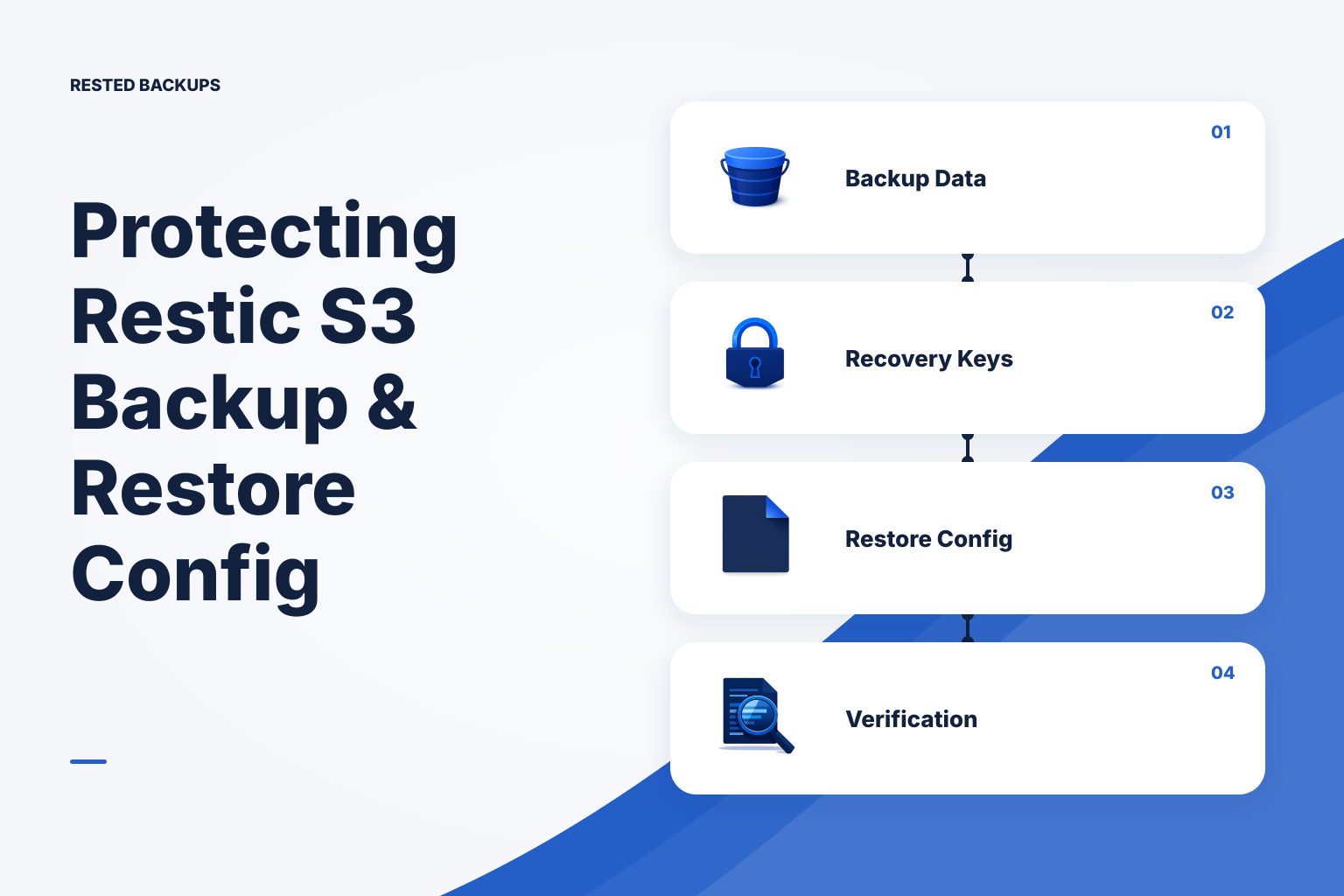
Treat repository access and recovery configuration as protected recovery assets
A **restic S3 backup** is useful only when you can locate the right repository, authenticate to its storage, unlock it, select a usable snapshot, and restore its contents to a safe target. If restore.conf is part of your service’s recovery procedure, protect it alongside the data it describes. Do not treat a successful upload, a visible S3 object, or a green job status as proof that the application can be recovered.
The fastest safe path is to make one recovery record for each repository, run a contained restore into an isolated directory or disposable host, and validate a real recovery outcome. Start with a recent snapshot and a representative file or database artifact; expand the test into an application-level restore on a planned cadence. This separates “the backup command completed” from “we can rebuild the service.”
Restic does not require a universal file named restore.conf. In your environment, that filename may belong to an application, a database recovery procedure, or a local script. Establish what it controls before backing it up or applying it: repository location, restore destination, database connectivity, mounted storage, an object-store endpoint, or another dependency. Restoring an unfamiliar configuration directly onto a replacement server can overwrite settings that must remain specific to the new host.
For every repository, keep a documented recovery inventory **outside the repository itself**. Record the repository location, S3 bucket and prefix, endpoint or region where applicable, storage credential retrieval method, owner and escrow process for the restic password or recovery key, snapshot selection rule, and application-specific restore order. The [Restic documentation](https://restic.readthedocs.io/en/stable/) is the primary reference for repository, snapshot, integrity-check, and restore behavior; keep your local runbook aligned with the restic version and backend you operate.
- Protected backup data: repository contents in the intended S3 bucket and prefix.
- Repository unlock material: the restic password or recovery key, plus a controlled process for authorized access.
- Storage access: credentials, IAM or equivalent permissions, endpoint details, and network assumptions needed to reach the object store.
- Application context:
restore.confwhere applicable, service configuration, database artifacts, deployment manifests, data-path mappings, and the restore sequence. - Recovery evidence: dated notes from restore tests, including what was restored, what was validated, elapsed steps, and defects found.
Give each S3-backed repository a clear boundary and ownership model
Create a deliberate boundary for each restic repository. A practical default is one repository per server role, application recovery domain, or environment, with a dedicated object-storage prefix. This reduces accidental overlap between unrelated retention policies and makes it easier to identify which snapshots belong to a specific recovery plan. A lower-complexity setup may combine small, related workloads in one repository; use that only when they genuinely share owners, retention, access, and restore expectations.
A restic backup to S3 needs more than a bucket name. Record the bucket, prefix, region or endpoint as applicable, credential source, and permissions model. S3-compatible services can differ in endpoint and authentication details, so verify the exact backend configuration against both your provider and restic documentation rather than copying an AWS-oriented example unchanged. The [Amazon S3 User Guide](https://docs.aws.amazon.com/AmazonS3/latest/userguide/Welcome.html) is the primary reference when the repository uses Amazon S3.
Do not casually place long-lived storage credentials or the restic password in restore.conf, shell history, Compose files committed to source control, or unprotected infrastructure repositories. If recovery configuration must reference a secret, protect the file appropriately and document how an authorized operator obtains the current secret during an incident. An encrypted backup may be an approved location for some protected material in your environment, but it does not replace secret ownership, credential rotation, or access testing.
Test the permissions needed by the workflow you actually run. A repository may need to list, read, write, and delete objects within its intended prefix; retention and pruning can require delete access that a backup-only test does not reveal. Scope access to the bucket and repository prefix rather than granting broad account access. For a deeper permissions review, see [minimum S3 permissions for restic backups and pruning](/blog/restic-s3-permissions). Also decide whether object versioning or retention controls fit your threat model, recognizing that stronger deletion controls can change how cleanup and pruning must be operated.
- Use a bucket and prefix that clearly identify the environment and recovery domain without exposing secrets in object names.
- Scope storage permissions to the intended repository location and test backup, restore, retention, and pruning actions separately.
- Set retention for the recovery-point history you need; confirm cleanup cannot remove a snapshot required by your recovery plan.
- Version non-secret recovery instructions, then protect referenced secrets through your approved secret-handling process.
- Assign named owners for storage access, recovery-key custody, and periodic restore-test review.
Back up restore.conf with the files that make it meaningful
Include restore.conf in backup scope when it contains recovery-relevant settings that cannot be reliably recreated from your normal deployment process. It may identify a restore target convention, application data path, database connection settings, object-storage configuration, or a local recovery script. Before adding it, inspect whether it contains credentials. If it does, decide explicitly whether encrypted backup storage is an approved location for that secret and who can decrypt it.
Avoid circular recovery design. A configuration file stored only inside an encrypted repository cannot help you find or unlock that repository if the team has also lost the repository location and recovery key. Keep a small, access-controlled recovery record independent of the backup data. It can identify the authoritative configuration version and explain the secret-retrieval process without copying every secret into an incident runbook.
Configuration files do not make a live database backup consistent. For PostgreSQL, use a database-appropriate backup method and retain the information needed to restore roles, extensions, ownership, and application connectivity where those are in scope. PostgreSQL documents logical and physical approaches in its [backup and restore documentation](https://www.postgresql.org/docs/current/backup.html). A filesystem copy of a live database directory, a provider snapshot, and an application-level export have different consistency and restore properties. For logical PostgreSQL scope decisions, see [pg_dump vs pg_dumpall](/blog/pg-dump-vs-pg-dumpall).
Review recovery configuration after a bucket or prefix migration, credential redesign, renamed mount point, database version change, new persistent volume, or deployment redesign. This is S3 configuration backup as an operational practice, not a one-time copy of a file. A green scheduled job can continue backing up an obsolete path while the live service writes elsewhere. Containerized services are particularly vulnerable to this form of coverage drift; compare what is mounted now with the backup scope using the [Docker volume and mount coverage drift guide](/blog/detect-docker-volume-mount-backup-coverage-drift).
- Include: recovery instructions, non-secret configuration, service manifests, data-path mappings, database backup artifacts, and useful checksums or version identifiers.
- Review carefully: files containing access keys, passwords, private keys, tokens, or environment variables containing secrets.
- Keep independently available: repository location, key ownership and retrieval process, responsible operators, and a short restore decision record.
- Restore configuration to a separate target first, compare environment-specific values, and apply only the settings appropriate to that target.
Use layered verification instead of trusting a successful upload
S3 backup verification should answer progressively stronger questions: did the scheduled job run; did restic create the expected snapshot; can an authorized operator open the repository; can the relevant files or database artifacts be restored; and can the recovered application perform the function that matters? Each layer is useful evidence, but none replaces the next. A clean repository integrity check is evidence about stored data, not proof that you selected the right sources or can start the application.
After a backup run, inspect the run outcome and snapshot history for the expected host, paths, tags, and time. Check for missing or unexpectedly small snapshots as well as explicit failures. If snapshot scope changes without an intentional deployment change, pause and investigate before normal retention removes older recovery points. The [restic repository health guide](/blog/restic-repository-health-integrity-checks) explains the important boundary between repository integrity and recoverability.
Restore into an intentional isolated target rather than over the live source. For files, compare the recovered directory structure, ownership expectations, and representative content. For a database artifact, restore into a disposable database or separate instance and run read-only validation. For an application, use a non-production hostname, prevent it from sending email or webhooks, and validate a meaningful workflow such as opening a known record, serving a known asset, or completing a read-only health check.
Test restore.conf as an input to the procedure, not as an artifact to copy blindly. Read it before use, replace values that must differ on the isolated target, retrieve required secrets through the approved path, and record every manual adjustment. A missing file, expired credential, changed mount path, absent database role, or undocumented DNS dependency is a recovery-plan defect. Fix it and rerun the relevant part of the test before treating the procedure as proven.
- Confirm freshness: the expected schedule ran and did not silently stop because the agent host was offline or unable to read selected paths.
- Confirm scope: the expected repository and snapshot contain the paths or database artifacts you intended to protect.
- Confirm access: a designated recovery operator can reach S3 and unlock the repository through the documented process.
- Confirm repository evidence: run an appropriate restic integrity check and investigate any reported errors before relying on the affected snapshots.
- Confirm recovery: restore to a separate target, validate application behavior, and capture gaps and elapsed steps for improvement.
Run a contained restore test with explicit checks and stop conditions
The commands below are illustrative and must be adapted and tested outside production first. Run them from a trusted Linux host that has restic installed, network access to the intended object store, and authorization to use the repository. Obtain the repository password and S3 credentials through your approved secret process; do not paste secrets into the terminal, scripts, chat, or shell history. Set RESTIC_REPOSITORY using the backend format documented for your storage provider, and use a newly created empty restore directory.
The following sequence checks that the repository is reachable, lists available snapshots, checks repository data, restores one selected snapshot to an isolated path, and creates a local manifest for review:
bash
# Illustrative only: adapt endpoint, repository location, snapshot ID, and paths.
# Load RESTIC_PASSWORD and storage credentials from your approved secret mechanism.
export RESTIC_REPOSITORY='s3:s3.amazonaws.com/EXAMPLE-BUCKET/restic/production/app-a'
export RESTIC_PASSWORD_COMMAND='your-approved-secret-retrieval-command'

# Confirm the repository is reachable and identify a candidate recovery point.
restic snapshots --compact

# Check repository structure and data according to your test policy.
restic check --read-data-subset=5%

# Restore a specific snapshot into a new, isolated directory.
RESTORE_ROOT='/srv/restore-tests/app-a-2025-01-15'
mkdir -p "$RESTORE_ROOT"
restic restore SNAPSHOT_ID --target "$RESTORE_ROOT"

# Review the restored tree without copying it back into production.
find "$RESTORE_ROOT" -maxdepth 3 -type f -printf '%p %s bytes\n' | sort | head -n 50
sha256sum "$RESTORE_ROOT/path/to/representative/file"
Expected results are a successful snapshot listing, a check command that exits without repository errors, restored files beneath the target directory, and a representative file that can be read and compared with an expected checksum or known content. --read-data-subset=5% samples repository data; it does not read every pack and is not equivalent to a full application restore. Choose the scope and frequency of deeper checks based on the importance and size of the protected data.
Stop and investigate if restic snapshots cannot reach the expected repository, the snapshot list is stale or missing expected paths, restic check reports errors, the restore target is unexpectedly empty, permissions prevent the recovered service from reading data, or the application requires dependencies that are not in the recovery record. Do not respond to a failed test by restoring over the source. Preserve the failure output, identify whether the defect is storage access, key custody, backup scope, repository health, or application procedure, and correct that specific layer.
- Use an empty directory, disposable VM, temporary container, or separate database instance; never point the initial test at a live application path.
- Select a named snapshot intentionally rather than assuming “latest” is the correct recovery point during an incident.
- Review
restore.confand related configuration before starting any recovered service; change hostnames, endpoints, and outbound integrations for isolation. - For databases, validate the export or restored instance with engine-appropriate commands and a small set of application-relevant read-only queries.
- Record the snapshot ID, test target, start and end times, validations performed, failures, and follow-up owner.
Turn recovery evidence into a routine operational signal
Small teams do not necessarily need a large backup control plane, but they do need clear answers: which server last completed a backup, which repository it used, whether a recent snapshot exists, whether a job failed or never started, and when the last restore test occurred. Connect those answers to an owner and review cadence so stale backups do not become an outage-time surprise. The [restic monitoring guide](/blog/monitor-restic-backups-alert-scheduled-job-failures) covers the difference between a command failure and a scheduled job that never ran.
For Linux hosts, [Rested Backups](https://restedbackups.com) can keep encrypted restic schedules, run outcomes, snapshots, and restore work visible in one workspace while you retain control of object storage, storage permissions, and the recovery key. That visibility helps a small team follow up on missed runs and select recovery points; it does not remove the responsibility to define correct scope, protect recovery credentials, or test the restored application.
If you are formalizing the workflow, use the [backup automation guide](/backup-automation) to design beyond a single scheduled command, and use [restore backups](/restore-backups) to plan an intentional target and validation step. For a broader S3-specific implementation sequence, see the [restic S3 backup checklist](/blog/keyword-restic-s3-backup-checklist). Teams should also decide who receives failure alerts, who can obtain recovery material, and who is authorized to approve a production restore.
Run one contained restore this week. Choose a recent snapshot, obtain repository access through the documented ownership process, restore to a separate target, inspect restore.conf before applying it, and validate something the application actually needs. Write down the first missing file, permission, credential, or instruction. That evidence—not the presence of an S3 object—is what makes the next recovery safer.
- Review recent backup outcomes, freshness, unexpected changes in snapshot scope, and unresolved failure alerts.
- Update the recovery record whenever storage, credentials, paths, database procedures, mounts, or deployment architecture changes.
- Schedule representative restore tests and retain evidence, defects found, corrective actions, and a named owner for each action.
- Review whether recovery-point objective (acceptable data-loss window) and recovery-time objective (acceptable time to restore service) still match the service’s current importance.
Technical basis
First-party references
Technical claims and limitations in this guide were checked against these primary sources. Confirm version-specific behavior when designing a production recovery process.
Related from Rested
Common questions
Frequently asked questions
Does restic need restore.conf to restore from S3?
No. Restic does not have a universal restore.conf requirement. It needs enough information and authorization to reach and unlock the repository, choose a snapshot, and restore to a target. A file with that name may be required by your application, script, or database procedure, so identify its role before deciding how to protect or apply it.
Should I store the restic password in the same S3 bucket as the repository?
Do not rely on the repository as the only place to retain the password or recovery key. If the key is lost, the encrypted repository cannot be recovered. Use an access-controlled, independently available ownership and escrow process appropriate to your team, and test that an authorized recovery operator can use it.
How can I verify a restic backup to S3 without a full production restore?
Use layers: confirm a recent run and expected snapshot, verify that an authorized operator can reach and unlock the repository, run an appropriate integrity check, restore a representative subset into an isolated target, and validate meaningful recovered content. Periodic application-level restore testing is still necessary because snapshot presence and repository integrity do not prove that the selected scope and startup procedure are correct.
Can I restore a snapshot directly over the production server?
It is generally safer to restore to a separate, intentional target first. This lets you inspect files, adjust environment-specific configuration, validate permissions, and avoid overwriting surviving data. If a production overwrite is necessary, use a documented change procedure, establish the exact recovery point, and understand the effect on live data before proceeding.
What should I do when an S3 endpoint, bucket prefix, or credential changes?
Update and test the backup configuration, then update the independent recovery record with the new repository location and credential-retrieval procedure. Run a backup and a contained restore test after the change. A stale endpoint or permission set can leave an old repository readable while new backups fail or land somewhere the recovery team does not expect.