restic vs BorgBackup: which backup tool should you use?
Compare restic and BorgBackup for Linux backups: repository models, object storage, encryption, deletion controls, restores, operational effort, and how to test either tool safely.
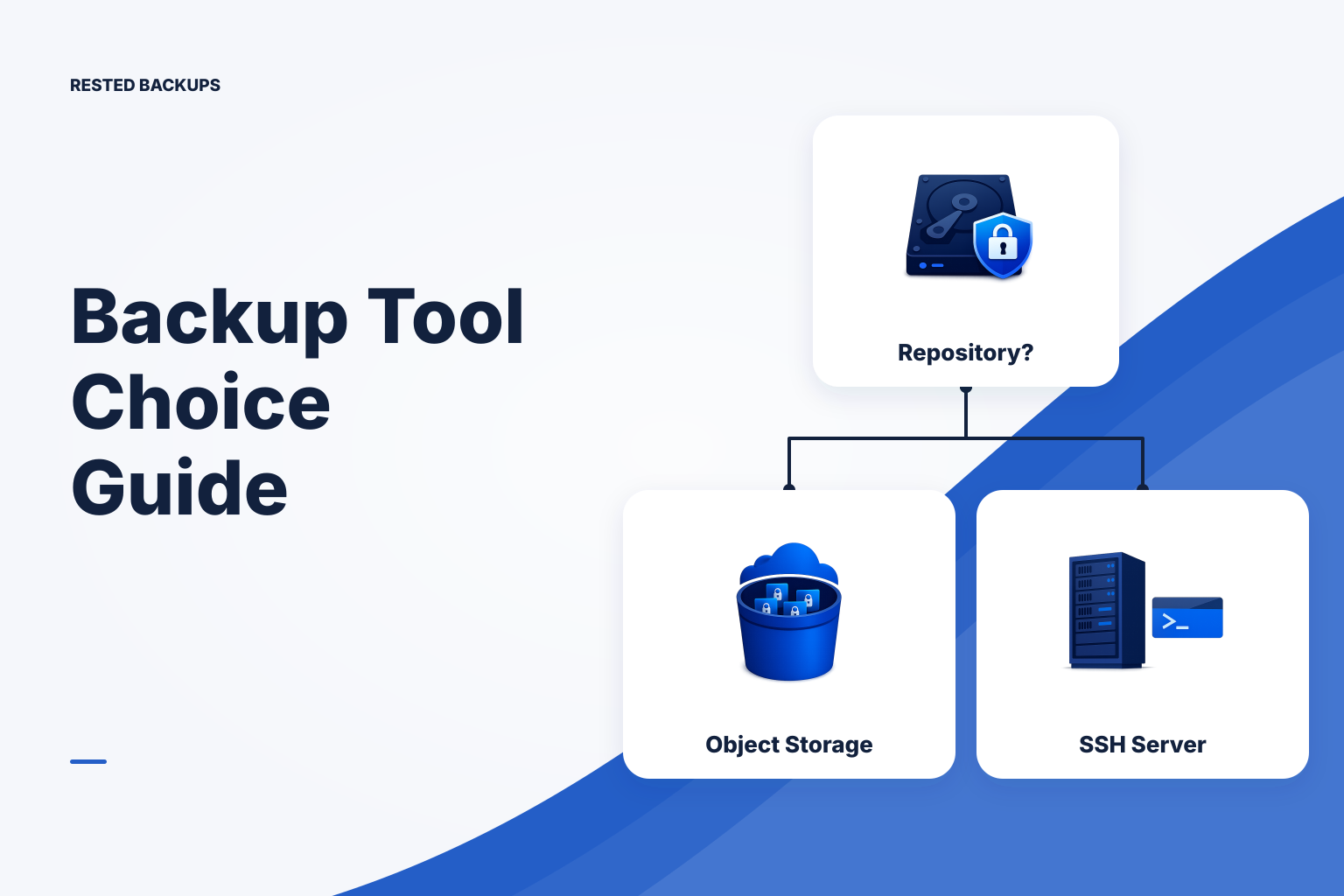
Choose by repository and recovery model, not a generic feature score
For most Linux server teams, choose **restic** when you want encrypted backups in S3 or compatible object storage without operating a backup server at the destination. Choose **BorgBackup** when you can operate and recover a Borg repository on a remote server over SSH, and its append-only repository option fits your deletion-risk model. Both are capable backup engines; neither makes a successful backup job equivalent to a proven recovery.
The fastest safe decision is to write down where the repository will live, which identity can delete it, how you will obtain credentials and the encryption secret during an incident, and how long a clean-host restore takes. If any answer relies on an undocumented workstation setting, a departed administrator, or an untested bridge service, fix that before migrating tools.
The comparison below ranks the tools by fit for common repository designs, rather than pretending one is universally better. Licensing for both projects is separate from the costs of object storage or a repository server, network transfer or egress, maintenance, and the operator time needed to test restores.
- Best default for user-controlled object storage: restic with a repository in a scoped bucket or S3-compatible prefix.
- Lower-infrastructure choice when you already administer a remote Linux host: BorgBackup over SSH, provided the repository host is independently protected.
- Higher-resilience choice for either engine: a separately administered recovery copy or storage protection design, documented recovery access, and recurring isolated restore tests.
Practical comparison: where each tool fits
Both tools encrypt data on the client, deduplicate content, retain snapshots, and support selective restores. The decisive distinction is how the remote repository works. Test the exact tool version, storage backend, retention policy, and restore path you intend to operate; features alone do not establish your recovery point objective (RPO), the maximum data loss you can accept, or your recovery time objective (RTO), the time you can accept before service returns.
- Use restic when your recovery plan is centered on direct access to object storage, SFTP, a REST server, or a local repository.
- Use BorgBackup when your recovery plan is centered on a Borg-aware repository accessible locally or through SSH, and you are prepared to operate that repository host.
- Keep your current tool when it already meets measured backup, maintenance, and clean-environment restore requirements. Migration adds a second recovery path to validate.
What they have in common
restic and BorgBackup are established backup tools with command-line workflows for Linux and other supported platforms. Both use client-side authenticated encryption, content-defined deduplication, snapshots, retention operations, repository checks, and selective restore. In both cases, the storage target holds encrypted backup data rather than ordinary source files.
Those shared capabilities are valuable, but they do not settle application consistency or backup scope. A filesystem snapshot of a running database may not be the same as a database-aware backup. Protect database-consistent artifacts, application uploads, configuration, and the recovery information needed to put them back together. For a scope review, see [what to back up on a Linux server](/blog/what-to-back-up-linux-server).
- Client-side encryption: data is encrypted before it leaves the source machine; recovery still requires the repository location, storage access, and encryption material.
- Content-defined deduplication: changed chunks are stored rather than blindly copying every unchanged file, but the actual space result depends on the workload and retention.
- Snapshots: each backup creates a recoverable point that you can list, inspect, restore selectively, and remove according to an intentional retention policy.
- Maintenance and verification: repository checks provide useful integrity evidence, but a real restore and application-level check answer a different question.
The main difference is the remote repository design
restic supports repositories in object storage, including S3-compatible storage where configured, as well as SFTP, REST-server, and local repositories. With an object-storage repository, recovery reads the repository directly from the storage service; it does not require a restic daemon running on the lost source host. This is often the simpler design for a team that wants the recovery boundary to be a bucket and its separately managed access controls.
BorgBackup's usual remote design is a Borg repository on another machine, reached over SSH. Native object-storage repositories are not part of that usual model, so a bucket-based Borg design needs an additional bridge, service, or a different repository architecture. That component is not incidental: document its version, credentials, availability, and clean-host recovery procedure before relying on it.
Object storage does not remove operational work. You still need a correctly scoped prefix, storage credentials, lifecycle and versioning decisions, retention behavior that does not conflict with storage protections, and a way to retrieve credentials when the original server is unavailable. For the restic side of this design, use the [restic S3 backup checklist](/blog/keyword-restic-s3-backup-checklist) and review [minimum S3 permissions for restic backups and pruning](/blog/restic-s3-permissions).
- restic object-storage path: source host → encrypted repository objects in storage you control.
- Borg SSH path: source host → SSH-accessible host running or storing a Borg repository.
- Recovery question for either path: can a new machine reach the repository and authenticate without the original host's files, cache, shell profile, or SSH agent?
Compare who can delete backups, not just who can read them
Encryption limits who can read backup contents; it does not automatically stop deletion. Borg can use an append-only remote repository configuration so a client cannot permanently remove previously committed backup data. That is a meaningful control when the backup client could be compromised. It does not make the repository indestructible: an administrator of the repository server may still be able to remove data, so server administration, independent copies, and recovery testing still matter.
A restic client with ordinary repository read-write credentials can perform retention operations and remove repository data. Object-storage versioning, separate credentials, protected copies, or Object Lock-style controls may improve the recovery posture, but they change how deletion, retention, and pruning work. Do not enable immutability or versioning as a slogan; test the exact result of a scheduled retention run and document how storage lifecycle rules interact with it. See [immutable restic backups: Object Lock, versioning, and the prune trade-off](/blog/immutable-restic-backups-object-lock-versioning-prune).
For either tool, maintain a simple deletion map: list the client identity, repository-server or storage-administrator identity, billing-account identity, and any break-glass identity that can delete, lock, or revoke access. If one compromised identity controls all copies, your protection boundary is weaker than the tool comparison suggests.
- Borg append-only mode can reduce what a compromised client may delete; it does not replace protection of the repository server.
- restic deletion resistance is designed through the storage account, credentials, versioning, retention, and any immutability controls—not by assuming repository encryption prevents deletion.
- In both designs, test deletion and retention controls in a non-production repository before applying them to the only recoverable copy.
Performance and repository size need a representative workload test
There is no honest universal winner for backup speed, restore speed, or repository size. Results vary with file count and size, change rate, compression settings, client CPU and memory, encryption and hashing overhead, network latency, cache state, storage throughput, and the maintenance operation being measured. A result based only on the first backup says little about day-to-day backups or a cold restore.
Use a representative but non-production data set and the intended remote target. Record elapsed time, source CPU and memory pressure, bytes transferred, repository growth, temporary disk use, and failures. Include the slowest server class you operate, not only a developer workstation.
- First backup: establishes initial transfer time, repository creation behavior, and baseline storage use.
- Typical incremental: measures the routine backup after a realistic change set.
- Maintenance: test retention, pruning or compaction as applicable, locks, and the resource cost of repository checking.
- Cold restore: restore onto a new or disposable host with no inherited cache, SSH configuration, or source files.
Technical basis
First-party references
Technical claims and limitations in this guide were checked against these primary sources. Confirm version-specific behavior when designing a production recovery process.
Related from Rested
Common questions
Frequently asked questions
Is restic or BorgBackup better for backing up to S3?
restic is usually the more direct fit because it supports S3 and S3-compatible repositories where configured. BorgBackup's usual remote repository model is Borg over SSH, so a bucket-based design adds a bridge, service, or other repository architecture that must also be recoverable.
Does BorgBackup have an advantage over restic?
BorgBackup can use an append-only remote repository configuration, which can limit a backup client's ability to permanently delete committed backup data. That benefit depends on the repository-server design and does not stop an administrator of that server from deleting the repository.
Can I restore a restic repository without the original server?
You need the restic binary, repository location, usable storage credentials, the repository password or other required encryption material, and enough capacity for the restore target. A clean-environment restore test is the best way to find dependencies on the original server.
Which tool is faster, restic or BorgBackup?
Neither is universally faster. Measure initial and incremental backups, maintenance, and a cold restore using your own file mix, server hardware, network, repository target, and retention settings.
Do repository checks prove that an application can be recovered?
No. Repository checks provide evidence about repository structure and, depending on the operation, stored data readability. They do not prove that you backed up the right application state, can restore it in the required order, or that the application starts and serves expected data. Add isolated restore and application smoke tests.