Best Linux Server Backup Tools: Beginner to Advanced
Compare the best Linux server backup tools for beginners and advanced operators, including trade-offs, recovery checks, and how to choose.
Choose by the recovery workflow you can operate
The best Linux server backup tools are not one universal product category winner. Beginners usually benefit from a guided agent or web interface that makes schedules and outcomes easy to find; advanced operators may prefer a command-line engine or self-managed platform that gives them greater control over repositories, encryption, automation, and recovery procedures. The decision matters because a completed upload only establishes that a backup task ran—it does not establish that the right data was captured or that the service can be restored.
Start with the failure you are planning for: an accidentally deleted file, a failed deployment, a lost server, or a damaged database. Then decide who will own the storage account, encryption material, retention policy, and restore runbook. This narrows the field of Linux backup software much more reliably than comparing feature lists.
For every candidate, ask whether an operator can answer four questions quickly: what data is protected, when did the last usable recovery point complete, where is it stored, and how will it be restored without overwriting production. A repository integrity check is valuable evidence about stored data, but it still does not prove backup scope or application recovery; see what repository health checks prove (opens in a new tab) for that distinction.
- Scope: Can you explicitly include application data, configuration, uploaded files, and database-consistent backup artifacts?
- Visibility: Can the responsible person see missed schedules, failed runs, and available recovery points without searching through an old terminal session?
- Ownership: Do you understand who controls the storage credentials and encryption or recovery key during an incident?
- Restore path: Can you restore to a safe target and verify the application before returning it to service?
Best fits for beginners who need guided backup operations
For beginners, prioritize a manageable operating model over maximum configurability. A tool may have strong backup features and still be a poor first choice if no one can confidently configure a schedule, inspect an error, locate the recovery data, or follow its restore procedure under pressure. The following options are suitable starting points when their deployment and storage model fit your environment.
Acronis Cyber Protect is a reasonable candidate when you want an agent-based commercial platform with centralized protection plans. Its Linux agent installation documentation covers Linux agent packages, including MySQL/MariaDB and Oracle database agents, while its encryption documentation describes backup encryption options. The trade-off is that you should assess the platform’s deployment and administration model rather than assuming it will match a small team’s preferred storage ownership or recovery workflow. Read the official Linux agent installation documentation (opens in a new tab) and encryption documentation (opens in a new tab) before committing.
Duplicati fits teams looking for a self-hostable encrypted backup client with Linux deployment guidance, scheduling, remote-storage targets, and server/agent deployment modes. That combination can make it approachable for an operator who wants a web UI while retaining control of where backup data goes. Its trade-off is operational ownership: self-hosting, protecting credentials, reviewing job failures, and testing restores remain your work, not an automatic outcome of enabling a job.
Duplicacy is worth evaluating if a web-based GUI, scheduled backup/copy/check/prune jobs, client-side encryption, deduplication, and a choice of cloud, local-disk, or SFTP destinations match your plan. It can suit a team that wants scheduled jobs with an interface but does not need a large network backup platform. The trade-off is that destination flexibility creates decisions: choose a durable off-host target, limit credentials appropriately, and confirm that retention and restore behavior meet your recovery plan.
- Before rollout, identify the backup destination, the credential owner, and a separate place for recovery instructions and encryption information.
- After the first successful run, restore a small file or non-production database artifact to a separate path and inspect it.
- Create a documented response for a job that never starts as well as one that reports an error.
Best fits for advanced operators who want deeper control
Advanced operators often accept more setup effort to control the repository layout, automation, authentication, transport, and restore sequence. That is useful only if the team has a named owner and documented procedures. More knobs do not improve recovery when the only person who understands them is unavailable.
Backrest is an open-source web interface for operating restic repositories, so it is a useful option for a team that already chooses restic and wants a browser-based operational surface. Review the project’s repository (opens in a new tab) and releases before adopting it, especially if you need to understand the maintenance and upgrade path. The trade-off is that a dashboard does not remove the need to design repository access, protect restic credentials and passwords, define retention, and rehearse restores.
BorgBackup is an open-source command-line backup tool with encryption and deduplication. It is a strong fit for teams comfortable scripting repeatable Linux operations and making deliberate repository and transport choices. The trade-off is its command-line-centered operating model: you must build or integrate the scheduling, alerting, documentation, and cross-server visibility that your team needs. The Borg documentation (opens in a new tab) should be the reference for configuration and restore behavior.
Bacula is a mature client/server backup system for administering backup, recovery, and verification across networks, making it relevant for a larger or more heterogeneous Linux estate. Its File Daemon can encrypt file data before it reaches the storage daemon, as described in the official data-encryption documentation (opens in a new tab). The trade-off is operational complexity: a client/server system needs deliberate architecture, administration, and recovery practice, which can be disproportionate for one or two servers.
- Keep schedules and retention policy under version control or in documented configuration where your tooling permits it.
- Test that the person performing recovery can obtain storage access and the required decryption material without relying on a single administrator.
- Restore into an isolated path, host, container, or database target first so validation does not overwrite the current workload.
Compare the tools by fit, not by a feature-count winner
The comparison below is a shortlist, not a ranking. “Best fit” describes the operator profile suggested by the supplied product information. Treat every strength as a reason to investigate and every trade-off as a question to resolve in a proof-of-recovery exercise.
For a small team that wants an agent close to Linux source data while keeping backup schedules, outcomes, snapshots, and restore work visible, Rested Backups (opens in a new tab) is a credible fit. It runs encrypted restic backup workflows on connected Linux servers and can use storage the customer owns or controls when configured correctly. That visibility helps replace invisible scheduled jobs, but the team still owns backup scope, storage permissions, recovery-key preservation, and restore testing.
Database protection deserves a separate decision from file copying. For PostgreSQL, for example, choose a backup method and scope that match the recovery you need, then restore it in a safe environment and validate both the data and required roles or global objects. PostgreSQL’s official backup and restore documentation (opens in a new tab) is the appropriate source for engine-specific choices; do not assume a server-level backup alone supplies a database-consistent recovery point.
Run a short proof-of-recovery before standardizing
Before selecting a tool for production, inventory the server state that makes the service recoverable: application paths, persistent container volumes, database artifacts, configuration, secrets handled through your approved process, DNS or deployment dependencies, and external services. Docker in particular separates persistent data from containers; its volumes documentation (opens in a new tab) is useful when mapping what must be protected.
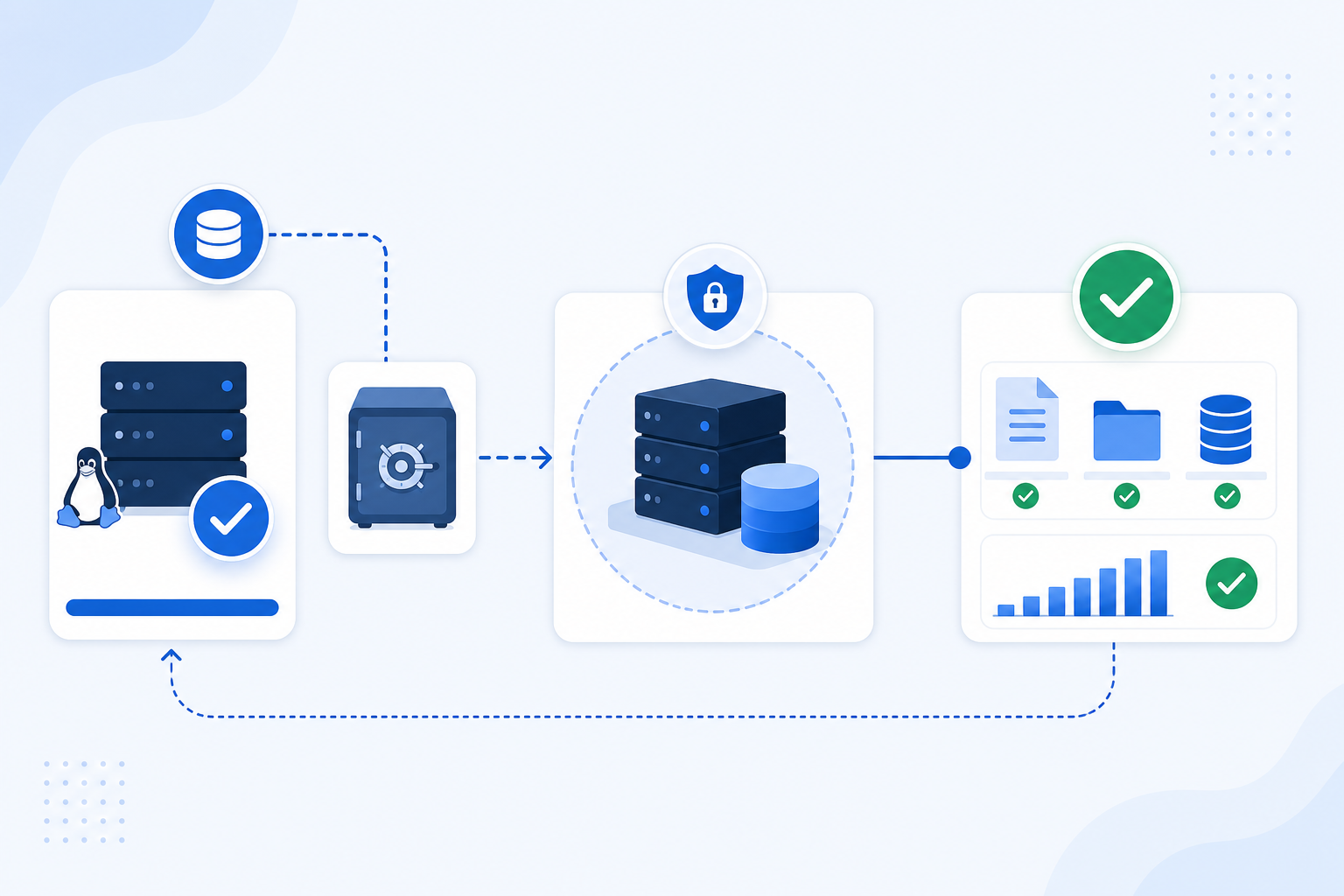
Use a limited proof-of-recovery on one representative server. Configure a backup scope, destination, schedule, retention rule, and named owner; let at least one scheduled job run; verify the tool records an identifiable recovery point; then restore to a non-production target. Record the time required and each missing dependency, because that evidence is more useful than an assumed recovery time objective (RTO), the time you can tolerate before service returns.
A common failure mode is coverage drift: the backup keeps succeeding after an application moves persistent data to a new mount, volume, or path. Another is key or credential loss: encrypted data cannot be recovered if the team cannot access the repository and its required recovery material. Review how Docker backup coverage drifts (opens in a new tab) and keep recovery information under an ownership process that survives staff changes.
Make the next decision small and testable: shortlist two tools that match your team’s operating maturity, protect one representative workload, and complete a contained restore. Choose the tool whose recovery evidence your actual on-call team can understand and repeat—not the one with the longest feature list.
- Confirm the recovery point contains the intended files or database backup artifact, not merely a completed job record.
- Restore to a deliberately separate target and preserve the original system until validation is complete.
- Validate the recovered application with a meaningful check, such as starting it, opening expected data, or completing a read-only health check.
- Write down the repository location, access prerequisites, decryption or recovery-material owner, restore commands or workflow, and validation result.
Technical basis
First-party references
Technical claims and limitations in this guide were checked against these primary sources. Confirm version-specific behavior when designing a production recovery process.
- Acronis Cyber Protect Linux agent installation documentationofficial documentation (opens in a new tab)
- Duplicati documentationofficial documentation (opens in a new tab)
- BorgBackup documentationofficial documentation (opens in a new tab)
- PostgreSQL backup and restore documentationofficial documentation (opens in a new tab)
Related from Rested
Common questions
Frequently asked questions
Which Linux server backup tool is easiest for a small team?
The easiest option is the one whose operating model your team can maintain during an incident. Acronis Cyber Protect, Duplicati, and Duplicacy are reasonable candidates for teams that value agents or web interfaces and scheduled jobs. Evaluate a real restore, storage setup, credential ownership, and failure visibility before calling any option easy.
Should I choose a backup tool with a GUI or a command-line tool?
Choose a GUI when it makes schedules, failures, recovery points, and restores more visible to the people who will respond. Choose a command-line tool such as BorgBackup when your team is prepared to own automation, logging, alerting, and documented recovery procedures. A GUI changes the interface; it does not replace restore testing.
Are encrypted backups enough to protect a Linux server?
Encryption protects backup confidentiality, but it does not prove completeness or recoverability. You still need the right backup scope, usable storage credentials, preserved recovery material, retention that retains the required point, and a tested restore. It also remains important to protect the server and backup credentials from compromise.
Can I back up a PostgreSQL database by copying its data directory?
Do not assume that copying a live database directory produces the database recovery you need. Use an engine-appropriate PostgreSQL backup approach and follow its documented restore requirements. Then protect the resulting backup artifacts alongside relevant application configuration and test recovery in an isolated target.
How often should Linux servers be backed up?
Set frequency from your recovery point objective (RPO): the maximum amount of recent data loss the organization can accept. A server with frequently changing customer data may need a different schedule from a mostly static internal service. Frequency alone is insufficient; verify that the agent host is online, the selected paths are readable, the job is visible, and restores work.