Linux backup software: choose it by the restore you need
Choose Linux backup software by workload, storage, operator effort, and restore needs. Follow a practical backup and isolated-restore checklist.
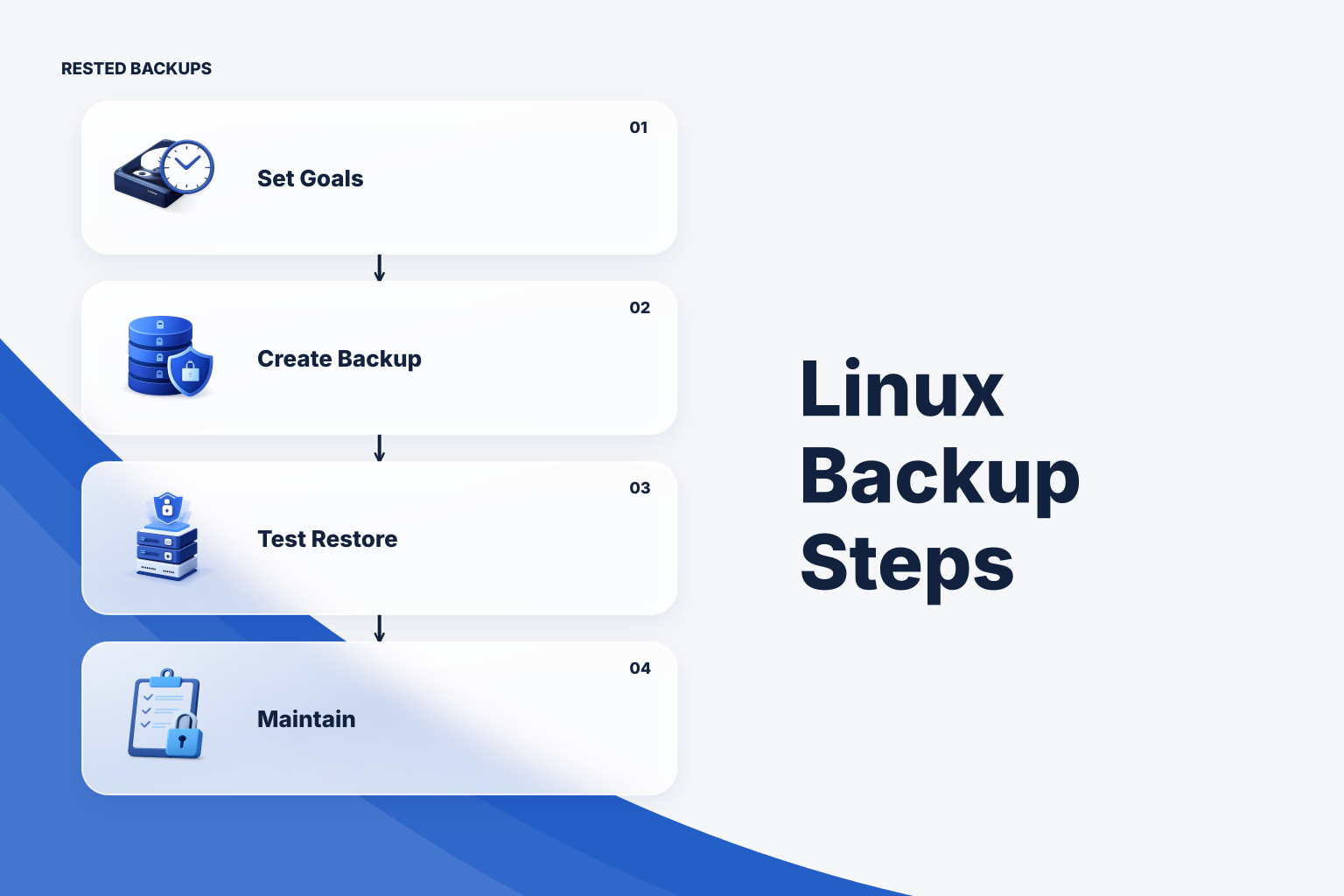
Start with the recovery you must perform
Choose Linux backup software by the restore you need to complete, not by whether it can upload files. For a small Linux service, a sensible default is encrypted off-host backups of application files and database-consistent exports, with a scheduled isolated restore test. Use a simpler file-copy approach only when its consistency and history limits are acceptable; add more automation or independent recovery copies when your team cannot reliably operate and test the default.
Write down two targets first: recovery point objective (RPO), the maximum data loss you can tolerate, and recovery time objective (RTO), the time you can allow to restore service. Inventory the state needed to meet them: database contents, uploads, application configuration, deployment instructions, and access to backup storage and decryption credentials. A daily backup is a candidate for a roughly one-day RPO only if jobs run on time and you detect misses; it cannot provide a point-in-time recovery between runs.
Check that the software can read the actual paths or volumes on your host, produce a database-consistent artifact, write to a destination outside the failure domain, and restore without the original server. Then ask who will operate credentials, retention, alerts, and drills. If continuous changes make daily data loss unacceptable, plan a database-native point-in-time recovery method rather than assuming more file snapshots will solve it.
Compare operating models, not feature lists alone
The table compares three workable approaches, not equivalent products. Direct restic is a strong fit if you can maintain scripts, monitoring, and recovery documentation. An agent-based control plane can reduce scheduling and visibility work, but it does not choose the right scope or perform your restore test for you. Filesystem snapshots plus an independent copy can help with fast file recovery when the filesystem and copy process are configured appropriately; live database consistency still needs its own plan.
Account separately for software or service charges, object-storage capacity, infrastructure for a restore test, possible retrieval or egress charges, and operator time. No option has a reliable universal price or restore-speed advantage: data size, destination, network, and rebuild steps dominate. Shortlist the approach your team can restore from using documented credentials on a replacement host, then test it before committing production recovery to it.
Prepare the backup before scheduling it
For the example below, assume one Linux application with PostgreSQL, uploads at /srv/app/uploads, and configuration at /etc/myapp. You need a readable backup scope, a PostgreSQL role permitted to dump the chosen database, enough protected staging space, a separate restic repository, and a way to retrieve its repository password and storage credentials during an outage. Confirm that configuration does not contain secrets you are not authorized to back up, and document any dependencies outside these paths.
Match the test to the failure you need to detect. A repository check can detect repository problems; reviewing snapshots or a manifest can detect missing recovery points or paths. A database-native dump listing checks that a logical archive is readable, while an isolated database import and application smoke test exercise much more of the recovery path. Filesystem clones or snapshots can speed a rehearsal, but test from the off-host copy as well if losing the source host is in scope. The [restic documentation](https://restic.readthedocs.io/en/stable/) describes repository checks and restores; neither substitutes for validating the running application.
As a starting policy for a service that can tolerate about a day of data loss, schedule one backup every day and consider seven daily, four weekly, and three monthly recovery points. That is a proposed policy, not a guaranteed RPO: missed runs, database export failures, and retention behavior can leave a larger gap. Assign an owner to review freshness and failures, protect the repository password separately from the host, and test access to both the repository and its storage from a replacement environment.
- Record the database name, application paths, excluded regenerable data, and the order in which the database and application must return.
- Record who can obtain storage access and the recovery key during an incident; restrict routine write and delete permissions to what the workflow requires.
- Alert on both a failed run and a recovery point that becomes too old. A scheduler that never starts will not produce a job-failure notification.
Run a PostgreSQL backup and an isolated restore
The commands here are **illustrative**: adapt paths, privileges, database names, retention, and credentials, and test on non-production data first. On the source host, install compatible pg_dump and restic clients. Set DB_NAME to the database to protect; set RESTIC_REPOSITORY to your preconfigured off-host repository and RESTIC_PASSWORD_FILE to a protected password file. Supply storage authentication through your approved credential mechanism, not command-line secrets. Run as an account that can read both application paths and the database; create /var/lib/backup-staging as a private directory owned by that account before running. If the repository is new, initialize it once with restic init after checking that the destination is correct. Verify pg_dump exits successfully, inspect the archive listing, then confirm that restic backup reports a snapshot and restic snapshots shows it. Do not schedule an export that shares a staging filename with an overlapping run.
sh
# Illustrative: source host, after setting the documented environment variables.
: "${DB_NAME:?set the database name}"
: "${RESTIC_REPOSITORY:?set the off-host repository}"
: "${RESTIC_PASSWORD_FILE:?set the protected password file}"
umask 077
pg_dump --format=custom --file=/var/lib/backup-staging/app.dump "$DB_NAME" &&
pg_restore --list /var/lib/backup-staging/app.dump >/dev/null &&
restic backup /var/lib/backup-staging/app.dump /srv/app/uploads /etc/myapp &&
restic snapshots
Only after confirming that the snapshot contains the intended paths, configure a separate retention run, for example restic forget --keep-daily 7 --keep-weekly 4 --keep-monthly 3; review what it would remove before enabling pruning, which reclaims unreferenced data. Schedule repository checks with capacity and runtime in mind. A missing dump, authentication error, absent upload directory, or stale snapshot is a failure requiring investigation—not a reason to silently accept the previous green run. The [PostgreSQL backup documentation](https://www.postgresql.org/docs/current/backup.html) distinguishes logical dumps from physical backup and point-in-time recovery approaches.
For the drill, use a disposable Linux host with restic, PostgreSQL tools, isolated network access, enough disk space, and the same repository access and password supplied securely. Set SNAPSHOT_ID to an inspected snapshot ID, DRILL to a new empty directory you own, and PGDATABASE or your local PostgreSQL connection settings so createdb, pg_restore, and psql reach only the disposable server. The restored dump path reflects the source host’s staging path. Replace public.orders with a table you expect to find; an empty count may be valid, but a missing table or import error needs explanation.
sh # Illustrative: disposable restore host, never the production database server. : "${RESTIC_REPOSITORY:?set the off-host repository}" : "${RESTIC_PASSWORD_FILE:?set the protected password file}" : "${SNAPSHOT_ID:?choose an inspected snapshot ID}" : "${DRILL:?set a new empty restore directory}" restic restore "$SNAPSHOT_ID" --target "$DRILL" && pg_restore --list "$DRILL/var/lib/backup-staging/app.dump" >/dev/null && createdb app_drill && pg_restore --exit-on-error --no-owner --no-acl --dbname=app_drill "$DRILL/var/lib/backup-staging/app.dump" && psql -X --dbname=app_drill -c 'SELECT count(*) FROM public.orders;'- Inspect restored uploads and configuration, substitute disposable endpoints and secrets, then start the database dependency before the application in the isolated environment. Confirm that a known record and an uploaded file are available through the application, and time the entire drill against your RTO. If
createdbsucceeded but import failed, preserve logs and investigate before repeating the test. After recording results, confirm the target is disposable, stop the test application, and remove its database and restored files according to your local cleanup procedure; never point this drill at a production target.
Make recovery evidence part of routine operations
If maintaining schedules and run records across Linux hosts is the part your team struggles with, [Rested Backups](https://restedbackups.com) can run encrypted restic workflows through an enrolled agent and keep schedules, recent outcomes, snapshots, and restore work visible in one workspace. You still choose the paths or supported database recipe, configure storage you control, preserve the recovery key, and verify the restored service. The agent must be online and able to read its backup scope when a job runs.
During an incident, stop writing to the damaged source if possible, identify a recovery point before the damage, and restore to a fresh target rather than overwriting your only remaining evidence. Bring up storage access and decryption, restore data, import the database, start dependencies, then start the application and validate it with a known transaction or record. If the latest snapshot is unusable, document why, try an earlier point, and recalculate actual data loss and recovery time.
Keep a copyable drill checklist with the runbook: confirm scope and credentials; inspect snapshot time and contents; restore into isolation; import the database; test a real application read; record elapsed time, missing data, and cleanup. Repeat it after changes to mounts, databases, credentials, or storage policy. The useful backup is the recovery path your team has actually rehearsed.
Technical basis
First-party references
Technical claims and limitations in this guide were checked against these primary sources. Confirm version-specific behavior when designing a production recovery process.
Related from Rested
Common questions
Frequently asked questions
Is copying files with rsync enough for a Linux server?
It can be sufficient for a deliberately simple, mostly static workload if you retain independent historical copies and test recovery. A direct mirror can also reproduce deletions, and copying live database files does not automatically create a consistent database backup. Match the copy method to the workload and test the complete restore.
Does restic provide PostgreSQL point-in-time recovery?
Restic can preserve PostgreSQL dump artifacts or suitable physical-backup artifacts, but snapshots of periodic dumps do not supply recovery between dump times. For point-in-time recovery, design and test PostgreSQL-native physical backups and write-ahead-log retention under the requirements in the PostgreSQL documentation.
How often should I test a restore?
Set a repeatable cadence your team will keep, then add a test after meaningful changes to application state, backup scope, storage access, or credentials. A test should use an isolated target and record both whether the service works and how long the full recovery took.
What if the backup agent or original server is unavailable?
Your recovery plan should include independent access to the storage location, decryption credential, repository instructions, and a replacement host. Rehearse retrieving and restoring a known snapshot without relying on the damaged server or an operator's personal account.