Restic Backup to S3 Checklist for Linux Servers
Follow a practical restic backup to S3 checklist: define recovery scope, configure storage and credentials, verify snapshots, test restores, and troubleshoot common failures.
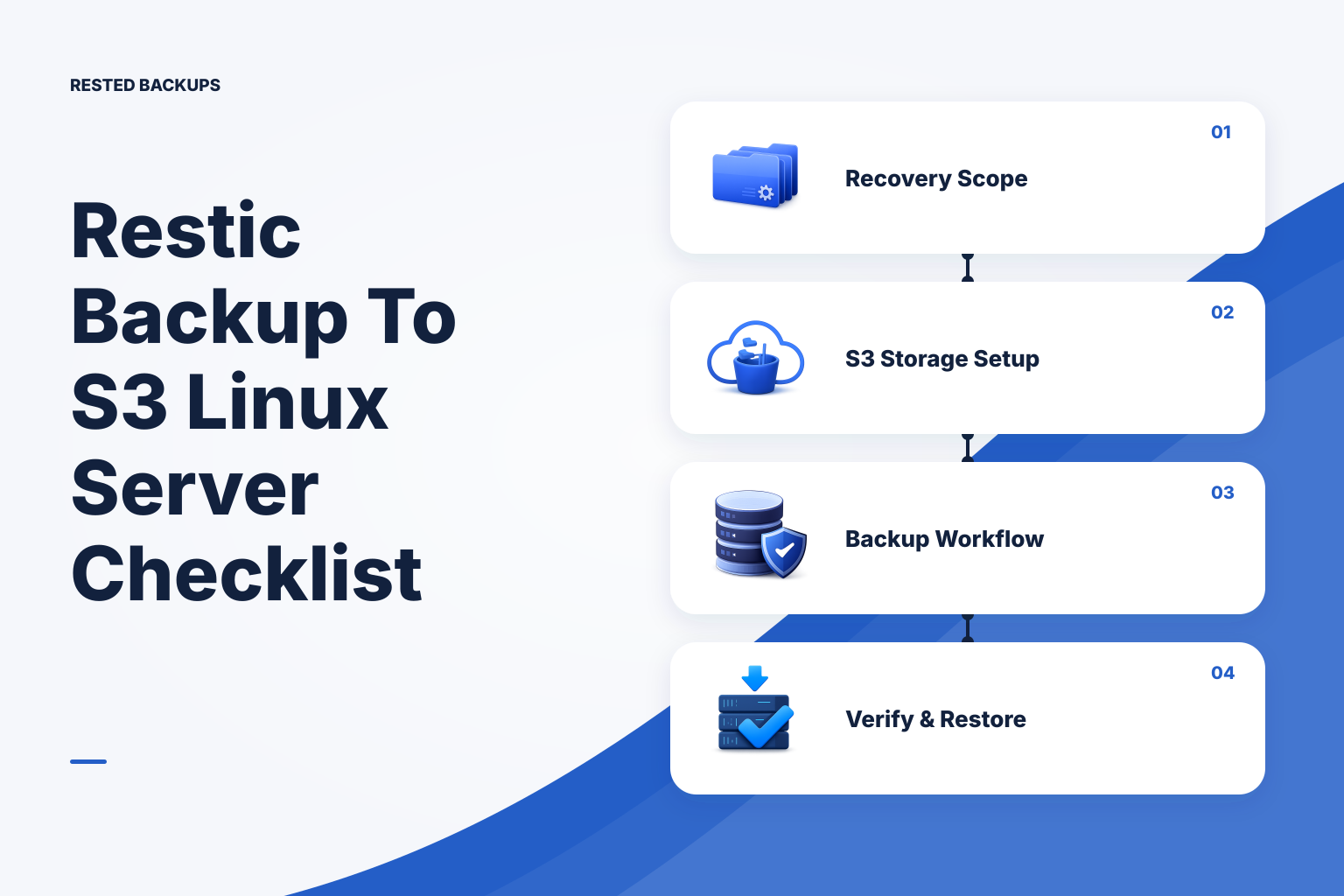
Start with the recovery decision, not the S3 bucket
A useful **restic backup to S3 checklist** starts with the recovery you need to perform, not with bucket creation. A successful upload is necessary, but it does not prove that the backup contains the right data, that the repository can be unlocked, or that the application will work after recovery. Treat S3 as one part of a recovery system: source scope, a consistent backup method, repository access, retention, and a tested restore all have to work together.
The fastest safe path is to inventory the service state, create one deliberately scoped repository location, back up selected paths and database-consistent artifacts, confirm a snapshot exists, then restore that snapshot to an empty non-production target. Do this once before relying on automation. The design changes when you need a shorter recovery point objective (RPO, the maximum acceptable data-loss window), a shorter recovery time objective (RTO, the time allowed to restore service), or protection against credentials that could delete backup data.
Before configuring restic, write down the service and its recovery targets. For a Linux application, those commonly include persistent application data, user uploads, required configuration, the documented process for re-creating secrets, and database-consistent backup artifacts. Your RPO determines backup frequency and retained history. Your RTO determines how much restore work, staging capacity, and rehearsal you need.
Do not assume that one server directory is the complete application. Containers may store state in named volumes or bind mounts, while a database usually needs an engine-appropriate logical or physical backup method rather than an arbitrary copy of its live files. Docker documents volumes as persistent data managed outside a container’s writable layer; inspect actual mounts before choosing paths. For a broader inventory, read [what to back up on a Linux server](/blog/what-to-back-up-linux-server) and review [how to detect Docker volume and mount backup coverage drift](/blog/detect-docker-volume-mount-backup-coverage-drift).
- Name the service, host, paths, databases, object-store data, configuration, and dependency information needed for recovery.
- Choose a deliberate restore destination: an isolated test host, a disposable Compose project, staging, or a new production host during an incident.
- Assign an owner for S3 access, repository password or recovery-key custody, and restore approval.
- Define proof in advance: recovered files, a successful database import, an application health check, and a recorded recovery time.
Prepare S3 storage and credentials with recovery in mind
Create or select a bucket and a dedicated prefix for this repository before initializing it. A location such as s3:s3.amazonaws.com/example-backup-bucket:backups/production/app-1 is easier to identify and scope than mixing unrelated repositories in one prefix. Keep the repository location, bucket region or endpoint details, account ownership, and the identity allowed to access it in recovery documentation; the bucket name alone is not enough information to restore.
Use a dedicated identity whose permissions are scoped to the intended bucket and repository prefix where your storage platform permits it. The exact policy depends on the provider and on whether routine retention cleanup will delete unreferenced repository data. An identity that can write but cannot list or read the repository may block normal backup and restore work; a broadly privileged identity increases the blast radius of credential loss. Review the access model in the [Amazon S3 User Guide](https://docs.aws.amazon.com/AmazonS3/latest/userguide/Welcome.html), then test permissions using the same identity the scheduled job will use.
Separate storage credentials from the repository password or recovery key in your operating procedure. restic encrypts repository data, but decryption still depends on that repository secret being available to authorized people during a recovery. Store it through an access-controlled, durable process that is separate from the protected host and preferably separately accessible from the S3 credentials. If the secret is lost, new S3 credentials do not unlock the encrypted repository. See [backup encryption key loss: build a recovery ownership plan](/blog/backup-encryption-key-loss-recovery-ownership-plan) for a practical custody model.
Budget for more than stored backup data. Your operating cost can include object-storage capacity, storage API requests, retrieval or egress charges where applicable, lifecycle transitions, and operator time for restore tests. Retention is also a recovery decision: a lower-cost policy retains fewer recovery points, while a higher-resilience policy keeps more history and requires you to understand the storage and pruning consequences. If you use an S3-compatible provider rather than AWS S3, confirm its endpoint, credential format, lifecycle behavior, and restore costs before production use.
- Record the repository URL, bucket, prefix, endpoint or region settings, and the account that owns the storage.
- Use a dedicated backup identity and restrict it to the intended repository location where possible.
- Check storage quotas, lifecycle policies, retrieval charges, and billing ownership so capacity or retention changes do not silently undermine the plan.
- Keep the repository password or recovery key in a documented custody process; do not leave its only copy on the protected host.
Create a repeatable repository and backup workflow
On the Linux host, install a restic version appropriate for your environment, confirm that the backup process can read the selected sources, and provide repository and storage credentials through a protected mechanism. The host must be online and able to read the selected paths when the job runs. Read the current [restic documentation](https://restic.readthedocs.io/en/stable/) for backend syntax, credential handling, supported commands, and behavior that may vary by version or storage endpoint.
The following is an illustrative shell workflow for a new S3-backed repository. Run it first on a non-production repository or with a harmless test path. Replace every placeholder with your own location and use your operating system’s protected secret-management method for credentials; do not place access keys or repository passwords directly in shell history, scripts, Compose files, or source control. It initializes only a new repository, creates a snapshot of explicitly named sources, and lists the result. Expected evidence is a successful initialization followed by a new snapshot containing the selected paths.
bash
# Prerequisites: restic is installed; the backup identity can access the intended S3 bucket and prefix.
# Safe context: a new test repository or a reviewed production repository location.
# Set these in a protected service environment, secret manager, or restricted root-owned environment file.
export RESTIC_REPOSITORY='s3:s3.amazonaws.com/EXAMPLE_BUCKET:backups/production/APP_NAME'
export RESTIC_PASSWORD_COMMAND='command-that-reads-the-repository-secret-securely'

# Initialize once for a NEW repository. Do not rerun this against an unknown existing location.
restic init

# Back up explicit application paths and completed database artifacts, not broad temporary directories.
restic backup \
  /srv/APP_NAME/data \
  /etc/APP_NAME \
  /var/backups/APP_NAME

# Confirm the new recovery point and inspect its metadata.
restic snapshots
For PostgreSQL, create a database backup artifact with a PostgreSQL method that fits the scope and restore plan, then include that completed artifact in the restic backup. PostgreSQL’s [backup and restore documentation](https://www.postgresql.org/docs/current/backup.html) distinguishes logical and physical approaches and their restore implications. A filesystem copy of a live PostgreSQL data directory is not automatically an application-consistent database backup. For a single database versus whole-cluster decision, compare [pg_dump vs pg_dumpall](/blog/pg-dump-vs-pg-dumpall) before automating the job.
- Back up named paths and generated database artifacts, not a vague assumption that the entire service lives in one directory.
- Write database dumps or export artifacts to a controlled location and move them into the backup set only after the export succeeds.
- Schedule according to the accepted RPO, then make a missed run as visible as a failed command.
- Set retention deliberately and understand how snapshot expiration and repository cleanup affect what can still be restored.
Generate complete database artifacts before restic reads them
For a typical PostgreSQL logical backup, create the artifact in a local directory reserved for backup output, use an atomic rename only after pg_dump succeeds, and back up that final directory with restic. The example below is illustrative and must be adapted for your PostgreSQL authentication, database name, retention, and disk capacity. Run it as an authorized operating-system account in a non-production test first. It does not overwrite a production database; it creates a new dump file and confirms that the file is non-empty before restic is called.
bash
# Prerequisites: pg_dump and restic are installed; PostgreSQL authentication is configured without exposing a password.
# Safe context: test with a non-production database and repository before scheduling.
# Placeholder values: APP_DB, APP_NAME, and the repository environment shown in the previous section.
set -euo pipefail

backup_dir='/var/backups/APP_NAME'
timestamp="$(date -u +%Y%m%dT%H%M%SZ)"
tmp_dump="${backup_dir}/APP_DB-${timestamp}.dump.tmp"
final_dump="${backup_dir}/APP_DB-${timestamp}.dump"

install -d -m 0700 "$backup_dir"
pg_dump --format=custom --file="$tmp_dump" APP_DB
[ -s "$tmp_dump" ]
mv "$tmp_dump" "$final_dump"

restic backup "$backup_dir"
restic snapshots --path "$backup_dir"
A logical dump is useful only if you can import it into a compatible isolated target and use the recovered data. The restore example below assumes a disposable, empty test database named APP_DB_RESTORE. It intentionally does not include destructive drop or overwrite options. Ensure you have enough local disk, use a PostgreSQL version compatible with your dump and target, and point application tests only at the isolated database.
bash
# Prerequisites: choose a known snapshot ID from
restic snapshots; create an empty isolated PostgreSQL test database.
# Safe context: an empty restore directory and a non-production database such as APP_DB_RESTORE.
# This restores backup files to a new directory, then imports one selected custom-format dump.
set -euo pipefail
snapshot_id='SNAPSHOT_ID'
restore_dir='/tmp/APP_NAME-restore-test'
restic restore "$snapshot_id" --target "$restore_dir"
restored_dump="$(find "$restore_dir" -type f -name 'APP_DB-*.dump' | head -n 1)"
test -n "$restored_dump"
pg_restore --dbname=APP_DB_RESTORE --exit-on-error "$restored_dump"
psql --dbname=APP_DB_RESTORE --command='SELECT current_database();'
},{
- Make restic read completed, non-empty database artifacts rather than temporary files still being written.
- Monitor local free space for dumps or physical-backup staging; a full local filesystem can prevent a new recovery point even when S3 is healthy.
- Restore database artifacts into an isolated instance first and run a small query or application smoke test.
- Document whether the job protects one database, every database, roles and global objects, or another intentionally limited scope.
Verify the repository, snapshot, and application evidence separately
Verification has three separate layers. First, confirm that the scheduled backup completed and produced a recent snapshot. Second, inspect the snapshot’s paths, timestamps, and expected artifacts to establish that the intended scope was captured. Third, periodically restore stored data and validate that the application can use it. The first two checks are important operational evidence; neither substitutes for the third. For more detail, see [why a successful backup can still be unrecoverable](/blog/successful-backup-still-unrecoverable).
Run repository integrity checks on a schedule suited to repository size, storage read costs, change rate, and risk tolerance. The illustrative command below reads repository metadata; review current restic documentation before selecting additional verification options because deeper checks can require more time and storage reads. A clean check provides evidence about repository structure and stored data, not proof that every required application dependency was selected.
bash
# Prerequisites: repository settings and credentials are available through protected environment configuration.
# Safe context: read-only repository verification; still schedule it to avoid competing with backup or restore windows.
# Expected result: restic reports no errors. Investigate any error before relying on the affected recovery point.
restic check

# Review the newest snapshots and their protected paths after a successful scheduled run.
restic snapshots
restic ls latest
A practical restore test selects a known snapshot, restores it to an empty non-production target, and validates the result without overwriting the live service. For files, check expected content, permissions, ownership expectations, and configuration. For database artifacts, import into an isolated instance, check expected schemas and data, and run a small application-level query or health check. Record the snapshot used, the runbook followed, failures encountered, elapsed time, and any manual steps. Use the [VPS backup restore test checklist](/blog/vps-backup-restore-test-checklist) to make the rehearsal repeatable.
- Confirm the newest snapshot is recent enough for the service’s stated RPO.
- Browse or list snapshot contents and check that expected files and database artifacts are present.
- Run repository checks deliberately and investigate failures before the next recovery event.
- Restore to an isolated target and validate the recovered service, not just the existence of a restored directory.
Plan for the failures that a green backup status can hide
The most expensive backup failures are often configuration drift rather than a broken backup command. An application can move persistent data to a new volume, a database artifact can stop being generated, credentials can lose access after a policy change, or a lifecycle rule can remove data earlier than expected. Review deployment manifests, mounts, database topology, storage permissions, and retention whenever the service changes.
Also distinguish a failed run from a run that never started. Host outages, disabled timers, network loss, an exhausted local filesystem used for dump artifacts, or credential-loading failures can mean there is no new snapshot at all. Monitor backup freshness against the expected schedule, keep enough run history to diagnose trends, and investigate stale repositories promptly rather than waiting for a restore event. [How to monitor restic backups and alert on failed scheduled jobs](/blog/monitor-restic-backups-alert-scheduled-job-failures) covers both failed commands and missed schedules.
For several servers or repositories, visible schedules, recent failures, snapshots, and restore actions reduce the chance that a cron job fails unnoticed. [Rested Backups](https://restedbackups.com) runs encrypted restic backup workflows on connected Linux servers and keeps those operational signals in one workspace. You still control storage configuration, access permissions, repository-secret custody, backup scope, and restore testing.
Keep recovery access and backup-storage exposure in your threat model. Separate credentials, scoped permissions, and carefully operated retention controls can reduce some failure modes, but no single setting makes a backup automatically ransomware-proof. CISA recommends maintaining backups and testing restoration as part of ransomware preparedness; use its [ransomware guide](https://www.cisa.gov/stopransomware/ransomware-guide) alongside your incident and access-control procedures. If you are considering retention protections such as Object Lock or versioning, understand how they affect deletion, lifecycle rules, and restic pruning before enabling them.
- Re-check backup scope after container, mount, path, database, or deployment changes.
- Test the actual scheduled identity after S3 policy, credential, endpoint, or storage-account changes.
- Review lifecycle and retention changes before relying on old snapshots for rollback or incident recovery.
- Keep the restore runbook with repository location, key-custody instructions, storage access steps, and validation criteria.
Technical basis
First-party references
Technical claims and limitations in this guide were checked against these primary sources. Confirm version-specific behavior when designing a production recovery process.
Related from Rested
Common questions
Frequently asked questions
What is the minimum information I need to restore a restic repository from S3?
You need the exact repository location and relevant endpoint or region settings, working storage access, the repository password or recovery key, a compatible restic installation, and a target with enough capacity to receive the restore. For an application recovery, you also need the configuration and runbook explaining where restored data belongs and how to validate it.
Can I back up a live PostgreSQL data directory with restic?
Do not treat a raw copy of a live PostgreSQL data directory as a general-purpose PostgreSQL backup plan. Use a PostgreSQL-supported logical or physical backup method that matches your recovery objective, then protect the resulting artifact or backup set with restic. The appropriate choice depends on required scope, point-in-time needs, and the restore process you can operate.
How often should I run restic check against an S3 repository?
There is no universal interval. Choose it based on repository size, read costs, change rate, risk tolerance, and the time available to investigate before recovery is needed. Treat a clean check as repository evidence only; pair it with freshness monitoring and periodic application-level restore tests.
Should each server use a separate S3 prefix or restic repository?
A separate prefix per repository is generally easier to identify, permission, document, and recover. Whether each server should have its own repository depends on operational and access boundaries: shared repositories can simplify some management, while separate repositories can reduce accidental cross-system access and make ownership clearer. Choose deliberately and document the restore implications.
Does a successful restic backup prove that I can recover after ransomware or an outage?
No. It shows that restic completed the work it was assigned under the conditions of that run. It does not prove that scope was complete, credentials and the recovery key will remain available, storage data is usable, or the application can run after restore. An isolated restore followed by service validation is the meaningful proof.